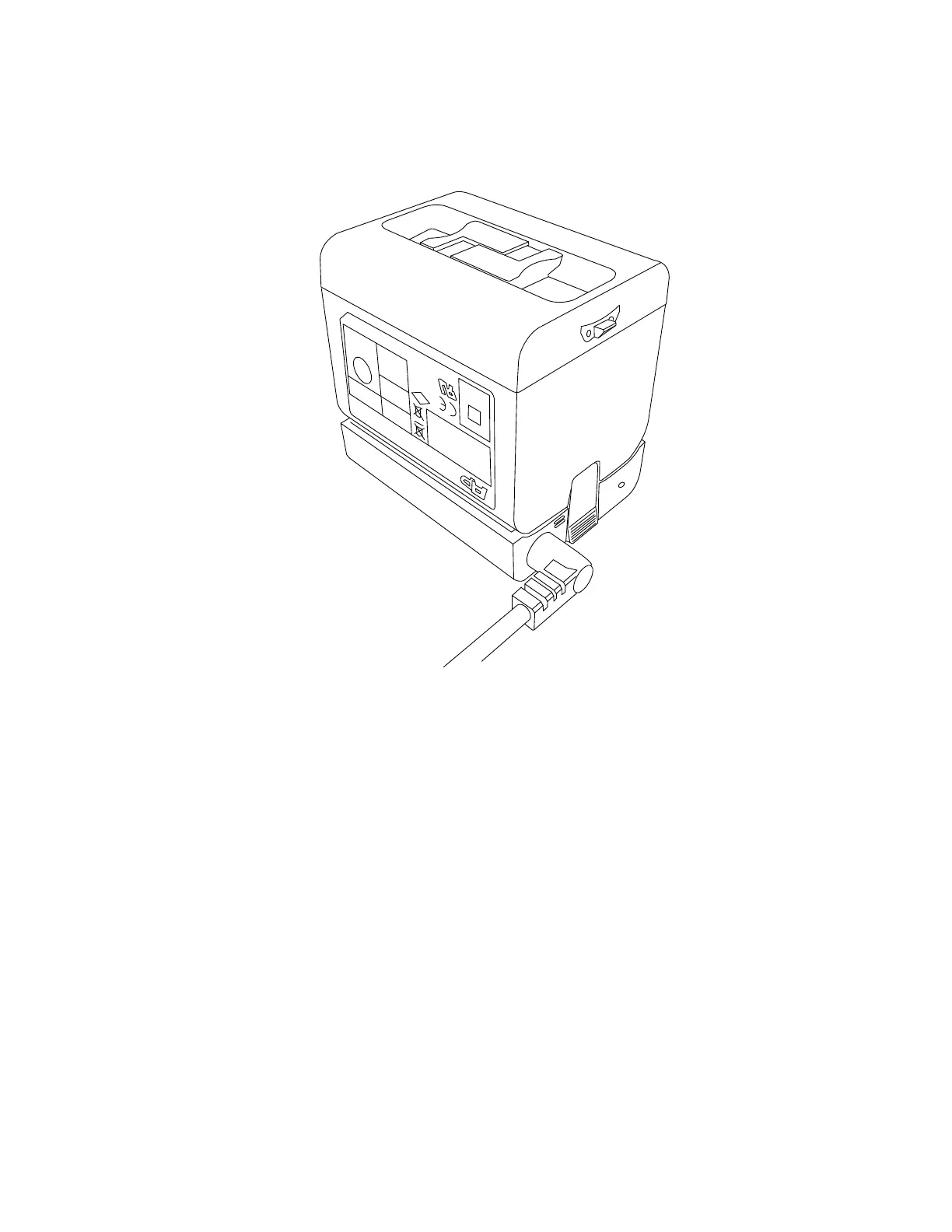
4. Place the battery on top of the PowerDock battery charger. Ensure that the battery terminals are
aligned correctly with the pins of the charger. Snap the battery into place.
Figure 5-3 Placing the battery on the PowerDock battery charger
5. Charging starts automatically; the LED blinks and illuminates according to the current charging
state of the battery. See PowerDock Battery Charger on page19
After charging, carefully press the charger interlock mechanism and remove the battery.
FARO
®
Focus Premium Laser Scanner User Manual
Chapter 5: Getting Started
FARO Focus Premium (March 2022) Page27of157



 To Next Page