IP Address
The IP address of the scanner. A unique IP address must be preset on the WLAN network. If your remote
device is connected to the scanner, enter this address into the address field of your web browser (for
example, http://172.17.16.23) to access the controller software. Tap to change the scanner's IP address.
For secure, encrypted communication with the scanner GUI, enable the secure connection
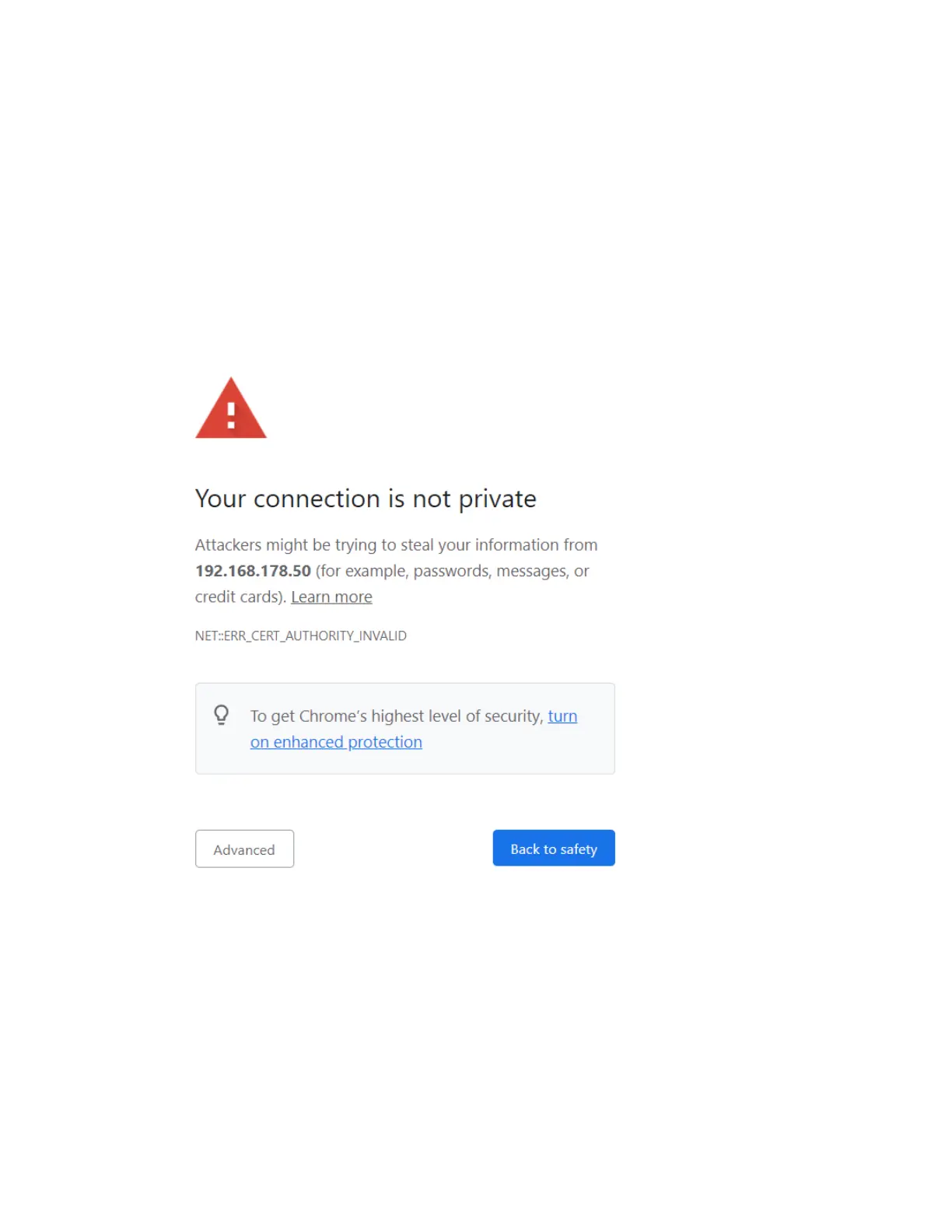
https://172.17.16.23 in the address field of your web browser. You receive a security warning from the
browser, before connecting to the GUI. Follow the instructions in your browser to complete the
connection.
Figure 6-22 Scanner secure connection: Warning
Be aware that setting an IP address manually can result in a conflict if two devices on the same wireless
network claim to have the same IP address.
Consider the following for a static IP connection:
Gateway - The gateway used to access the WLAN network.
Network prefix length - The subnet mask used in the WLAN network.
DNS 1 - First dynamic name server to be used in the WLAN network.
FARO
®
Focus Premium Laser Scanner User Manual
Chapter 6: Controller Software
FARO Focus Premium (March 2022) Page91of157



 To Next Page