3-56
Frequently Used Functions
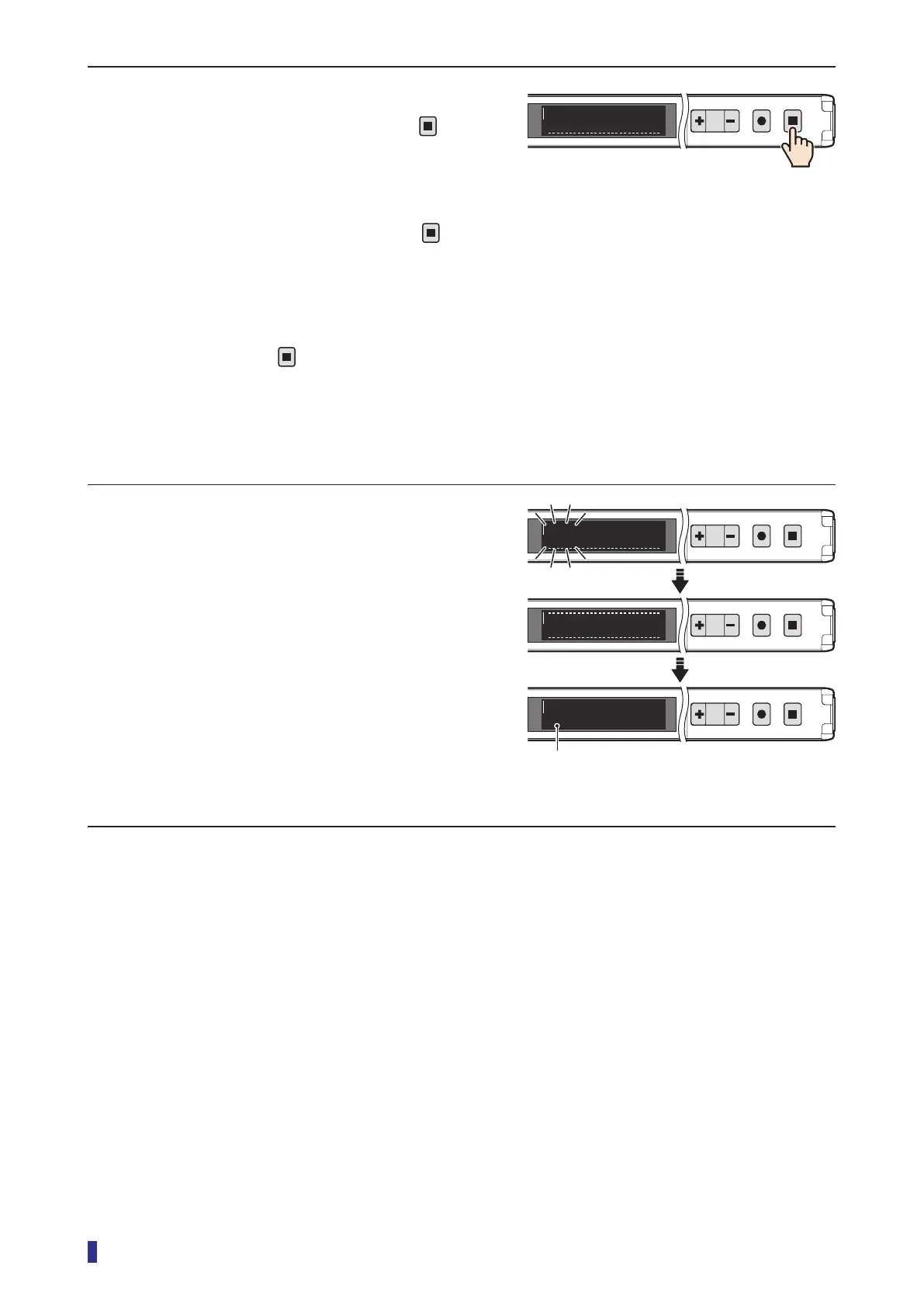
2 After a certain amount of time has passed
(less than 30 seconds), hold down
for 1
second or more.
This completes the measurement of the received
light amount.
* If approximately 30 seconds elapse with
not
being held down, the teach function will be
canceled, and the threshold will not be set.
* For applications with large fluctuations of received
light amount, press
less quickly (within
approximately 30 seconds). Changes in the
received light amounts will be included in the
threshold setting.
3 The saved threshold blinks.
The OLED display automatically returns to the
RUN screen.
This completes the setting of the teach function.
1
2
MENU
OK
TEACH
ESC
Stop
0
RUN screen
1
2
MENU
OK
TEACH
ESC
Refresh
1
2
MENU
OK
TEACH
ESC
33
1
2
MENU
OK
TEACH
ESC
To run mode
0
±33
Thresholds, the range of differences of received
light amount, set by teaching without an object
are displayed.



 To Next Page