Some menu options or setting values are not applicable depending on the product variant and the
selected switching function.
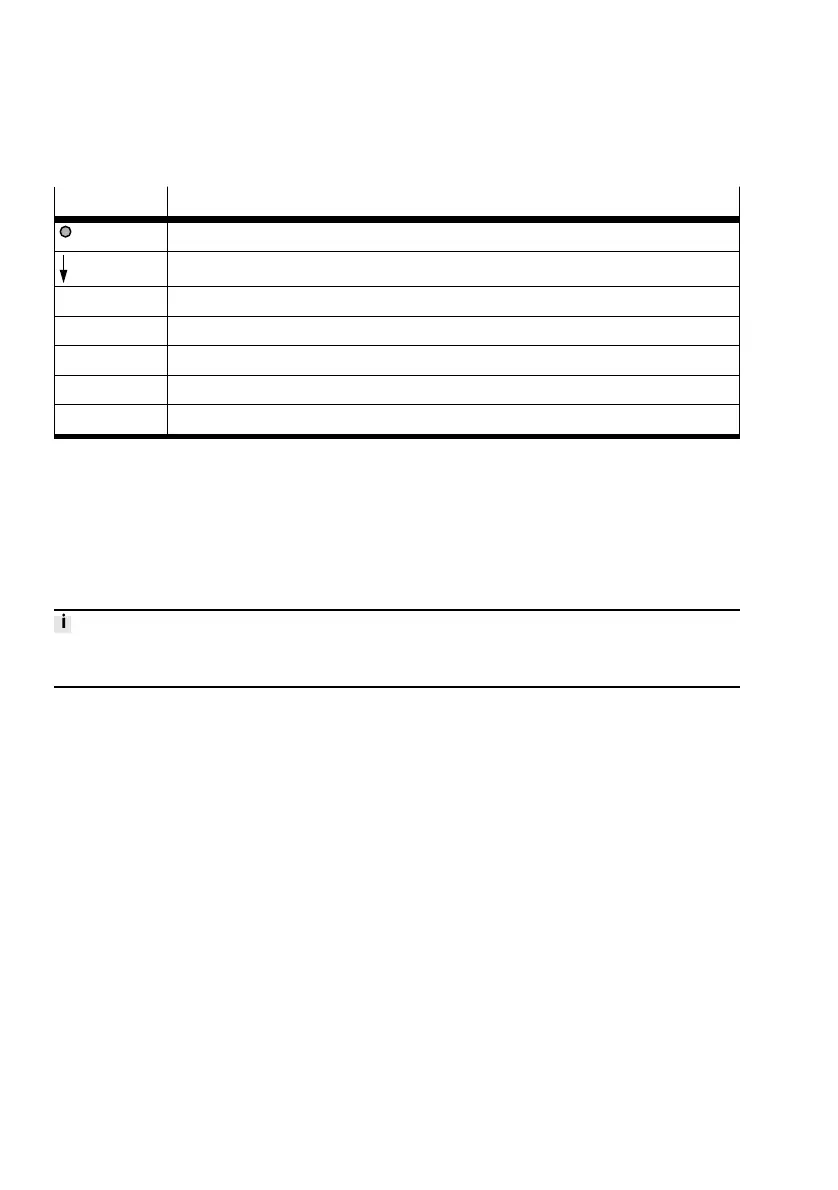
Legend Meaning
Edit button
A or B pushbutton
Bold Factory setting
1) Menu column only for PNLK-VB/A
2) Menu item only with PNLK-VB
3) Menu item only for PNLK-VB/A
4) Menu column and menu item only for 2P/2N
Tab. 18 Legend for menu structure EDIT mode
8.3 Setting the switching characteristics of the binary signals (EDIT mode)
– The distance monitoring function can be set for the binary signals OutA and OutB.
– The supply pressure monitoring function can be set for binary signal OutC
è 5.2.2.1 Switching signals.
Setting distance monitoring for OutA
The procedure for setting the distance monitoring for OutA and OutB is basically identical. The proced-
ure is described below based on the binary signal OutA.
Requirement: EDIT mode is active.
1. Select [OutA] with the A or B pushbutton.
2. Press the Edit button to confirm the selection.
Ä
[SP] flashes.
3. Set switching point with the A or B pushbutton.
4. Press the Edit button to confirm the set value.
Ä
[HY] flashes.
5. Set value for hysteresis with A or B pushbutton.
6. Press the Edit button to confirm the set value.
Ä
[NO] or [NC] flashes.
7. Select the switching element function with the A or B pushbutton.
8. Press the Edit button to confirm the selection.
Ä
RUN mode is active.
9. Use a test run to check that the sensor switches as desired (switching point and hysteresis).
Commissioning
28 Festo — SOPA — 2020-04








 To Next Page