84 FCP-75 Manual — P/N LS10147-003FK-E:A 3/17/2021
Section 9: Programming
This section of the manual describes how to manually program the control panel from the built-in annunciator. Each subsection discusses
these Menu options in detail. All options described in this section can be performed using the HFSS Programming Tool.
9.1 UL 864 Programming Requirements
9.2 Modules
This section lists the options available under the Module Option in the Program Menu. The types of modules available for the control panel
are FIK-RA100, FIK-RA1000R, or FIK-RA2000 LCD Annunciator, FIK-5824 Serial/Parallel input/output, FIK-5880 LED Input/Output
module, FIK-5496 NAC Expander, FIK-RPS1000 Power supply, FIK-NIC Network Interface Card, and FIK-5865 LED Annunciator.
9.2.1 Edit Modules
The features you can edit when this option is selected are the following: Module Name, and Class of Wiring (Class A or Class B).
To edit an existing module, follow these steps:
1. Enter the Installer Code.
2. Select 7 for Program Menu.
3. Press 1 to enter Module Menu.
4. Press 1 to edit a module.
5. Use the up or down arrow to select the module you want to edit.
Editing Module ID
6. Press the up or down arrow key to modify the Module ID.
Naming Modules
You can assign an English name to a hardware module to make it easier to recognize on a display.
7. To edit a module name, press the up or down arrow to select each character for the modules name (or press the right arrow to bypass the
name edit). Press the right arrow to move to the next character.
NOTE: Before any customized programming is done, JumpStart
®
Autoprogramming should be run first. After JumpStart is run, thoroughly
test the system. The reason the system should be tested after JumpStart Autoprogramming is because JumpStart automatically programs
the system, searching for and configuring all SLC and SBUS devices it finds. JumpStart allows you to confirm the integrity of the installation
prior to performing any custom programming. After you determine that the hardware is properly installed, custom programming can be
performed.
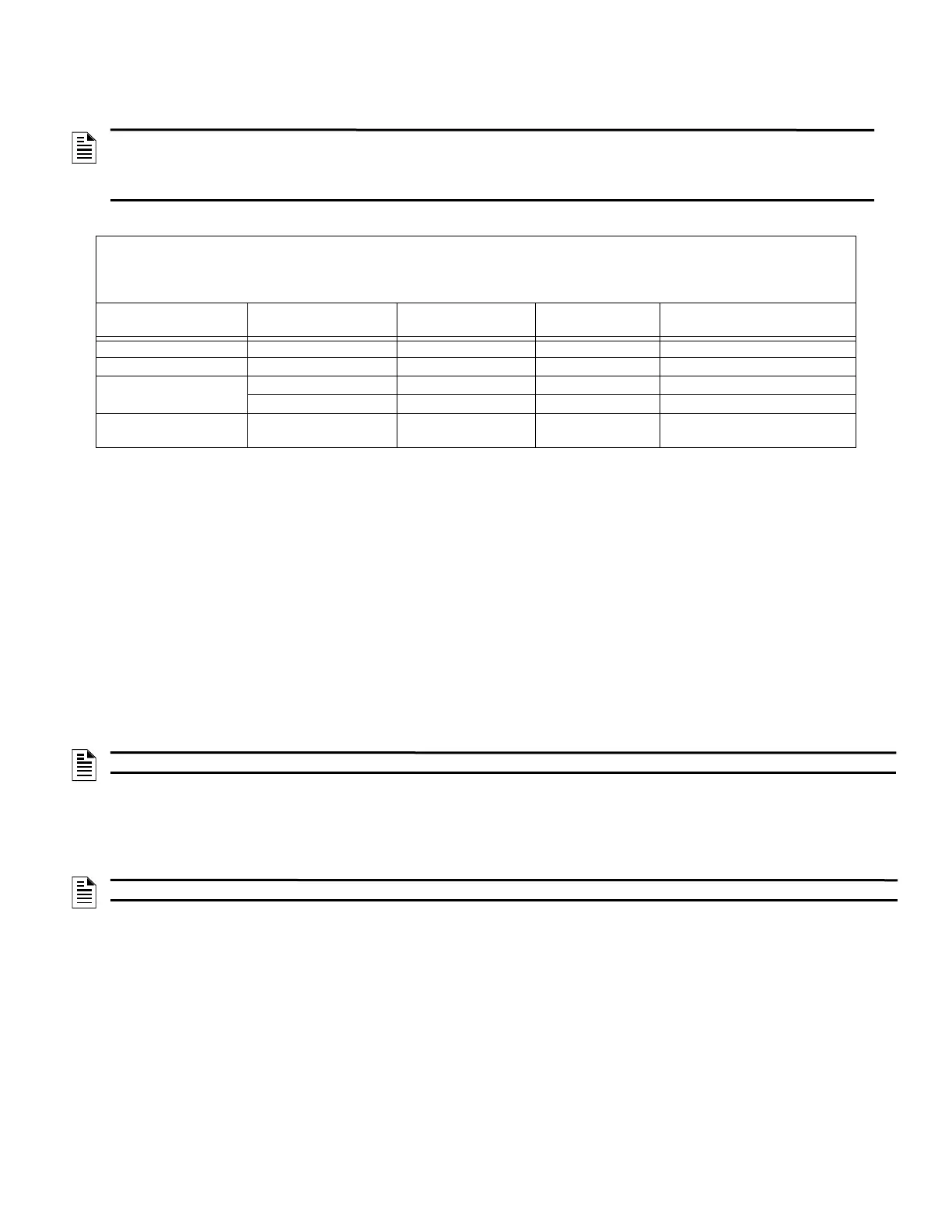
NOTICE TO USERS, INSTALLERS, AUTHORITIES HAVING JURISDICTION, AND OTHER INVOLVED PARTIES: This product
incorporates field programmable software. In order for the product to comply with the requirements in the Standard for Control Units and
Accessories for Fire Alarm Systems, UL 864, certain programming features or options must be limited to specific values or not used at all
as indicated below.
Programming Option Menu Item
Permitted in
UL 864 (Y/N)
Possible Settings
Settings Permitted in
UL 864
Time Options Auto-Resound Yes 4 or 24 hrs 4 hours if using SWIFT devices
Time Options Low AC Report Delay Yes 0–30 hours 1–3
Display Oldest Event Y (Enabled) Yes Yes & No Yes
N (Disabled) No Yes & No No
Alarm Verification Alarm Verification Yes 60-250
(confirmation period)
60
Table 9.1 Programming Requirements
NOTE: Internal devices and FIK-NIC are not able to have their module ID edited.
NOTE: See Appendix B to edit Names.



 To Next Page