I&J7000 Series Operating Manual
Section 4: Programming Example
Part # 561978B
Rev. H May 04
2.2. Insert / Delete an Instruction
To insert an instruction, press the INS key. The point currently shown in the display will be
moved forward one memory address. A new, empty memory address will be inserted at
the current memory address.
To delete the instruction currently show in the display, press the DEL key.
3. Changing the Program Number
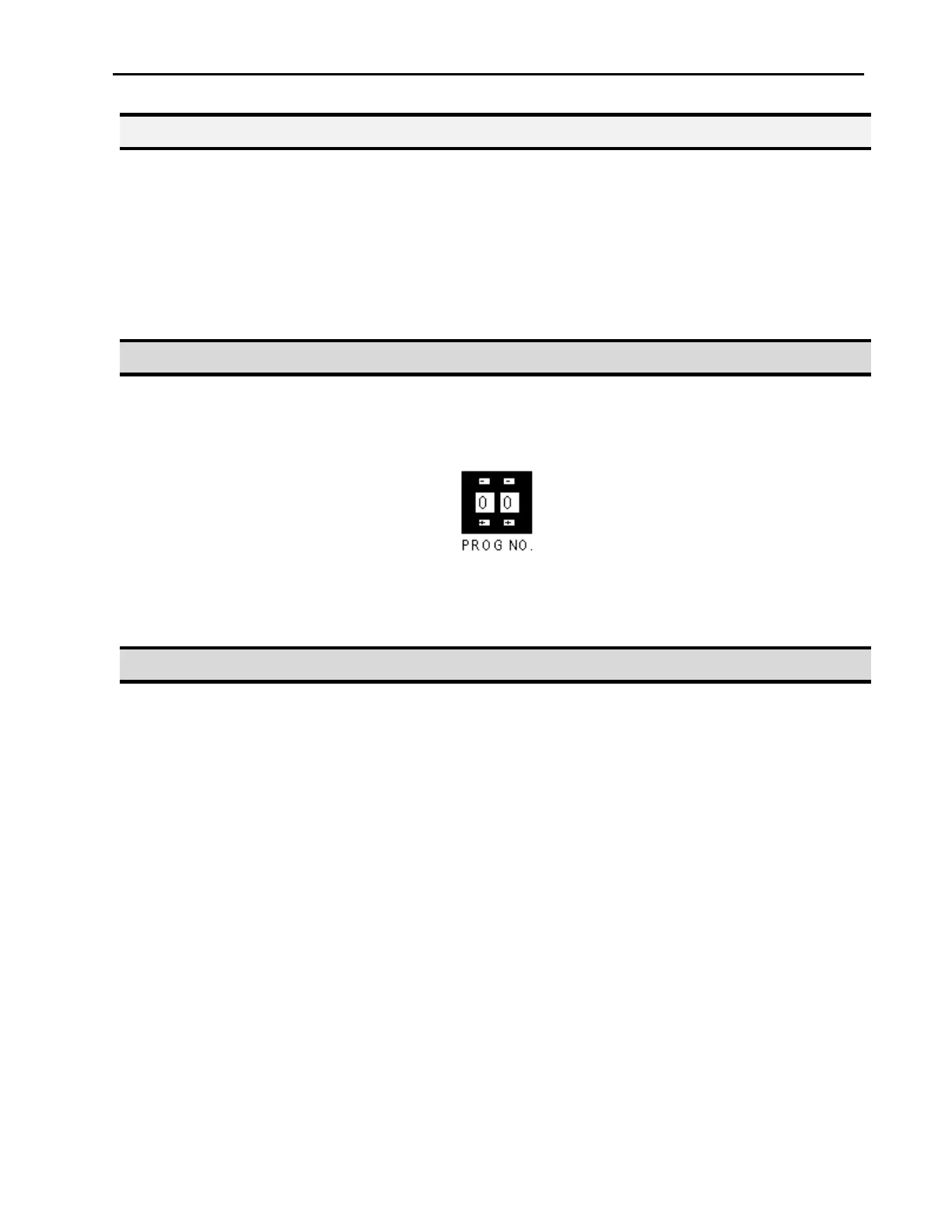
The program number is selected by the program number selection switches on the main
unit control panel.
Press the + and – buttons to select the program number.
4. Changing from Teach Mode to Run Mode
To change from Teach mode to Run mode, change the position of the mode switch on the
main unit control panel.
When the machine is in Run mode, the teaching box is not required. Programs can be
selected and run using the switches on the front control panel on the main unit.



 To Next Page