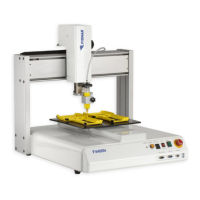
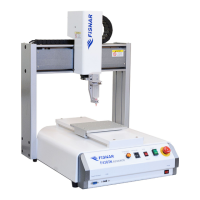
I&J7000 Series Operating Manual
Section 4: Programming Example
Part # 561978B
Rev. H May 04
2. Editing a Program
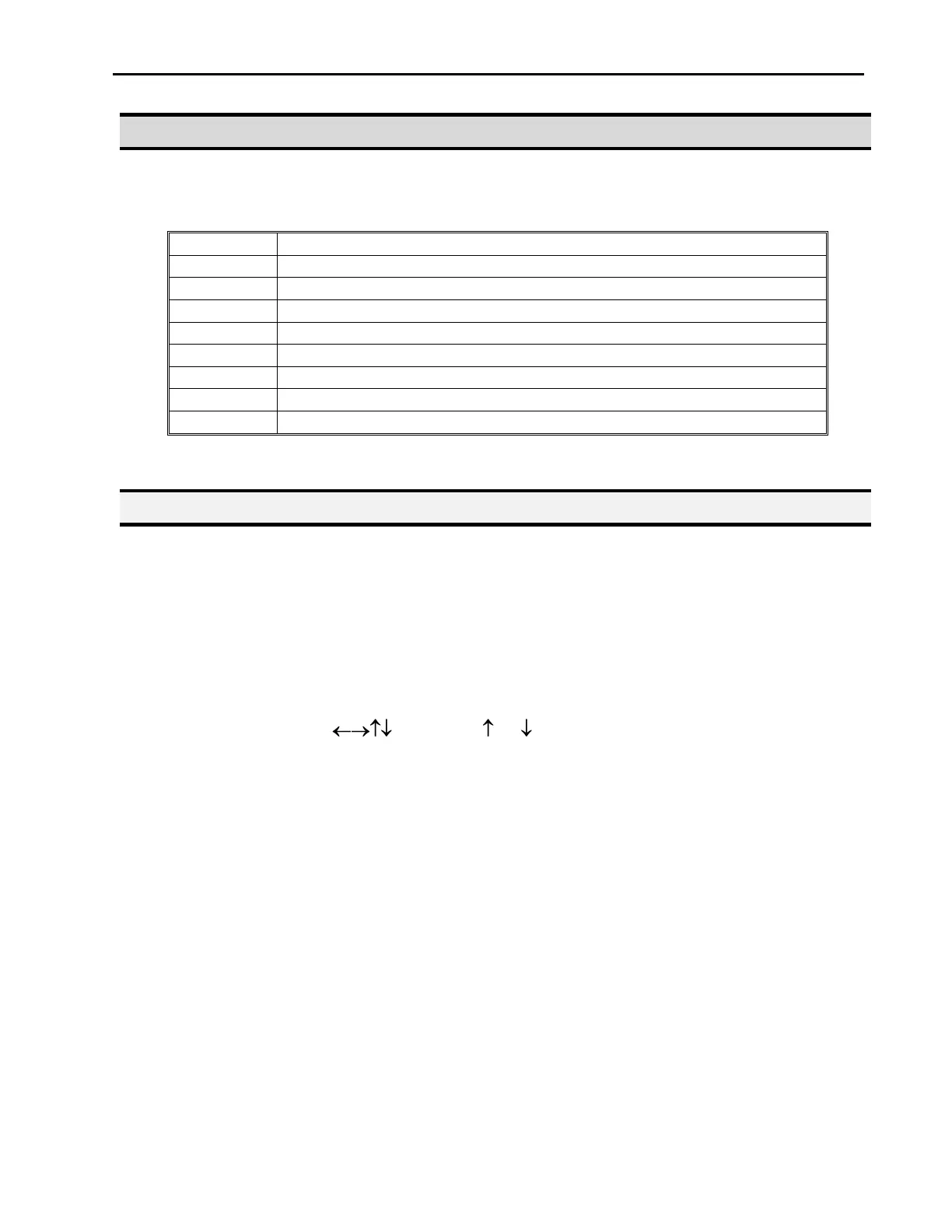
You can move through the instructions in an existing program by using the following keys:
Moves forward (1) memory address
Moves backward (1) memory address
Moves to the first memory address in the program
Moves to the last programmed memory address in the program
Jumps forward (10) memory addresses
Jumps backward (10) memory addresses
Moves the tip to the XYZ point location of the selected point
Jump to display to specified memory address
2.1. Changing a Point XYZ location
To change the XYZ location of a point, press the +1 or –1 key until the point you want to
change is shown in the display.
You can confirm that the correct point is in the display by pressing the MOVE key. This will
cause the tip to move to the XYZ position shown in the display.
Now use the arrow keys ( ) and the Z / Z keys to job the tip to the new location.
Once the location is correct, simply re-register the point as you did when it was first taught,
by pressing the ENTER and selecting the point type. The point will be re-registered at the
new location.



 To Next Page