I&J7000 Series Operating Manual
Section 6: Point Type & Function Details
Part # 561978B
Rev. H May 04
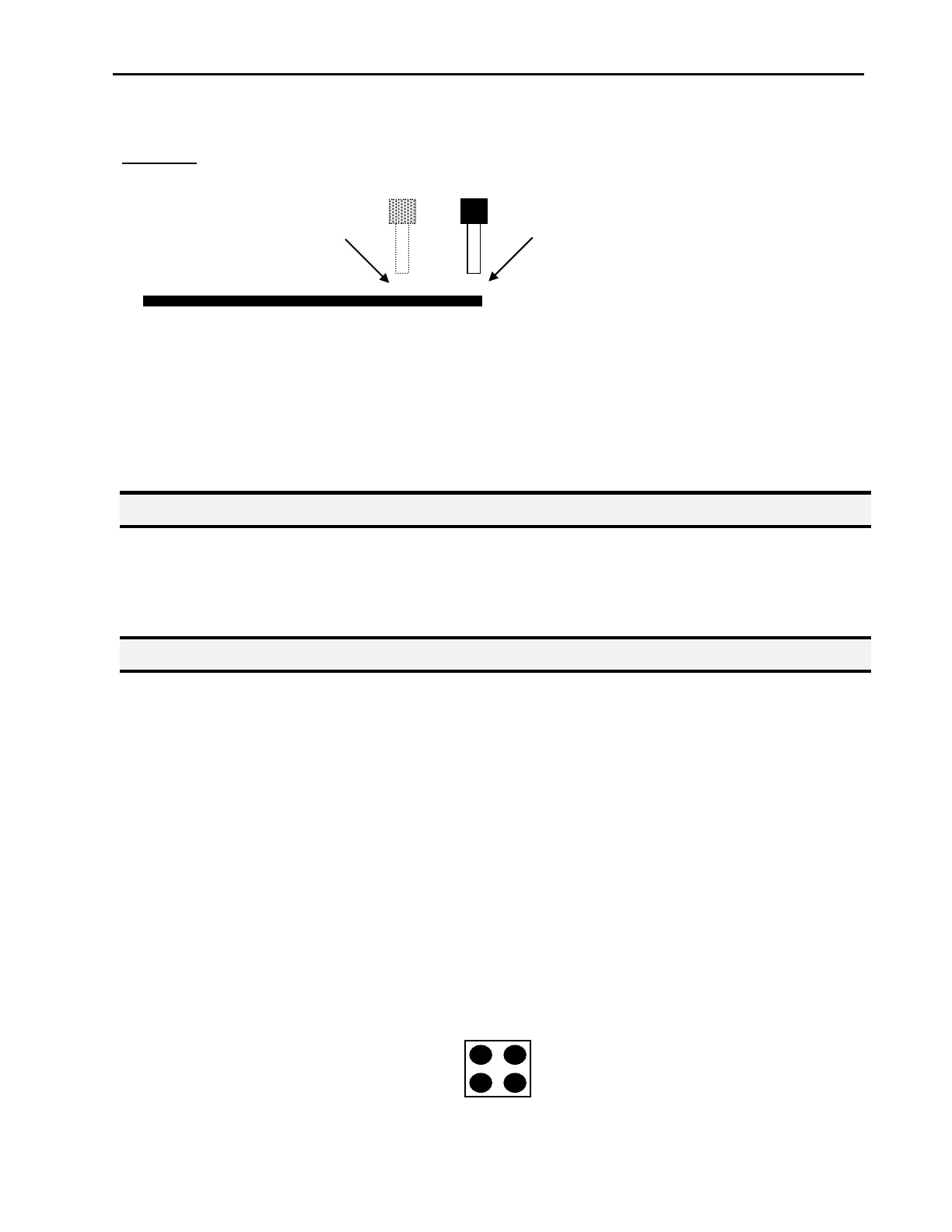
Solution: Turn the dispenser OFF before the end of the line
To register a DISPENSER OFF instruction, jog the tip to the XYZ location where you want
the dispenser OFF, then press the ENTER key and select Dispenser ON / OFF.
Press 1 to select dispenser ON or press 2 to select dispenser OFF.
1.9. Goto Address
Causes the program to jump to the specified memory address.
1.10. Step & Repeat X
Step & Repeat X allows a group of instructions to be run repeatedly, stepping a given
distance in the X axis or Y axis between each cycle.
Step & Repeat X is useful when a fixture is mounted on the robot which holds many
identical work pieces aligned in rows and columns. The user needs only to create a
program for the first work piece in the fixture, then use the Step & Repeat function to
dispense to the other work pieces.
The Step& Repeat function will allow the user to define the number of rows, the number of
columns, the X Offset between each part, and the Y offset between each part.
If, for example, we have a program which dispenses four dots of material on a work piece:
The program would consists of the following eight instructions:
Continue moving to end of line



 To Next Page