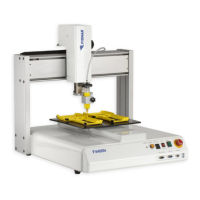
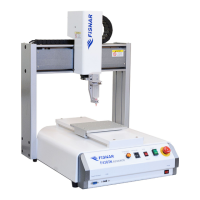
I&J7000 Series Operating Manual
Section 6: Point Type & Function Details
Part # 561978B
Rev. H May 04
Press 1 to select All Points.
Relocate All Point
S1->
S2->
Type 3 and press ENTER to designate memory
address number 3 as reference point 1 (temp
point #1).
Relocate All Point
S1->3
S2->
Type 4 and press ENTER to designate memory
address number 4 as reference point 2 (temp
point #2).
Relocate All Point
S1->
S2->
The program location will be adjusted for X
offset, Y offset and angle of rotation.
4.5. Lock or Unlock Program
Lock or Unlock Program allows the user to protect a program from editing. If the program
is locked, the user will not be able to change any of the program data. Unlocking the
program will allow the data to be changed again.
4.6. Password
Password allows the password to be set or reset for the current program.
To set the password, select MENU1, Utility Menu, Set Password. The user will prompted
for a NEW PASSWORD. Type the new password and press ENTER.
If the password is left blank and ENTER is pressed, the password will be removed. After
changing or resetting the password, the robot power should be turned off.
The purpose of the password it to protect the program from unauthorized editing. The user
will not be allowed to enter TEACH mode unless the correct password is entered. If the
password is forgotten, the master password (8888) can be used to gain access to the
program.



 To Next Page