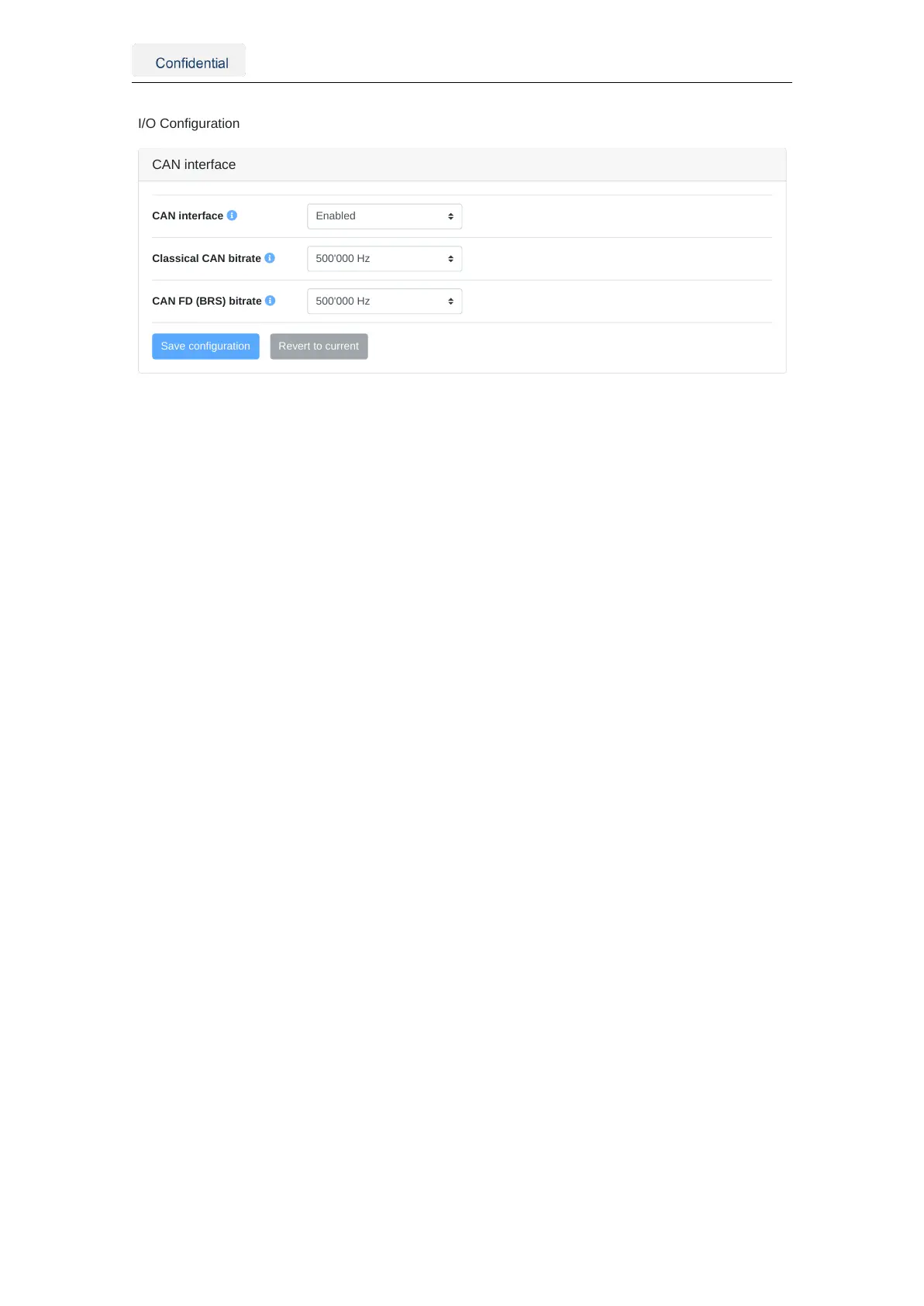
CAN interface
CAN interface
Classical CAN bitrate
CAN FD (BRS) bitrate
Figure 5.9.: CAN interface configuration
The CANSTR module configuration can be modified in the CANSTR panel inside the
"Configuration → I/O" panel of the web interface, as shown in Figure 5.10. The following
configuration options are available:
• CAN ID output: CAN ID for outgoing CAN frames.
• Standard frame format (SFF): 11-bit value in the range 0x001 - 0x1ff.
• Extended frame format (EFF): 29-bit value in the range 0x00000001 - 0x1fffffff.
• CAN ID input: CAN ID for incoming CAN frames.
• Standard frame format (SFF): 11-bit value in the range 0x001 - 0x1ff.
• Extended frame format (EFF): 29-bit value in the range 0x00000001 - 0x1fffffff.
• CAN frame format: CAN frame format used by the connector.
• Standard frame format (SFF): Use 11-bit CAN IDs for input and output.
• Extended frame format (EFF): Use 29-bit CAN IDs for input and output.
• CAN FD: Classical CAN or CAN flexible data rate (FD)
• Classical CAN: CAN frames of up to 8 bytes payload.
• CAN FD: CAN frames of up to 64 bytes of payload.
• CAN FD BRS: Enable bitrate switching (BRS) when using CAN FD.
• Enabled: Use CAN FD BRS.
• Disabled: Do not use CAN FD BRS.
The CAN streaming only inputs the wheelspeed signals in the current software version.
Future releases will introduce more functionalities. Please see 5.7.1 for further configu-
ration of the wheelspeed sensor signals over the CAN bus.
Vision-RTK 2 | Fixposition Positioning Sensor 21



 To Next Page