CHAPTER 5
Sensor Configuration
5.1. Web interface overview
To configure the Vision-RTK 2 and visualize the current trajectory, the user can access
the web interface through a browser using the IP 10.0.1.1 with a direct Wi-Fi connection
or 10.0.2.1 with a direct Ethernet connection. These IP addresses only apply when no
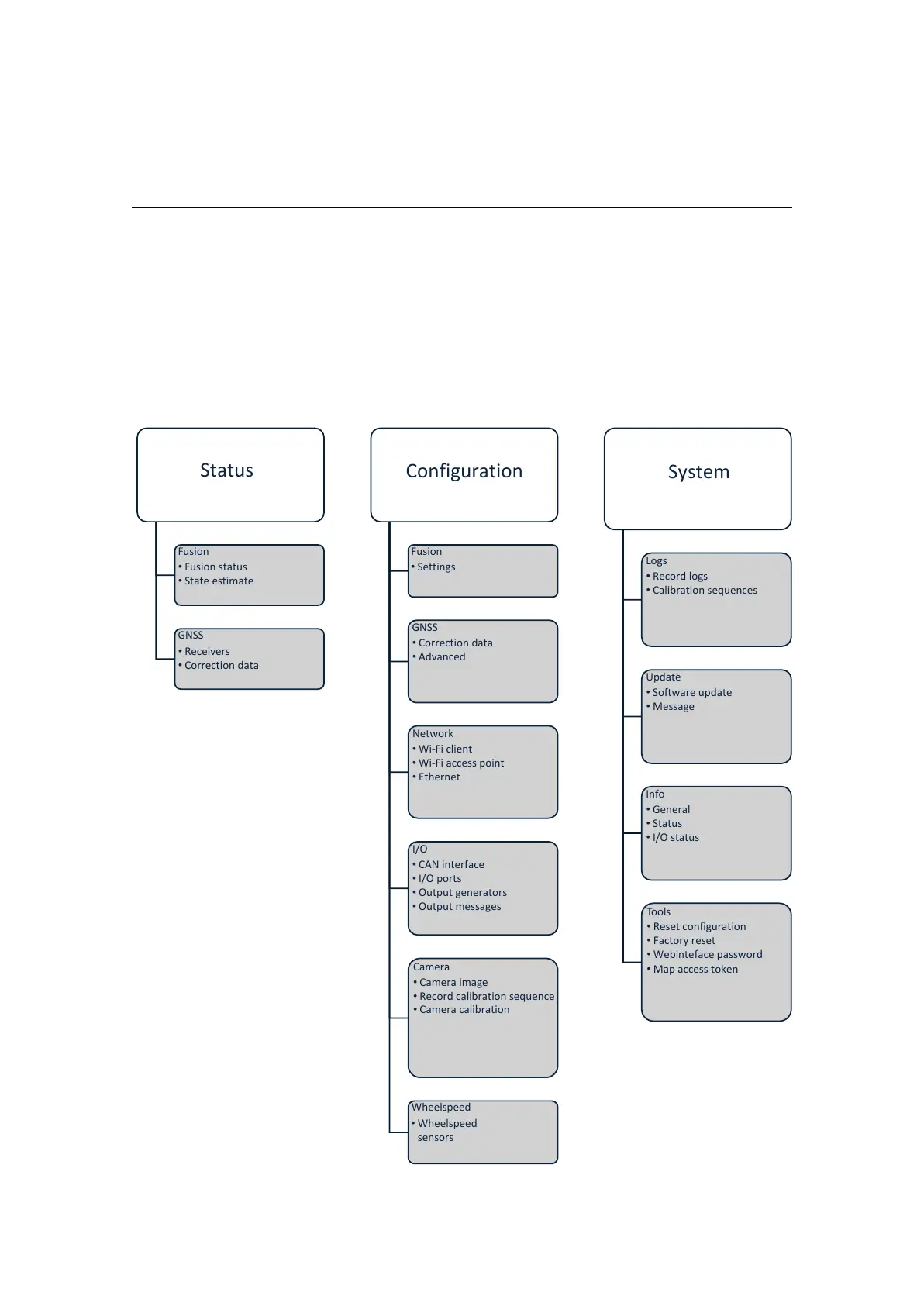
intermediary device, such as a router, is in use. Figure 5.1 presents an overview of the
web interface content. In the Wi-Fi case, the SSID is the UID of the Vision-RTK 2, and
the default password is “1234567890”.
Status
Fusion
• Fusion status
• State estimate
GNSS
• Receivers
• Correction data
Configuration
Fusion
• Settings
GNSS
• Correction data
• Advanced
Network
• Wi-Fi client
• Wi-Fi access point
• Ethernet
I/O
• CAN interface
• I/O ports
• Output generators
• Output messages
Camera
• Camera image
• Record calibration sequence
• Camera calibration
Wheelspeed
• Wheelspeed
sensors
System
Logs
• Record logs
• Calibration sequences
Update
• Software update
• Message
Info
• General
• Status
• I/O status
Tools
• Reset configuration
• Factory reset
• Webinteface password
• Map access token
Figure 5.1.: Web interface structure overview
12



 To Next Page