EasyManua.ls Logo

Fluke 6060B - Page 145

Fluke 6060B
312 pages
Print Icon
To Next Page IconTo Next Page
To Previous Page IconTo Previous Page
Loading...
MAINTENANCE
CALIBRATION
ADJUSTMENTS
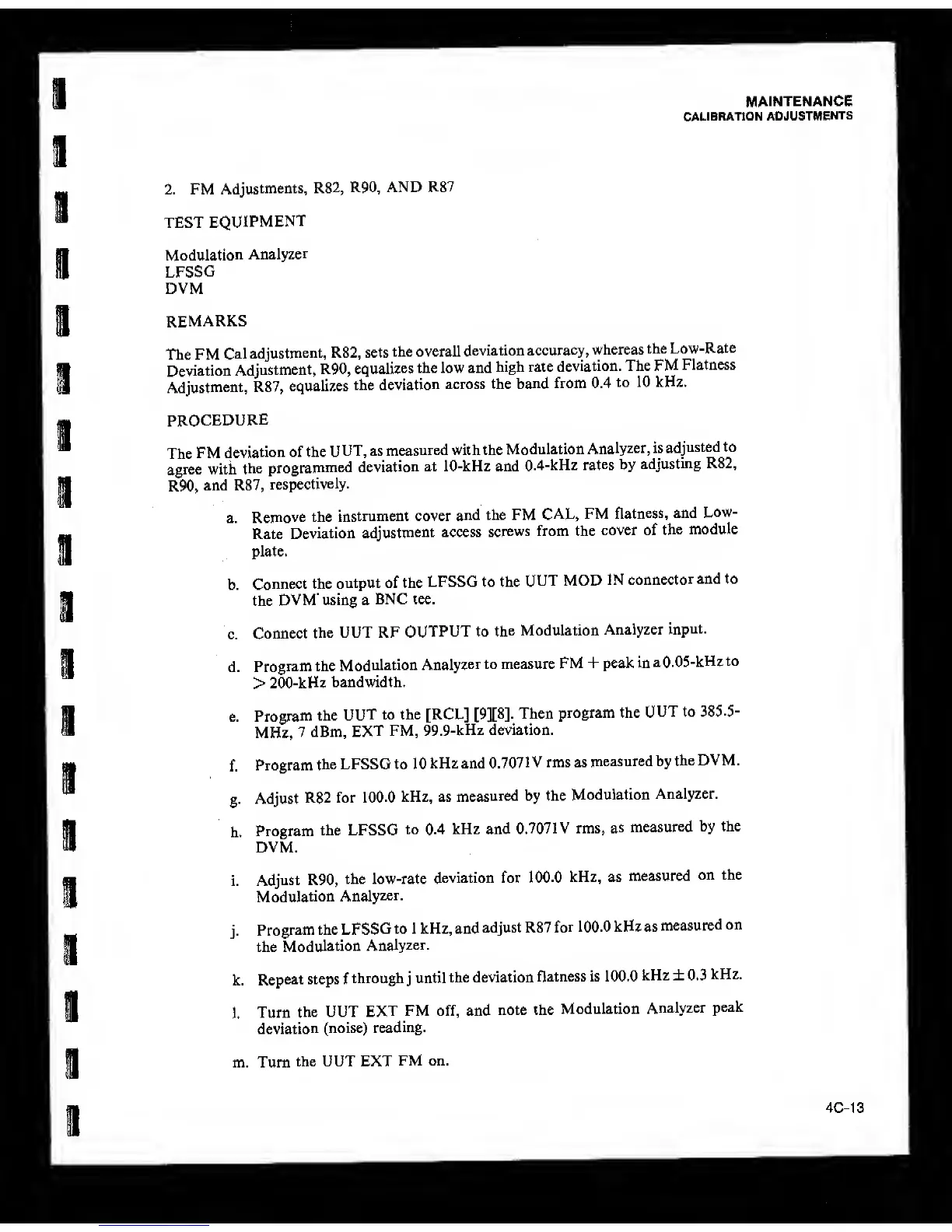
2. FM
Adjustments, R82,
R90, AND R87
TEST
EQUIPMENT
Modulation
Analyzer
LFSSG
DVM
REMARKS
The FM
Cal
adjustment,
R82, sets
the overall
deviation
accuracy,
whereas
the
Low-Rate
Deviation
Adjustment,
R90,
equalizes
the low and
high rate
deviation. The FM
Flatness
Adjustment,
R87,
equalizes
the
deviation
across the
band
from 0.4
to 10 kHz.
PROCEDURE
The
FM
deviation
of the U
UT, as
measured
with the
Modulation
Analyzer, is
adjusted to
agree with
the
programmed
deviation
at 10-kHz and
0.4-kHz
rates
by
adjusting
R82,
R90,
and R87,
respectively.
a.
Remove
the
instrument cover
and the FM
CAL,
FM
flatness,
and
Low-
Rate
Deviation
adjustment
access
screws
from the
cover of
the
module
plate.
b.
Connect the
output of the
LFSSG to the
UUT MOD
IN
connector
and to
the
DVM' using a
BNC tee.
c.
Connect
the UUT RF
OUTPUT to
the
Modulation
Analyzer
input.
d.
Program
the M
odulation
Analyzer
to measure
FM
+
peak in
a
0.05-kHz
to
>
200-kHz
bandwidth.
e.
Program
the
UUT
to the [RCL]
[9][8].
Then
program the
UUT to 3S5.5-
MHz,
7 dBm,
EXT
FM,
99.9-kHz deviation.
f.
Program
the LFSSG to 1 0
kHz and
0.707
1 V rms as
measured by
the DVM.
g.
Adjust
R82 for
100.0
kHz, as
measured
by the
Modulation
Analyzer.
h.
Program
the LFSSG
to 0.4 kHz and
0.7071V rms,
as
measured
by the
DVM.
i.
Adjust R90,
the low-rate
deviation for
100.0
kHz, as
measured
on the
Modulation
Analyzer.
j.
Program
the
LFSSG
to 1 kHz, and
adjust R87
for
100.0 kHz as
measured
on
the
Modulation
Analyzer.
k.
Repeat steps f
through
j
until
the deviation
flatness is 100.0
kHz ± 0.3
kHz.
l.
Turn
the UUT
EXT
FM off, and
note the
Modulation
Analyzer
peak
deviation
(noise)
reading.
m. Turn
the UUT EXT
FM on.
4C-13

Table of Contents

Related product manuals