INSTALLATION
AND OPERATION
The
characters
in the learn string
correspond
to each Generator function.
A description
of
how to interpret
the characters in the learn string
is
given in Figure
2-7.
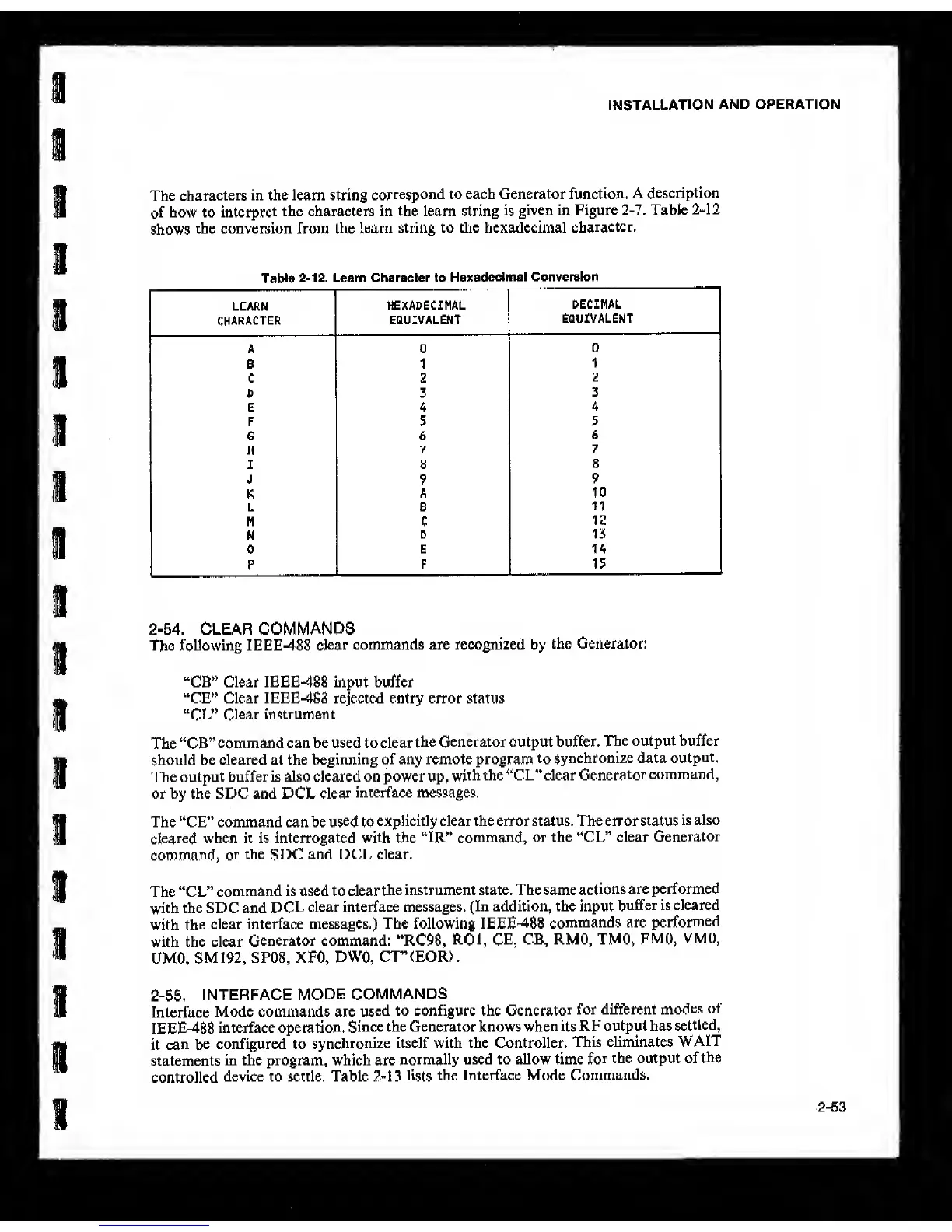
Table
2-12
shows
the conversion from the
learn string to the hexadecimal
character.
Table
2-12.
Learn Character to
Hexadecimal Conversion
LEARN
HEXADECIMAL
DECIMAL
character
EQUIVALENT
EQUIVALENT
A 0
0
B 1
1
C 2
2
D 3
3
E 4
4
F 5
5
6 6
6
H 7
7
I 8
8
J 9
9
K
A 10
L
e
11
M c
12
N
D 15
0
E 14
P
F 15
2-54.
CLEAR COMMANDS
The following IEEE-488
clear
commands are recognized by
the Generator:
“CB” Clear IEEE-488 input buffer
“CE” Clear IEEE-4S8 rejected entry error status
“CL”
Clear instrument
The “CB”
command can be used to clear
the Generator output buffer.
The output buffer
should be cleared at the beginning
of
any remote program
to
synchronize data
output.
The
output buffer is
also cleared on power up,
with
the “CL” clear
Generator
command,
or by the SDC and DCL
dear
interface messages.
The “CE” command can be
used
to
explicitly clear the error status. The error status
is also
cleared
when it is interrogated with the
‘TR” command,
or the “CL” clear
Generator
command,
or
the SDC and DCL clear.
The “CL”
command is used to clear
the instrument state. The same
actions
are performed
with the SDC and
DCL
clear interface messages.
(In addition, the input
buffer is cleared
with
the
clear interface
messages.)
The following IEEE-488
commands are
performed
with the clear
Generator command: “RC98,
ROl, CE,
CB, RMO, TMO,
EMO,
VMO,
UMO,
SM192,
SP08, XFO,
DWO,
CT”<EOR).
2-55. INTERFACE
MODE
COMMANDS
Interface
Mode commands are
used
to configure the
Generator
for different
modes
of
IEEE-488
interface operation.
Since the Generator knows when
its
RF output has
settled,
it
can be
configured to
synchronize
itself with the Controller.
This eliminates
WAIT
statements
in the program, which are
normally used to allow time
for
the output of
the
controlled
device to settle. Table
2-13
lists
the Interface Mode
Commands.
2-53



 To Next Page