INSTALLATION AND OPERATION
2-24.
Amplitude Units Conversion
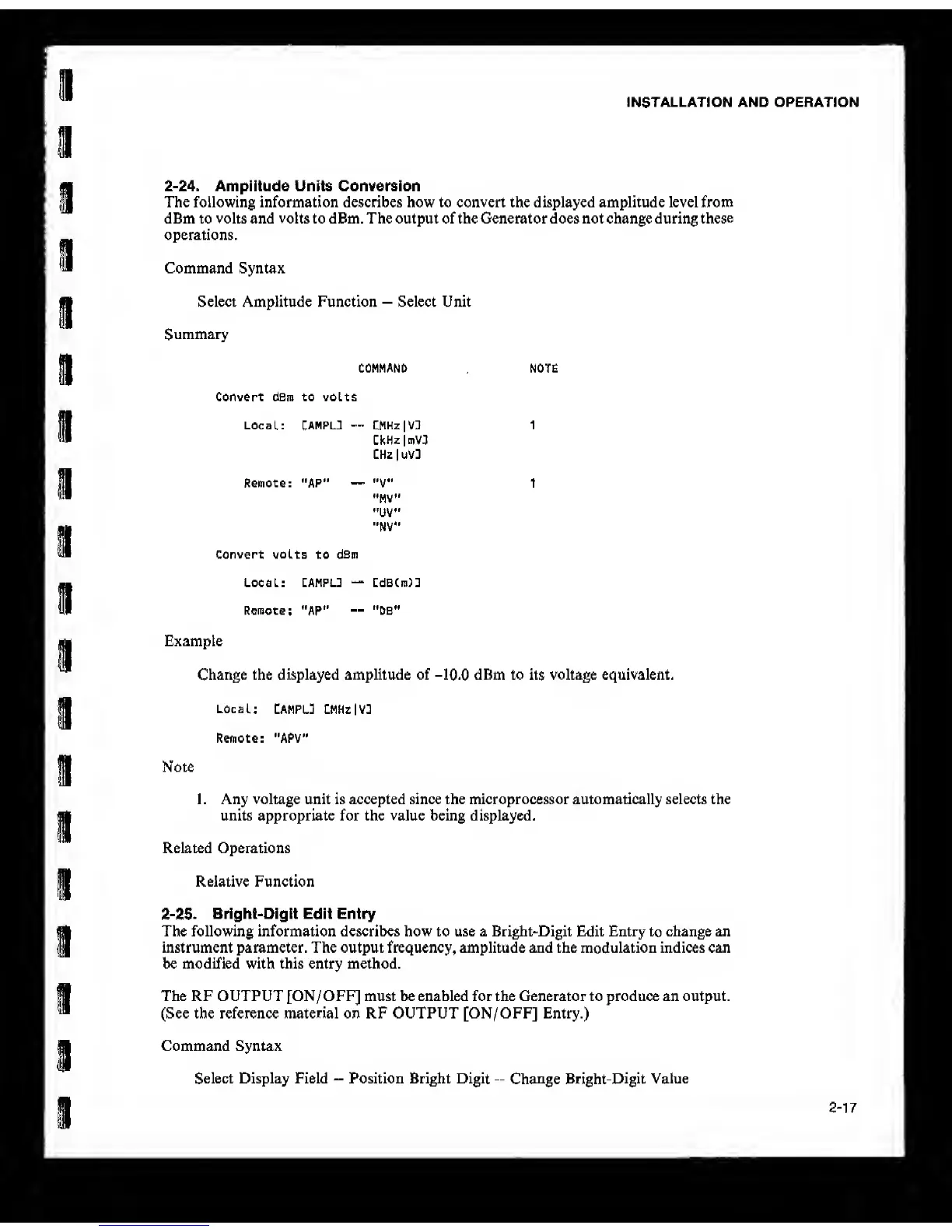
The following information describes how to convert the displayed amplitude level from
dBm to volts and volts to dBm, The output of the Generator does not change during
these
operations.
Command Syntax
Select Amplitude Function
—
Select Unit
Summary
COMMAND NOTE
Convert dBm to volts
Local: CAMPLT
—
CMHz|VD 1
CkHz
|mV3
CHzluV]
Remote: "AP"
—
"V 1
"MV"
•'UV"
"NV"
convert volts to
dBm
Local:
CAMPL3
“
CdBCm)3
Remote;
“AP"
--
"OS"
Example
Change the displayed amplitude of -10.0 dBm to its voltage equivalent.
Local:
CAMPL] CMHzlV3
Remote: "APV"
Note
1 . Any voltage unit is accepted since the microprocessor automatically selects the
units appropriate for the value being displayed.
Related Operations
Relative Function
2-25. Bright-Digit Edit Entry
The following information describes how to use a Bright-Digit
Edit
Entry
to
change an
instrument parameter. The output frequency, amplitude and the modulation indices can
be modified with this entry method.
The RF OUTPUT [ON/OFF] must be enabled for the Generator to produce an output.
(See the reference material on RF OUTPUT [ON/OFF] Entry.)
Command Syntax
Select Display Field
—
Position Bright Digit
--
Change Bright-Digit
Value
2-17



 To Next Page