INSTALLATION AND OPERATION
part
includes
typical timing data, provided
as an aid to system programmers. This
information can assist in writing programs that have greater speed and efficiency.
The Generator can be used with any IEEE-488 controller
in
the normal addressed mode.
The following two additional modes are available
for operation without a controller:
Listen-only mode
Talk-only
mode
In
the
listen-only
mode, the Generator responds to all data messages on the IEEE-488
bus. In the talk-only
mode,
the
Generator sends commands on the IEEE-488 bus to
program another 6060B Generator (or a 607xA with some restrictions).
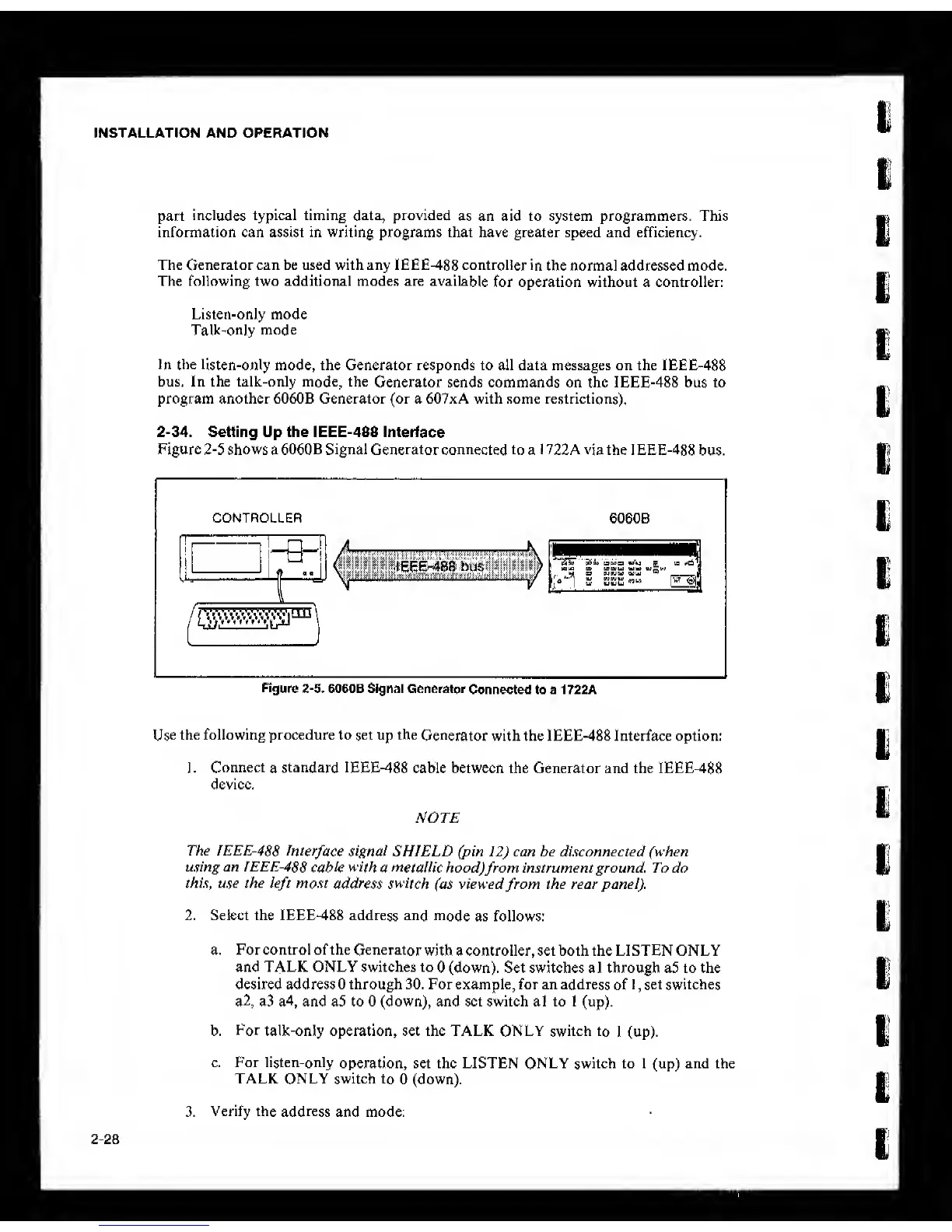
2-34.
Setting Up the IEEE-488 Interface
Figure
2-5
shows a 6060B Signal Generator connected to a 1 722A via the 1 EEE-488
bus.
Rgure
2-5.
6060B Signal Generator
Connected to a 1 722A
Use
the following procedure to set up the
Generator
with the IEEE-488 Interface option:
1.
Connect
a
standard IEEE-488
cable between the Generator and the IEEE-488
device.
NOTE
The IEEE-488
Interface signal SHIELD (pin
12)
can he disconnected (when
using an IEEE-488
cable with
a
tneiallic
hood)
from
instrument ground. To do
this, use the
left
most
address switch
(as viewed
from
the rear panel).
2. Select the IEEE-488 address and
mode
as follows:
a. For control of the Generator
with a controller, set both the LISTEN ONLY
and TALK ONLY switches to
0
(down). Set switches al through a5 to the
desired address 0 through 30. For example, for an address
of
I
,
set switches
a2, a3 a4, and a5 to
0
(down), and set switch al to
1
(up).
b.
For
talk-only operation, set the TALK ONLY switch
to
1
(up).
c. For listen-only
operation, set the LISTEN ONLY switch to
1
(up) and the
TALK ONLY switch
to
0
(down).
3.
Verify the
address
and mode:
2-28



 To Next Page