114
Once an RU is added to a group, the LOCK OTHER/LOCK ALL button on the RU
changes to a Group LOCK OTHER/LOCK ALL button.
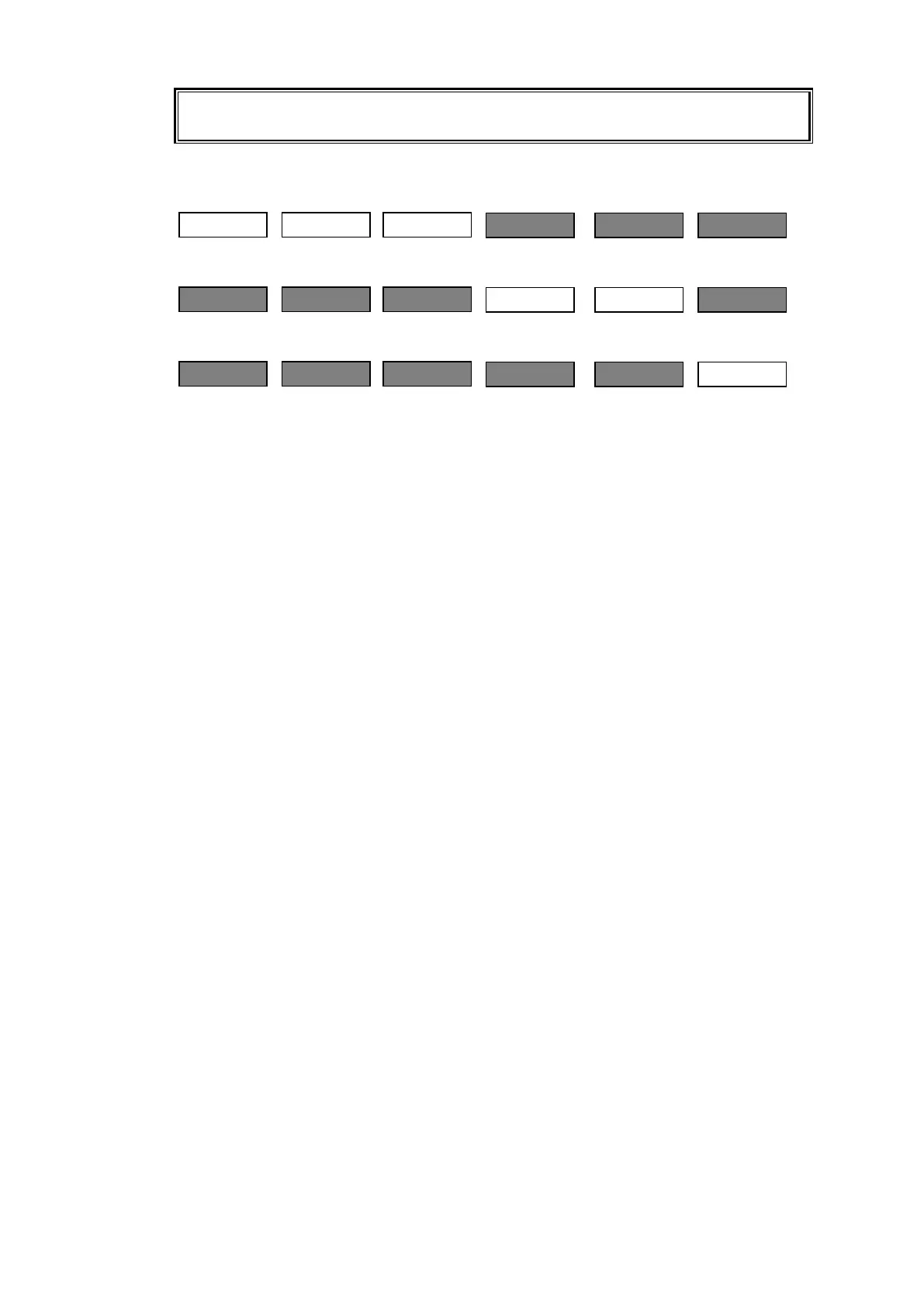
When sending a LOCK OTHER command from RU[100], RU [103], RU[104] and RU[105]
are locked (greyed out in the figure below) for the set crosspoint.
When sending a LOCK OTHER command from RU[103]…
When sending a LOCK OTHER command from RU[105]…
When sending Group LOCK OTHER/LOCK ALL commands, use a Group ID number in the
[Web-based Control :Lock Destination page].
If operating in Multi-panel mode, all linking RU devices must belong to the same group.



 To Next Page