24
2-3. SDI Input/Output Cards
2-3-1. MFR-16SDI/16SDIA
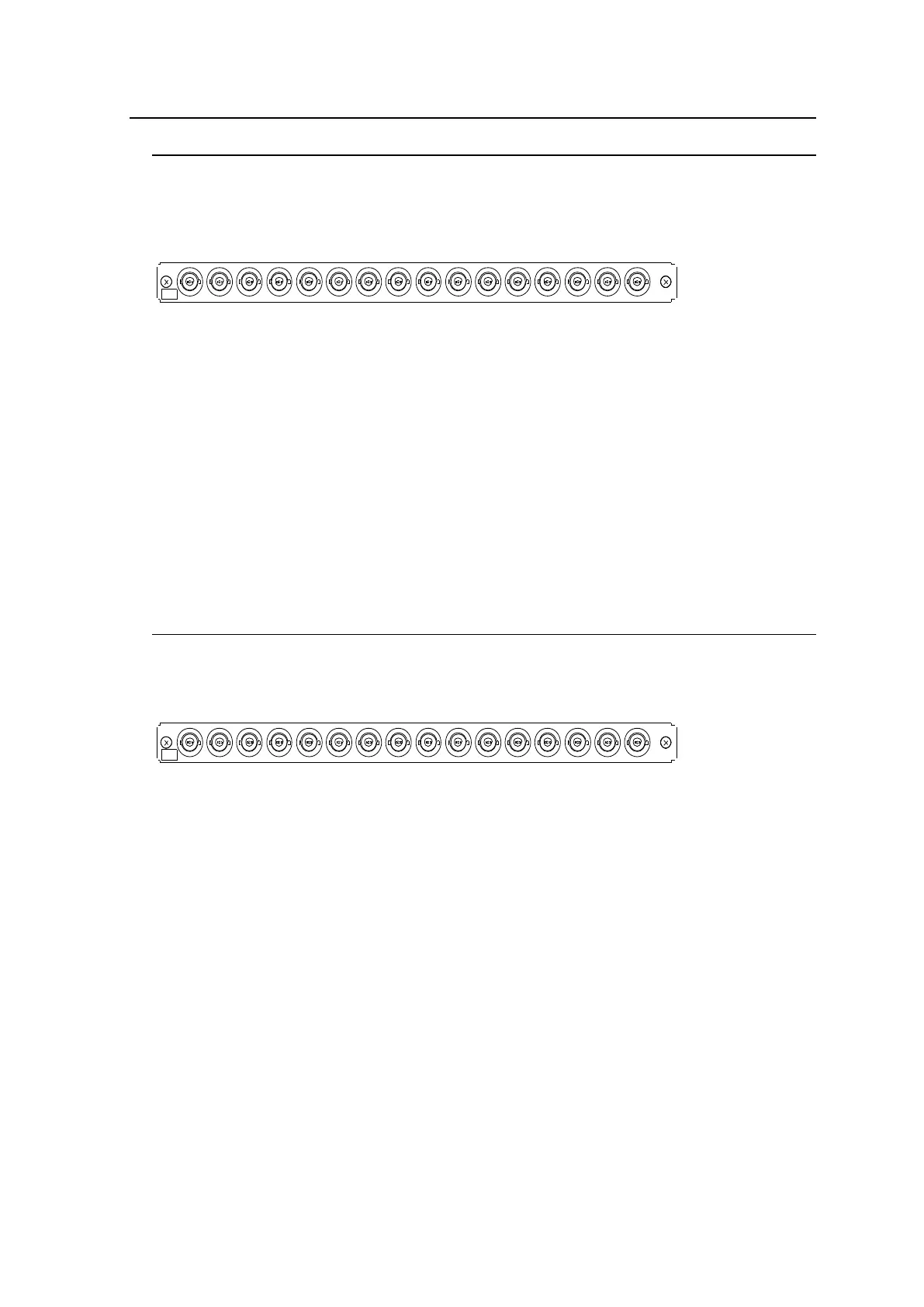
MFR-16SDI/16SDIA is an SDI input card and can accept 16 of 3G/HD/SD-SDI and ASI
signals.
Up to 8 cards can be installed into Slot No. 01 to 08.
► See section 2-1-1. "Matrix Size Chart."
16
15
14
13
12
11
10
9
8
5
4
1
6
7
3
2
IN
1
BNC x 16 inputs (3G/HD/SD-SDI or ASI signal auto-detection)
Set up input signals in the Web-based Control Software as shown below.
Source Name
In the left side of the Web-based Control screen, click to select [Router System Settings] -
[Source Name] in the menu tree to display the setting page.
This page allows you to change source names displayed on Remote Controllers or other
devices.
Source Assignment
Open the [Web-based Control: Router System Settings - Source Assignment page].
This page allows you to assign physical inputs to logical input channels.
2-3-2. MFR-16SDO
MFR-16SDO is an SDI output card and can output 16 of 3G/HD/SD-SDI and ASI signals.
Up to 8 cards can be installed into Slot No. 09 to 16.
► See section 2-1-1. "Matrix Size Chart."
16
15
14
13
12
11
10
9
8
5
4
1
6
7
3
2
1
OUT
BNC x 16 outputs (3G/HD/SD-SDI or ASI signal depending on crosspoint selections)
Set up output signals in the Web-based Control Software as shown below.
Destination Assignment
Open the [Web-based Control: Router System Settings - Destination Assignment page].
This page allows you to assign physical outputs to logical output channels.
Destination Name
Open the [Web-based Control: Router System Settings - Destination Name page].
This page allows you to change destination names displayed on Remote Controllers.



 To Next Page