137
9-1-2. MFR-16RUTA/39RUA/18RUA Color Tuning Procedure
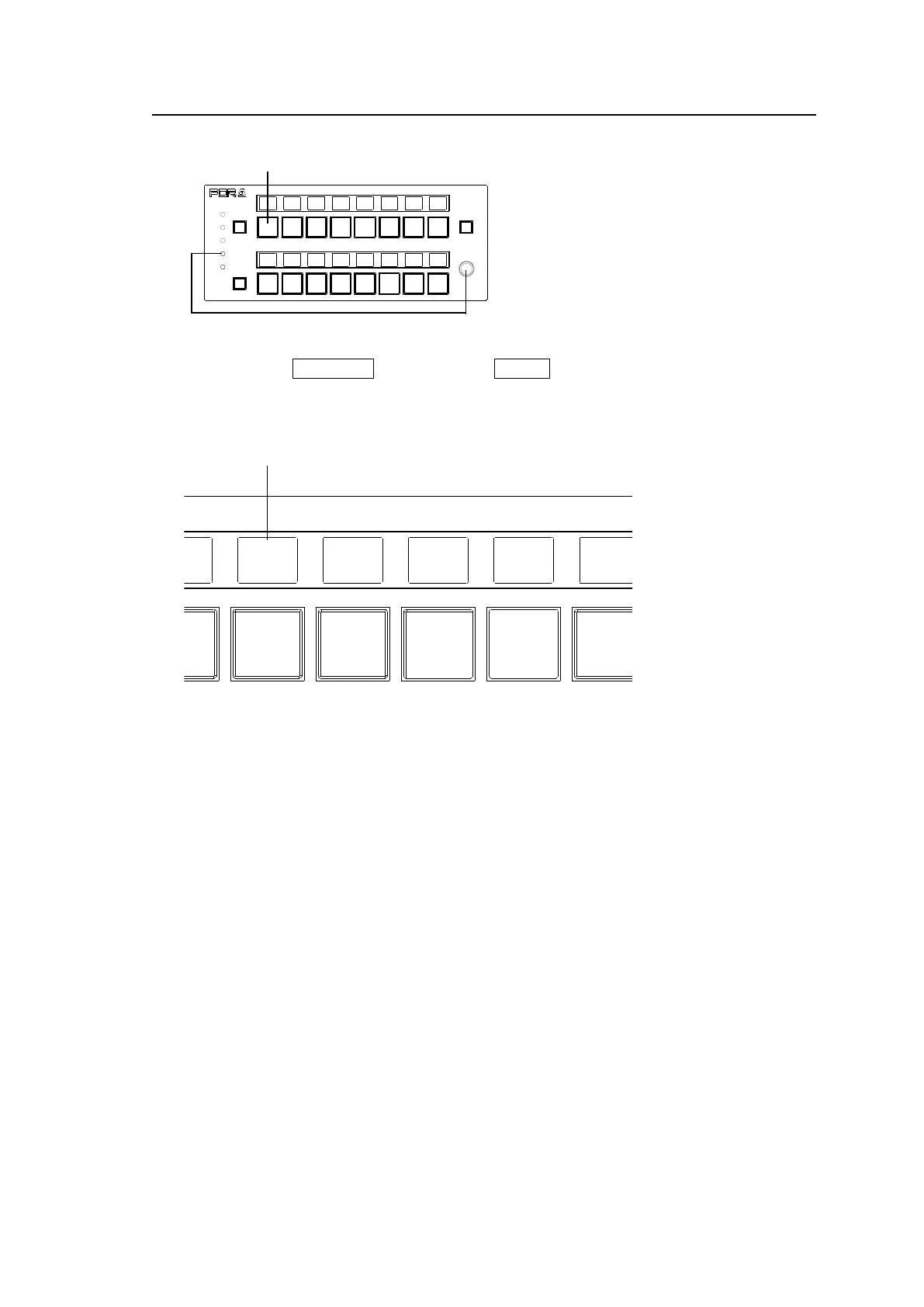
Ex) MFR-16RUTA
(1) Press and hold CONTROL, then press the SETUP button for more than 5 seconds. All
NAME DISPLAY text will turn to white.
(2) Press a button to be adjusted.
(3) The TARGET will appear and blink above the button. RED, GREEN and BLUE are also
displayed.
(4) To adjust the target button color using RED, GREEN and BLUE, press the control knob to
select RED, GREEN or BLUE, then turn the control knob to change its value.
Setting range: RED: 0-3, GREEN and BLUE: 0-7
(5) To adjust another button color, repeat steps from (2) to (4)
(6) All button color settings are finished, press SETUP.
MFR-16RUTA
REMOTE CONTROL UNIT
LOCK
POWER
BUSY
PAGE A
LOCK
SETUP
RESET
PAGE B
MFR-16RUTA
REMOTE CONTROL UNIT
LOCK
POWER
BUSY
PAGE A
LOCK
SETUP
RESET
PAGE B



 To Next Page