46
2-8. MFR-TALM
2-8-1. Front Panel
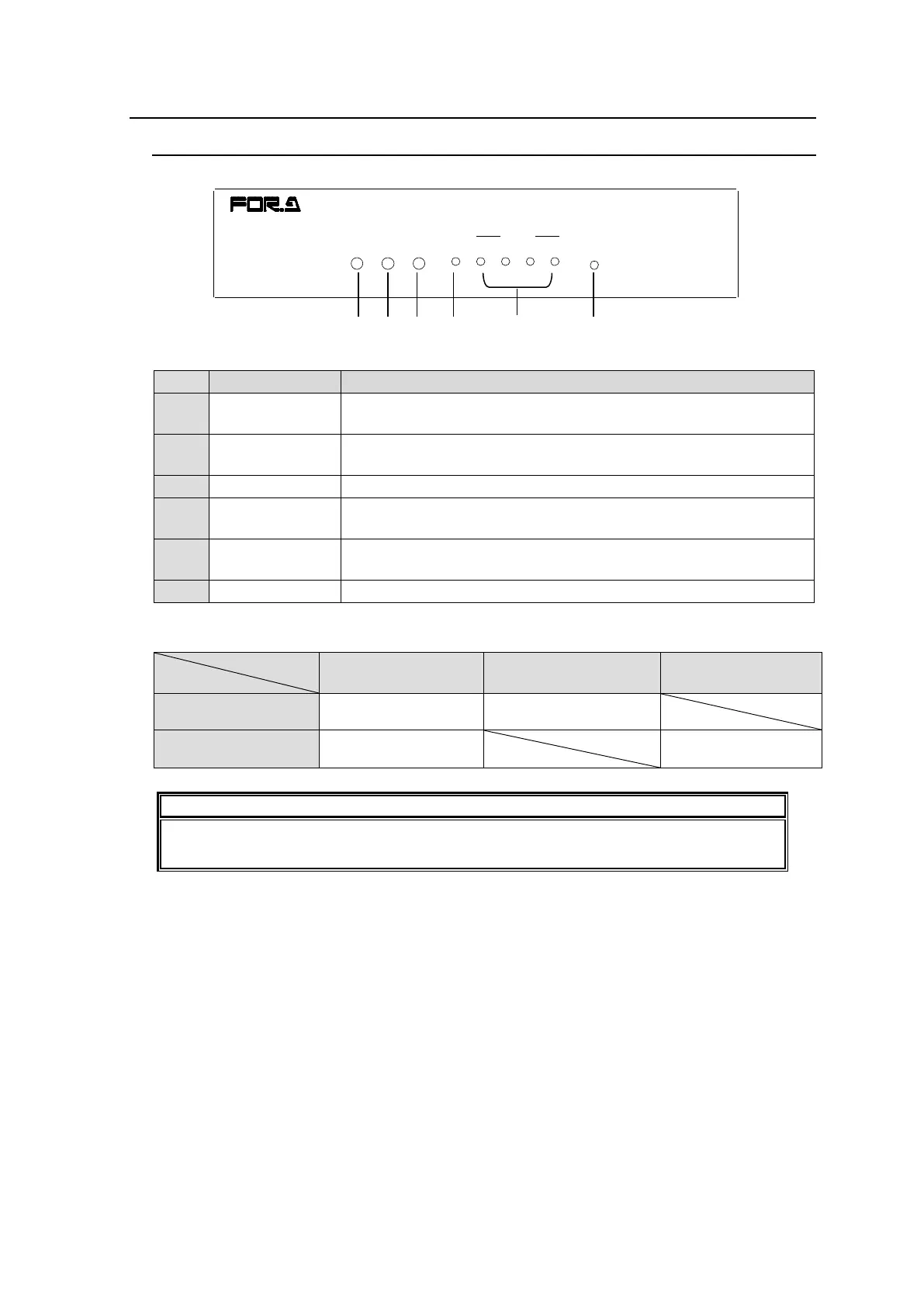
Displays the power status.
► See the table below for details on indications.
Displays the flash memory writing status of backup settings.
► See the table below for details on indications.
Lights green when an external reference signal is present.
Lights green a GPI function is assigned.
Turns off when no GPI function is assigned.
Lights green when a port function is assigned.
Turns off when no port function is assigned.
Color indications on the MFR-TALM front panel
Do not power off the unit while BUSY LED is lit orange (writing to the flash memory,
about 2 seconds at most).
POWER BUSY REF IN GPI RS-422 RESET
21 43
TALLY MAN AGER U NIT
MFR-TALM



 To Next Page