66
5. Remote control panel Operation
5-1. Functions and Operations
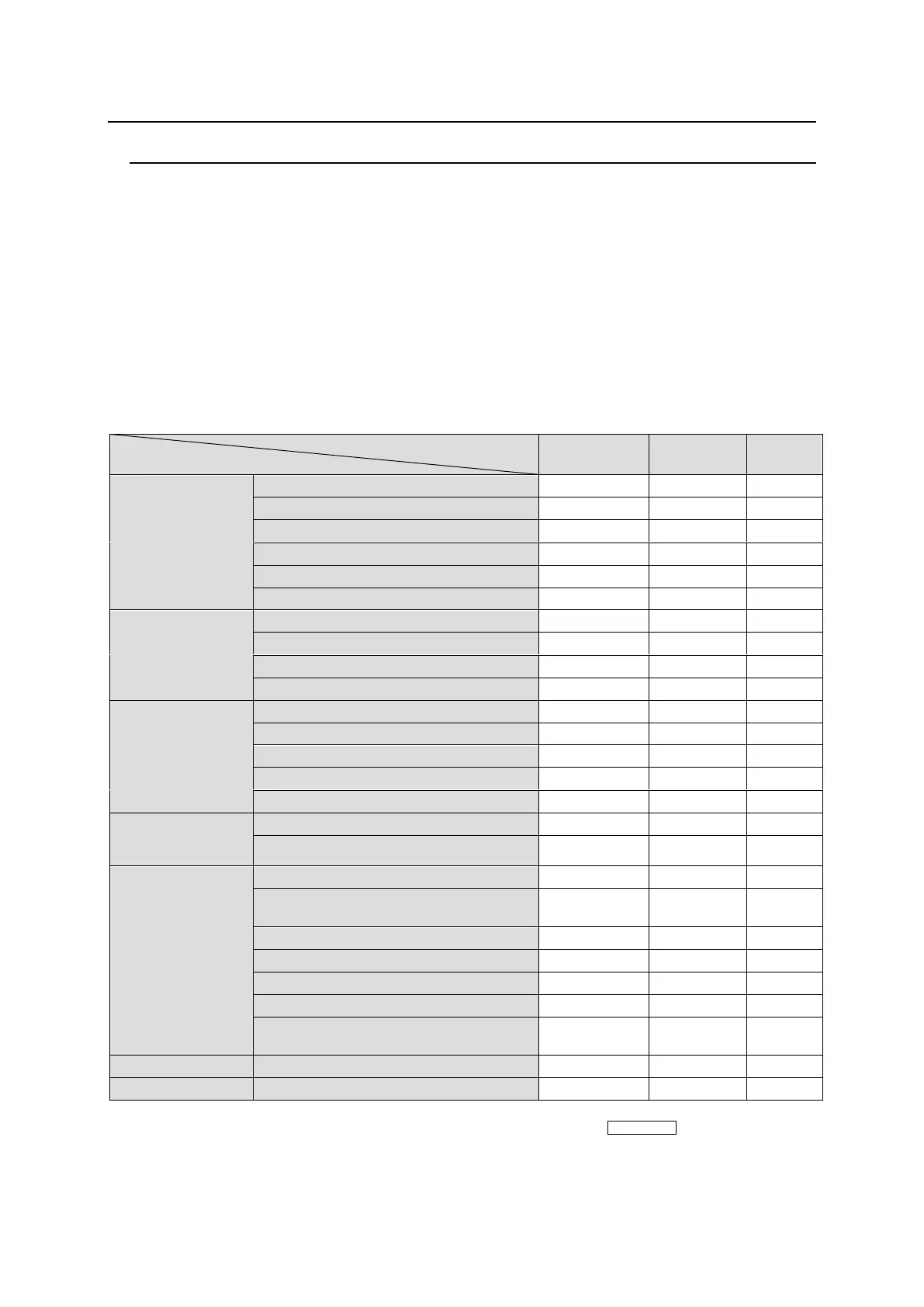
The below table shows the functions that can be controlled using the remote control panel (RU)
and/or Web-based Control (GUI).
* For details on Web-based Control operation, see the separate MFR SERIES Web-based
Control Operation Manual.
Description on Control
○: Changing settings and execution are both supported
●: Execution is supported
▲: Changing settings is supported
39: Supported by the MFR-39RU, MFR-39RUA
18: Supported by the MFR-18RU, MFR-18RUA
16D: Supported by the MFR-16RUD
16T: Supported by the MFR-16RUTA
Crosspoint
change
(1 channel)
By changing source and/or destination
Using buttons and the CONTROL knob
Crosspoint
change
(Simultaneous)
Control panel button assigned SALVO
Erroneous
operation
protection
Monitor output function
(*1)
Operation Preview function
Main unit and
system setting
change
Source/destination name settings
Remote control
setting change
Multi-remote control panel operation
*1 This function is supported only for the MFR-5000.
*2 Source and destination button/channel assignments can be performed using CONTROL on MFR-18RU/
16RUTA/18RUA/39RUA units.
*3 MFR-39RU/39RUA can change multi-remote control panel operation settings while other remote control panels
can only be used for operation.



 To Next Page