95
5-7. Setup Menu (MFR-39RUA)
The SETUP button allows you to enter Setup Menu mode, in which menu settings can be
performed as shown in Sec 5-4-4. "Setting Mode Menu (MFR-39RUA)."
5-8. Setup Menu (MFR-18RU/18RUA)
The SETUP button allows you to enter Setup Menu mode, in which RU and MU PC-LAN
network settings are displayed, the MU-PC LAN port can be rebooted, and RU network settings
can be changed. The left three buttons are used to select information to be displayed or the
PC-LAN reboot. To exit Setup Menu mode, press the SETUP button again.
Selection buttons
(See the figures below)
IP address display and change
5-8-1. Displaying Network Settings
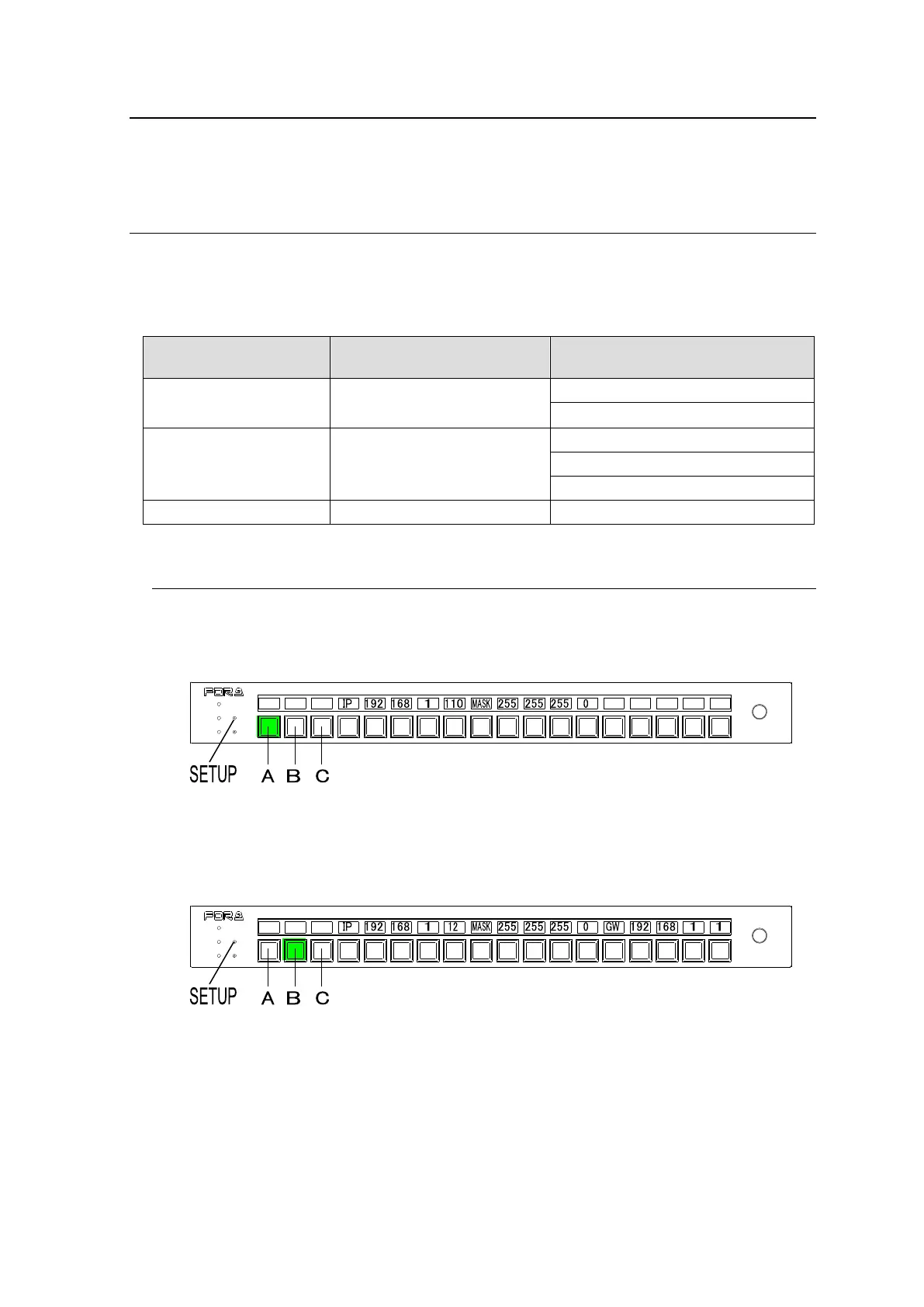
To Display RU IP Address and Subnet Mask
Press SETUP to enter Setup Menu mode. The RU IP address and subnet mask are
displayed as shown below. (If Button A is off (unlit), press Button A.)
To Display IP address, Subnet Mask and Default Gateway of MU PC-LAN
Press Button B in Setup Menu mode. The network settings are displayed as shown below, in
order, as "IP address, Subnet Mask and Default Gateway."
POWER
BUSY SETUP
LOCK RESET
MFR-18RU
REMOTE CONTROL UNIT
POWER
BUSY SETUP
LOCK RESET
MFR-18RU
REMOTE CONTROL UNIT



 To Next Page