18
2-1-3. CPU Card Installation and Removal
CPU cards can be installed or removed with the MFR-5000 power turned on as shown below.
Do not touch any other parts on the card. Static electricity may damage sensitive
electrical components on the card.
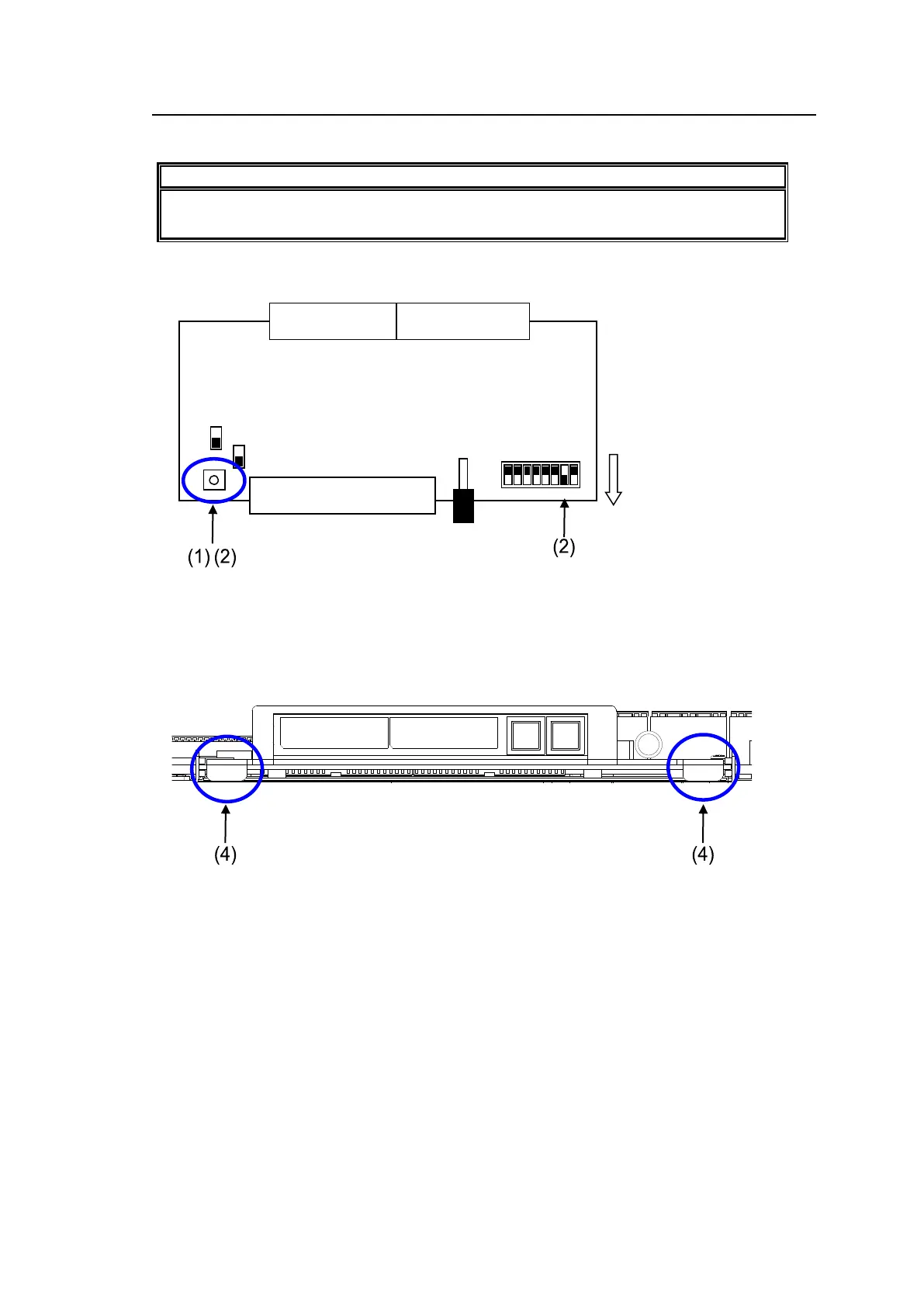
Removing a CPU card
(1) Press the reset button (S1) on the CPU card.
(2) Repress and hold the button, then turn ON the switch 2 of Dipswitch S2.
(3) Release the button. The menu display will turn off automatically.
(4) Hold the two black handles at both sides on the CPU card and gradually remove the card
from the chassis.



 To Next Page