19
Inserting a CPU card
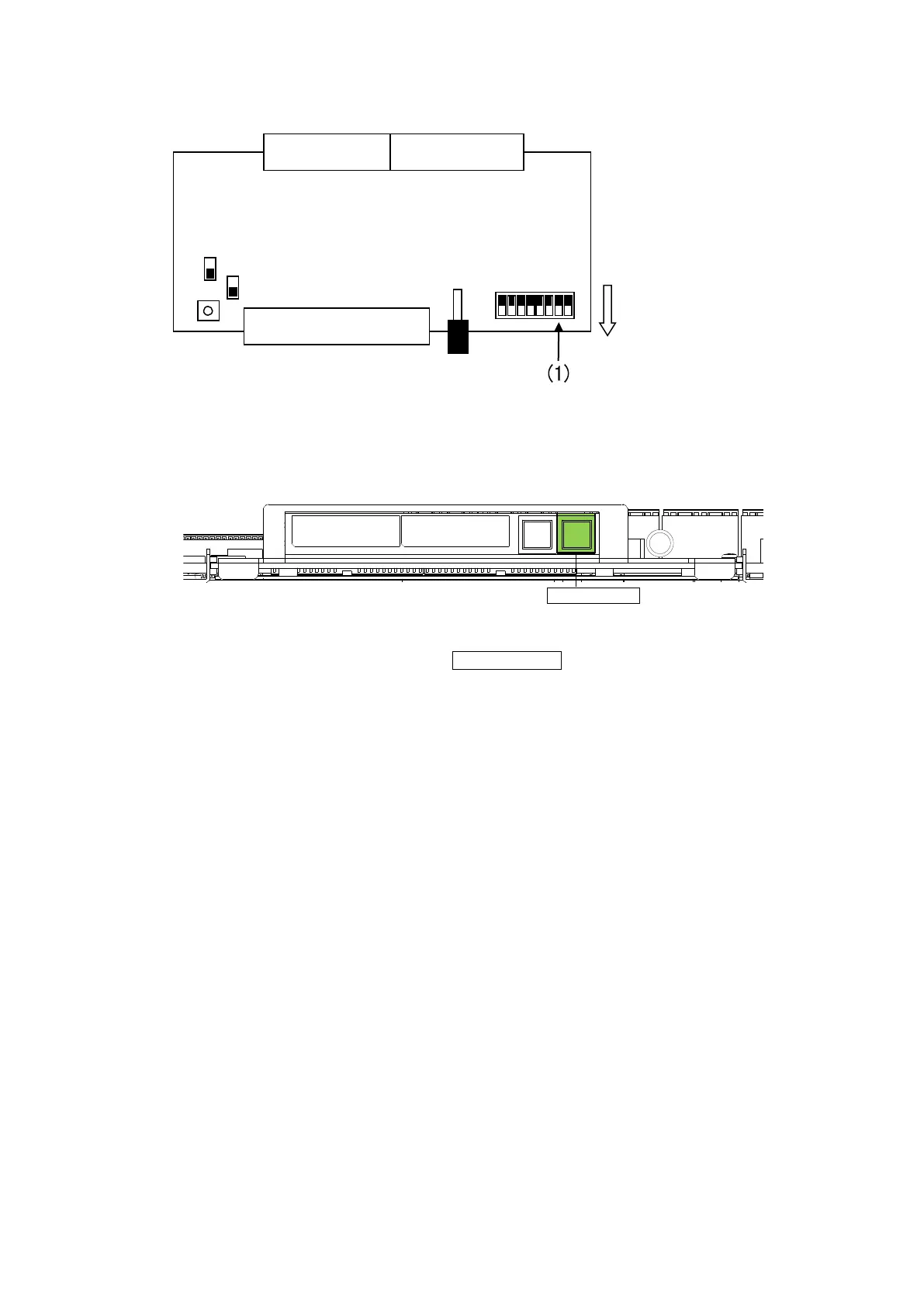
(1) Verify that the switch 2 of Dipswitch S2 on the card is turned OFF.
If not, turn the switch to OFF.
(2) If the installed CPU card is not active (ACTIVE/BUSY lights green.), wait for 20 seconds.
(3) Align a new CPU card with the slot guide rails and insert the card into the slot.
(4) Verify that the card is firmly installed.



 To Next Page