113
Setting the
temperature unit
The temperature can be shown in degree Celsius (°C) or degree Fahrenheit (°F).
IMPORTANT! Factory set item is [°C].
Setting the temperature unit:
1. Press the button MENU for 2 seconds.
► Monitoring menu appears.
2. Press the button MENU again for 2 seconds.
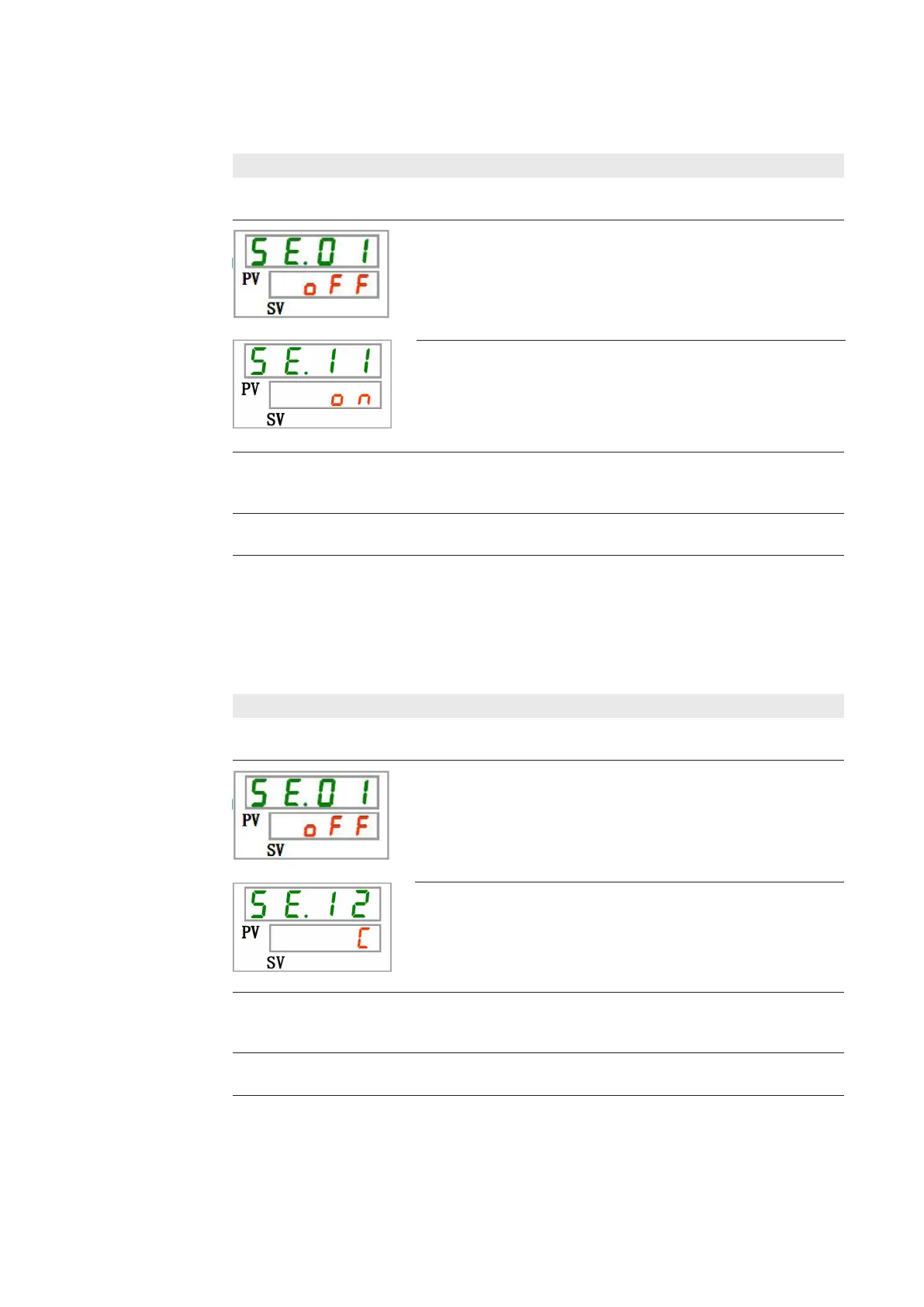
► Setting level SE.01 (Activating key-lock) is shown.
4. Use the ARROW buttons to make the required setting:
Display shows [C]: Temperature unit is degree Celsius
Display shows [F]: Temperature unit is degree Fahrenheit
5. Press the MENU button again.
► The entered setting will be saved.
3. Press the button SEL for 11 times.
► Setting level SE.12 is shown.
Activating and
deactivating key
tones
Activating / deactivating key tones:
1. Press the button MENU for 2 seconds.
► Monitoring menu appears.
2. Press the button MENU again for 2 seconds.
► Setting level SE.01 (Activating key-lock) is shown.
4. Use the ARROW buttons to make the required setting:
Display shows [oFF]: Key tones deactivated
Display shows [on] : Key tones activated
5. Press the MENU button again.
► The entered setting will be saved.
3. Press the button SEL for 10 times.
► Setting level SE.11 is shown.
This setting is used to activate or deactivate the key tones.
IMPORTANT! Factory set item is [ON].




 To Next Page