108
Filling the coo-
ling circuit
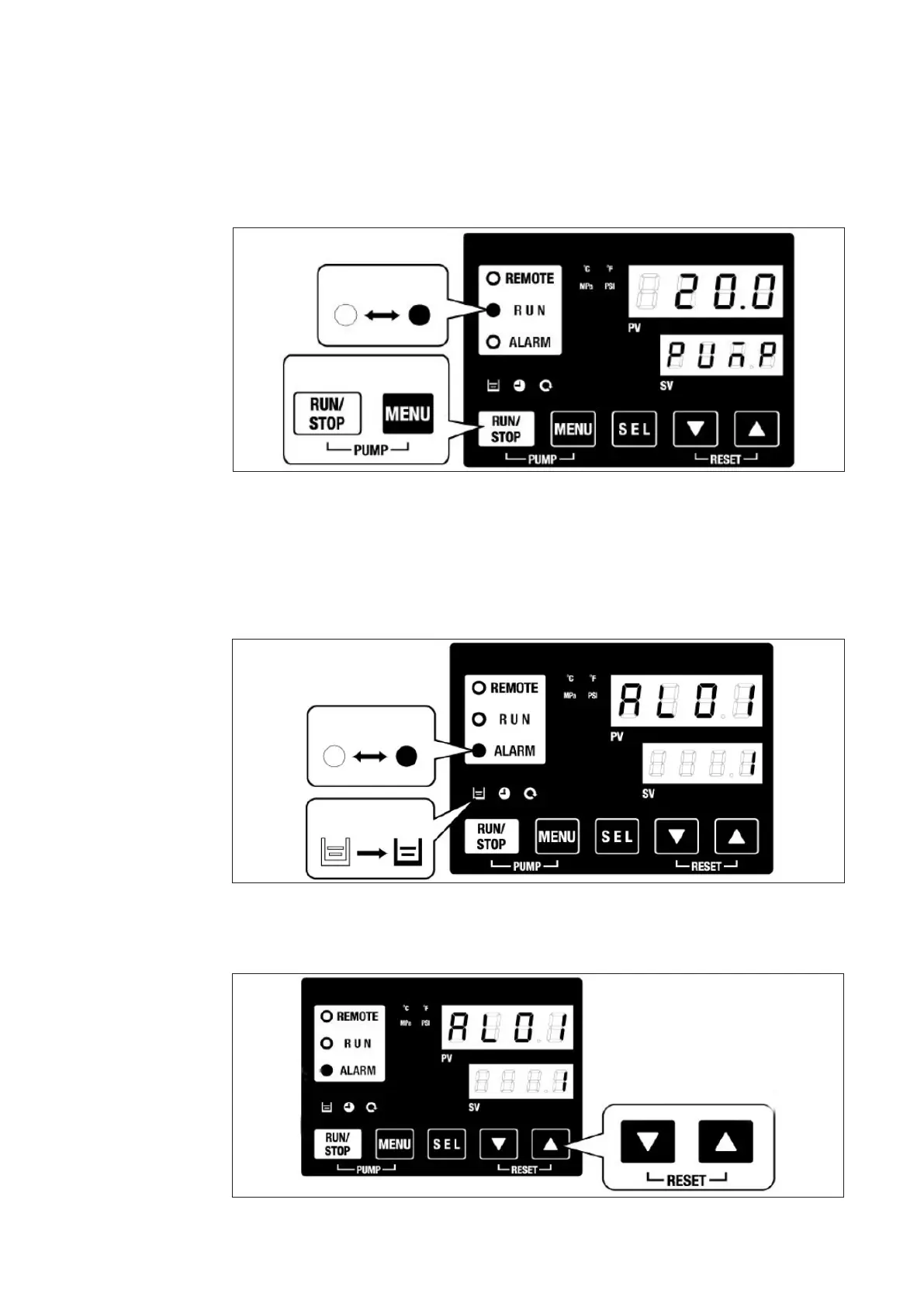
1. Press the buttons RUN / STOP and MENU simultaneously: PUMP function.
► The pump is put into operation.
► The RUN indicator LED ashes green.
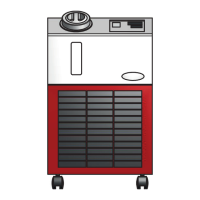
When using the water chiller for the rst time, the entire cooling circuit must be lled with
cooling liquid.
Proceed as follows:
2. Due to the pumping process, the lling level in the cooling liquid tank can drop to
the lower limit.
► An acoustic warning signal sounds.
► Alarm AL01 (low level) is shown on PV display.
► The ALARM indicator LED ashes red.
► The uid level indicator lights up.
► The pump is stopped.
3. Press both ARROW buttons simultaneously: RESET function.
► The acoustic alarm signal is switched o.



 To Next Page