X20/X20S and Ethos v1.0.11 User Manual
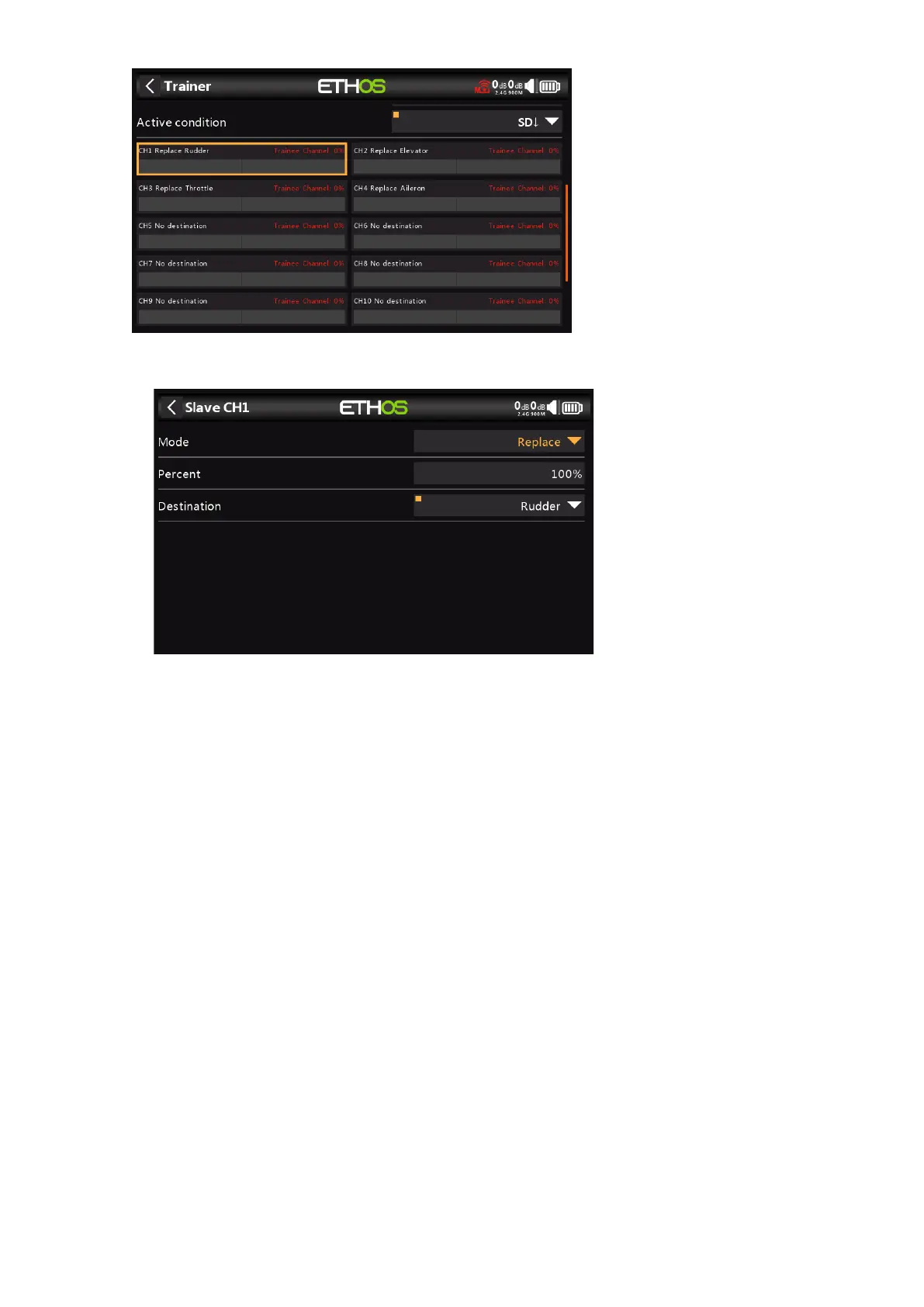
Tap on each channel to configure it individually:
Mode
OFF: disables the channel for trainer use.
Add: selects additive mode, where both master and slave signals are added so both
teacher and student can act upon the function.
Replace: replaces the master radio's control with the student's, so the student has full
control while the 'Active Condition' is active. This is the normal mode of use.
Percent
Normally set to 100%, but can be used to scale the Slave input.
Destination
Maps the slave radio's channel to the corresponding function.



 To Next Page