X20/X20S and Ethos v1.0.11 User Manual
Range
A range check should be done at the field when the model is ready to fly.
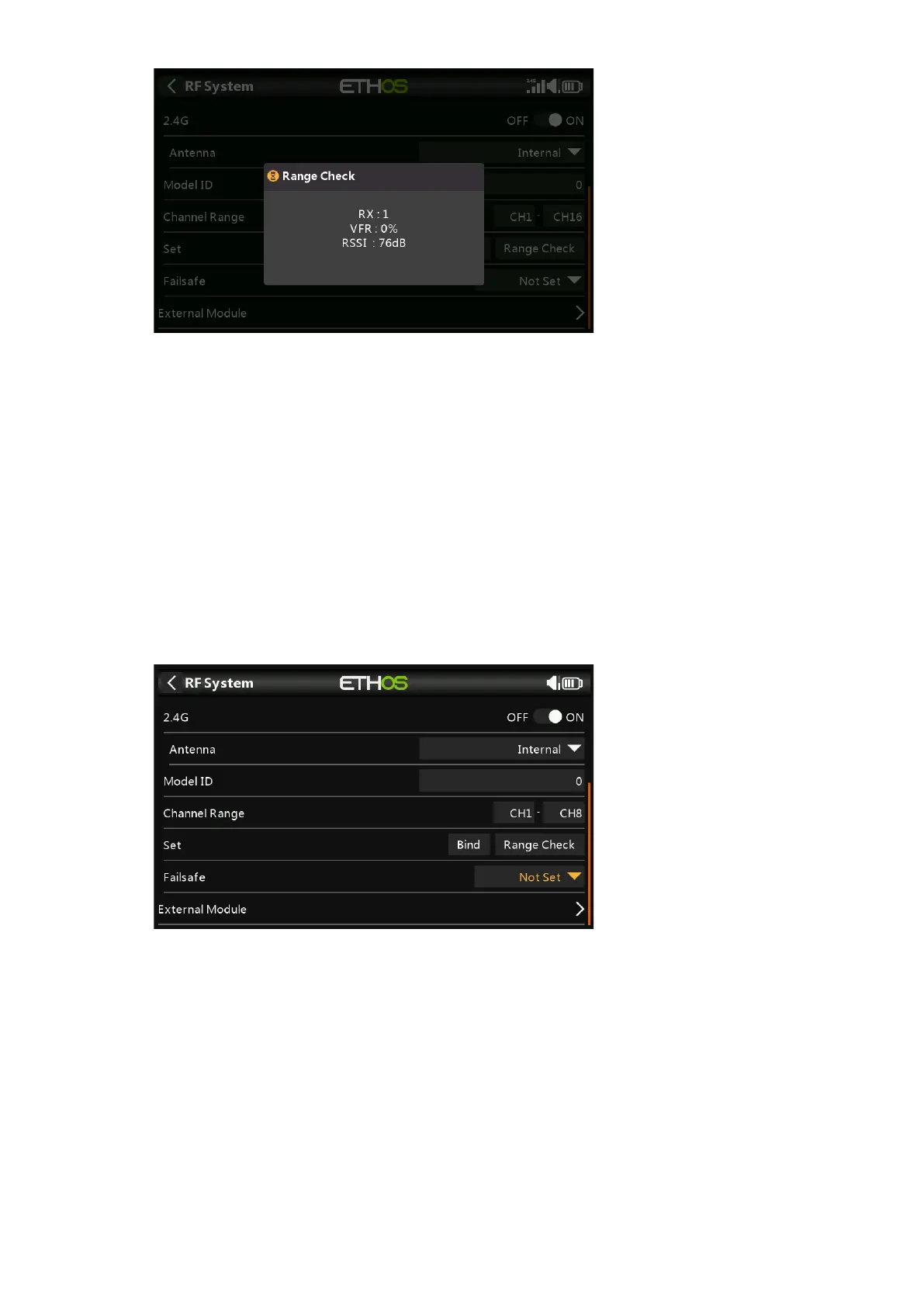
Range check is activated by selecting 'Range'. A voice alert will announce ‘Range
Check’ every few seconds to confirm that you are in range check mode. A popup will
display the Receiver Number, and the VFR% and RSSI values to evaluate how
reception quality is behaving. When the Range Check is active, it reduces transmitter
power, which in turn reduces the range for range testing. Under ideal conditions, with
both the radio and receiver at 1m above the ground, you should only get a critical
alarm at about 30m apart.
Please refer to the Telemetry section for a discussion on VFR and RSSI values.
Set Failsafe
The Failsafe mode determines what happens at the receiver when the transmitter
signal is lost.
Tap on the drop-down box to see the failsafe options:



 To Next Page