Connecting e xternal devices
Connecting external audio devices
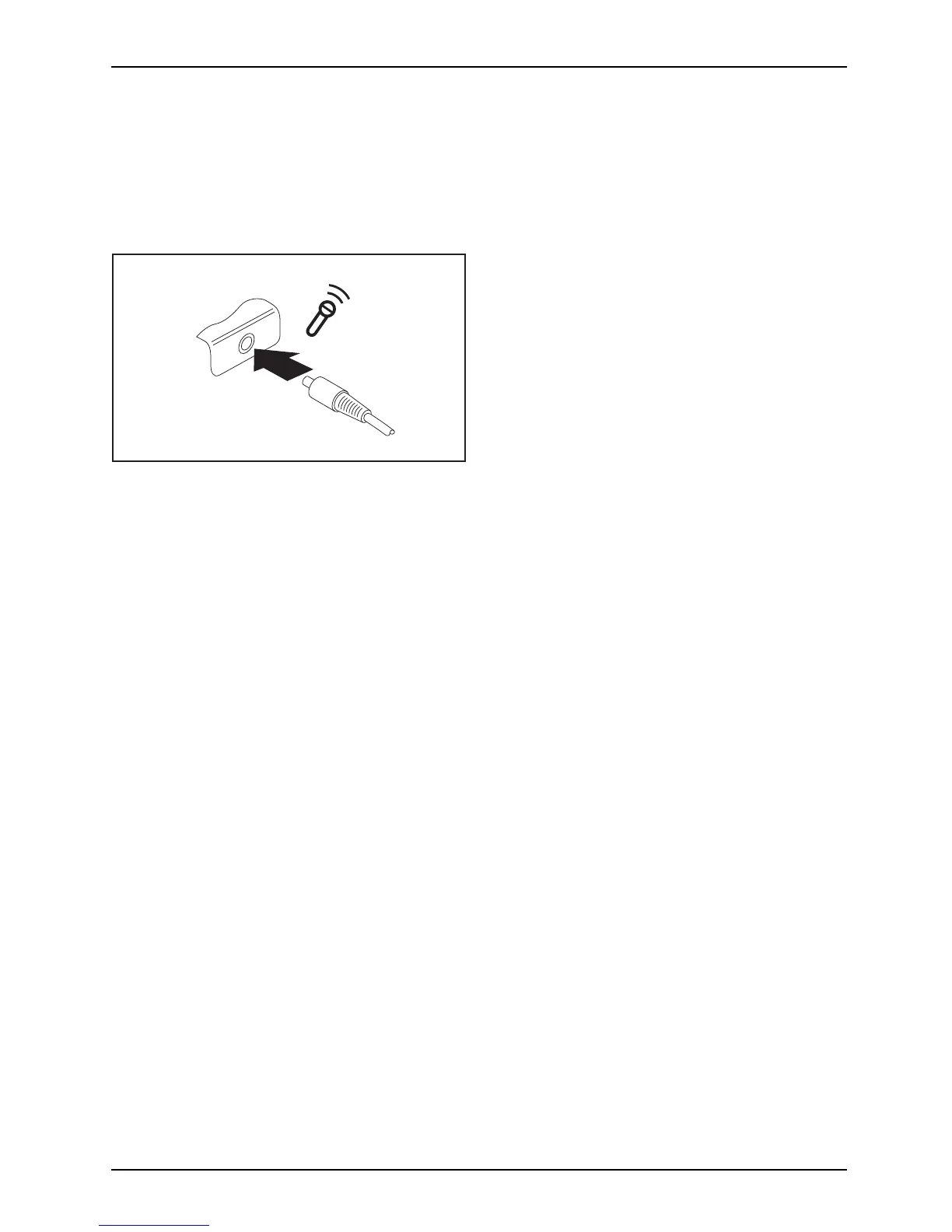
Microphone port / Lin e In
Audiodevices ,connectingAudioportsMicrop hone,connect i ng
The m icrophone port/Line In allows you to connect an external microphone, a MiniDisc
player, MP3 player, CD player or a tape deck to your notebook.
► Connect the data cable to the
external device .
► Connect the data cable to the mic
rophone
port/Line In of the notebook.
AMILO Notebook operating manual, edition 3 61


 To Next Page