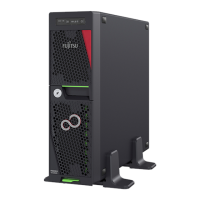
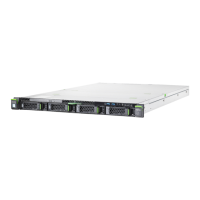
Figure 137: Removing the M.2 SSD (B)
▶
Remove the M.2 SSD out of the M.2 lock (1).
▶
Remove the M.2 SSD out of the M.2 SSD slot in direction of the arrow (2).
Figure 138: Closing the M.2 lock
▶
Close the M.2 lock.
System board and components
TX1310 M5 Upgrade and Maintenance Manual 203



 To Next Page
 Loading...