20
Initial Setups
EN
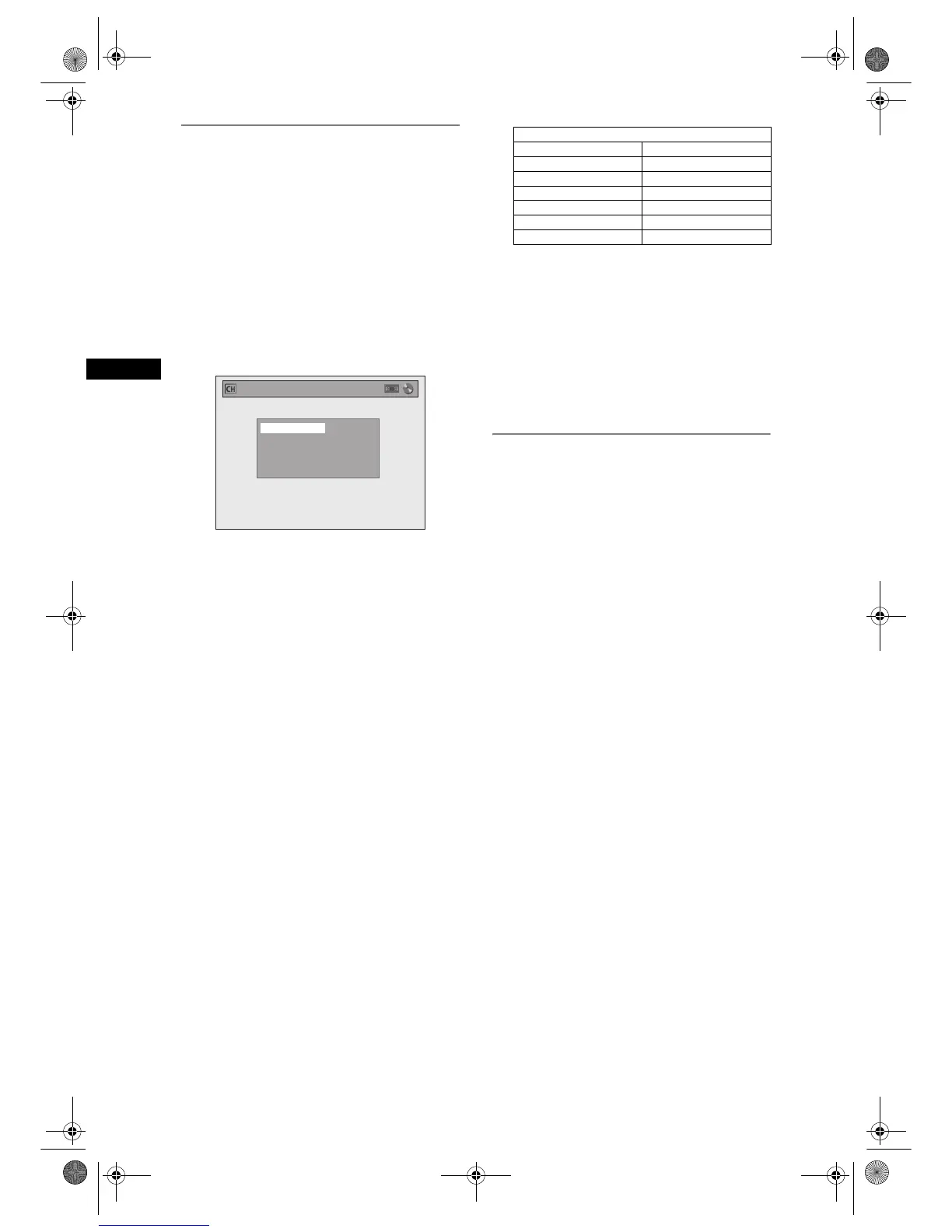
Manual Tuning
Manually tune each channel.
1 In stop mode, press [SETUP]. Select
“General Setting” using [U / D],
then press [ENTER].
2 Select “Channel” using [U / D], then
press [ENTER].
3 Select “Manual Tuning” using
[U / D], then press [ENTER].
4 Select “Position” using [U / D], then
press [P].
“P01” is highlighted.
5 Select the position number you wish
to use using [the Number buttons] or
[U / D], then press [L].
You can select position numbers 01 to 99.
6 Select “Channel” using [U / D], then
press [P].
7 Press [U / D] to start scanning.
• The tuner will begin to search up or down
automatically. When a channel is found, the unit
will stop searching and the picture will appear
on the TV screen.
• You can select a desired channel number using
[the Number buttons]. Refer to the following
Channel Plan table and press the three digits to
select the channel number.
(To select channel 4, press [0] first and then
press [0] and [4]. Or press [4] and then “– – 4”
appears and wait for 2 seconds.)
• If this is the channel you want, press [L].
This unit can receive the Hyper and Oscar
frequency bands.
• If “Skip” is set to “ON”, select “Skip” using
[U / D], then press [P]. Select “OFF” using
[U / D], then press [L].
• If you want to decode scrambled signals, select
“Decoder” using [U / D], then press [P]. Select
“ON” using [U / D], then press [L].
• To store another channel, repeat steps 4 to 7.
8 After completion, press [SETUP] to
exit.
To Select a Channel
You can select a channel using [PROG. U / D], or
directly enter the channel using [the Number
buttons] on the remote control.
Notes on using [the Number buttons]:
• Enter channel numbers as a two-digit number for
the quickest result. For example, to select channel
6, press [0] and [6]. If you only press [6], channel 6
will be selected after 2 seconds. You can only select
channels 1 to 99.
• You can select the external input mode “AV1”, “AV2”
or “AV3”.
•To select “AV1”, press [0], [0], [1].
•To select “AV2”, press [0], [0], [2].
•To select “AV3”, press [0], [0], [3].
Manual Tuning
Channel
Decoder
Skip
Position
1
OFF
ON
P01
Channel Plan
CH Indication TV Channel
02 – 12 E2 – E12
21 – 69 E21 – E69
74 – 78 X, Y, Z, Z+1, Z+2
80 – 99,100 S1 – S20,GAP
121 – 141 S21 – S41
142 – 153 R1 – R12
E9G04ED_EN.book Page 20 Tuesday, March 27, 2007 10:27 AM



 To Next Page