31
Recording / Dubbing
EN
Checking, Cancelling or Correcting
the Timer Programming Information
1 Press [T-SET] so that the icon
disappears from the front panel
display.
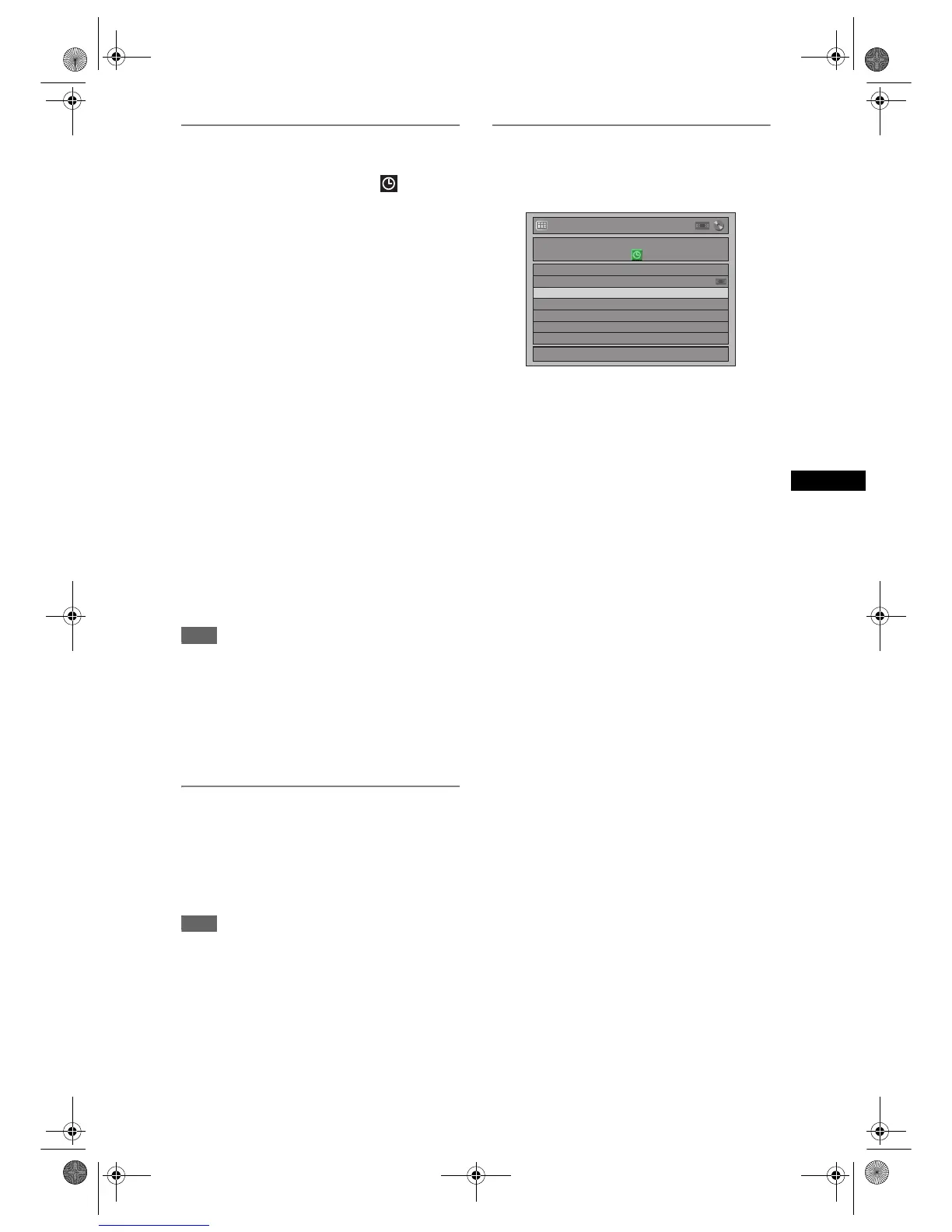
2 Press [TIMER PROG.].
Timer Programming list will appear.
3 Check the information on the list you
want to edit.
4 A) To delete the timer programme:
1) Select the programme you want to delete using
[U / D], then press [ENTER].
2) Select “Delete” using [U / D], then press
[ENTER].
Confirmation window will appear.
3) Select “Yes” using [U / D], then press
[ENTER].
B) To correct the timer programme:
1) Select the programme you want to correct
using [U / D], then press [ENTER].
2) Select “Program Change” using [U / D], then
press [ENTER].
3) Correct the timer programme by using
[U / D / L / P], then press [ENTER].
5 Press [TIMER PROG.] to exit.
6 Press [T-SET] to return to the timer-
standby mode.
To check the timer programming in process
Press [TIMER PROG.].
Note
• If a timer recording is proceeding, that programme is
highlighted in red. In such a case, you cannot select
any other programmes.
• When you check the timer programming in progress
by pressing [TIMER PROG.] during operations of
the component (DVD or VCR) which is not currently
used for the timer recording, the programme will not
be highlighted. In this case, you cannot select other
programmings.
To Stop the Timer Recording in
Progress
On the front panel of the unit, press
[STOP
S
] to stop the disc recording or
[STOP / EJECT
SO
] to stop the tape
recording.
Note
• [STOP S] on the remote control is not effective.
If the Timer Programming did not
Complete Correctly
The error number appears on the Timer Programming
list.
The error programme will be displayed in grey
with an error number.
The error numbers indicate:
E1–E22,
E37–E39: Recording error
E23–E24: Unrecordable disc
E25 : • Copy prohibited programme
• Cannot record because of the NTSC /
PAL-60 signal is received.
E26–E28: Copy prohibited programme
E29 : Disc protected
E30 : Disc full
E31 : Already recorded 99 titles (Video
mode)
E32 : Already recorded 99 titles (VR mode)
E33 : Already recorded 999 chapters
E34 : No space for Control Information
E35 : PCA (Power Calibration Area) full
E36 : Already finalised Video format disc
E40 : • There are some unrecorded parts due
the overlapped timer programmes.
• Recording did not start at the start
time.
• There is no tape in the cassette
compartment.
• Tape recording reaches to the tape
end during timer recording.
E41 : Power failure
E42 : No disc
E45 : Copy prohibited programme
The error programme will be deleted once you
check the error in the programme list, or once you
cancel the timer-standby mode and re-enter it.
Timer Programming
1/1
0:00 THU 06/12
E40
Date
06/12
Start
7:00
End
9:00
CH
P11
New Program
E9G04ED_EN.book Page 31 Tuesday, March 27, 2007 10:27 AM



 To Next Page