27
Recording / Dubbing
EN
Hint
• If you select “Stereo”:
The audio will be recorded as “stereo audio”.
• If you select “Bilingual”:
The audio will be recorded as “bilingual audio” (see
“Setting Bilingual Recording Audio” below for more
detail).
Setting Bilingual Recording Audio
You can select either “Main” or “Sub” audio to record a
bilingual broadcast in Video mode.
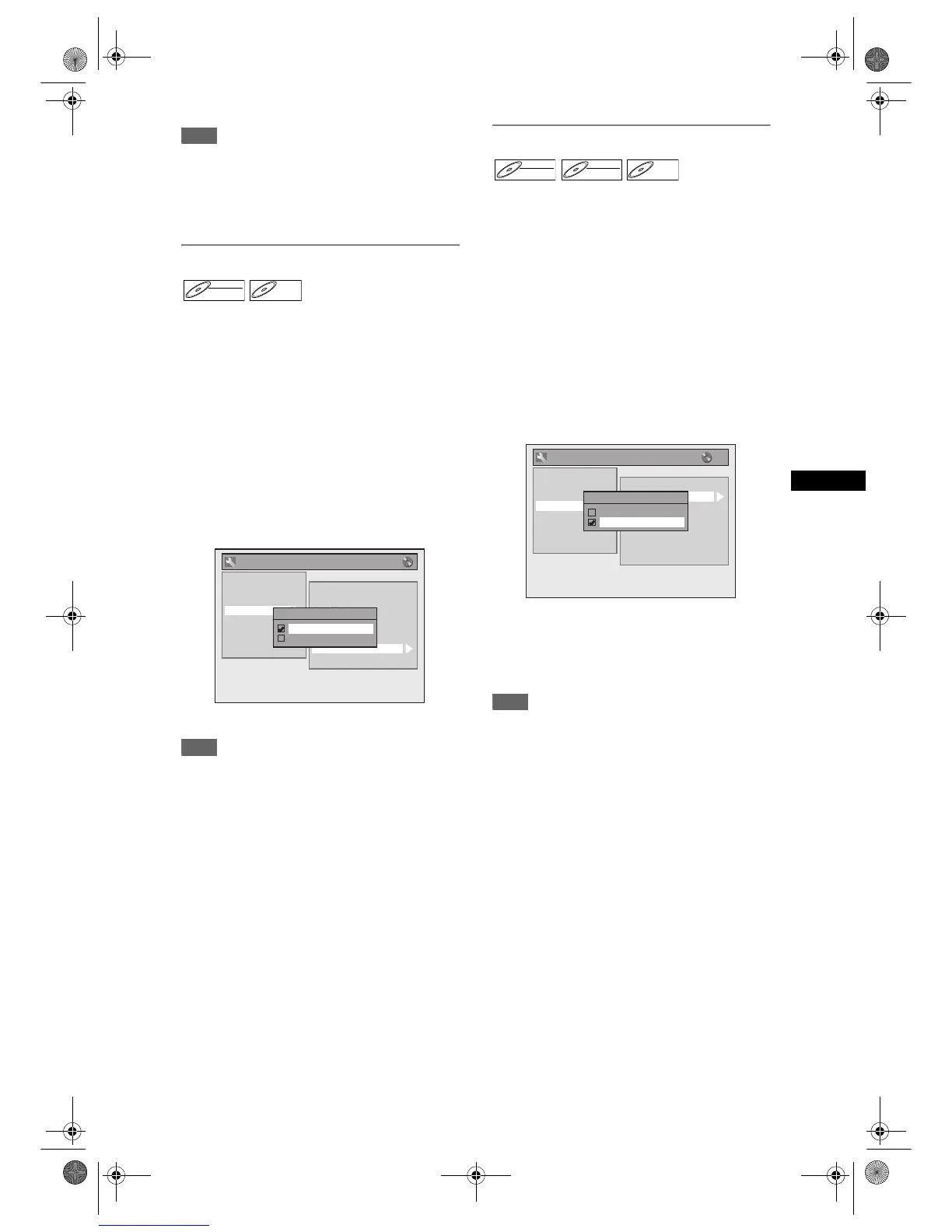
1 In stop mode, press [SETUP]. Select
“General Setting” using [U / D],
then press [ENTER].
2 Select “Recording” using [U / D],
then press [ENTER].
3 Select “Bilingual Recording Audio”
using [U / D], then press [ENTER].
4 Select “Main” or “Sub” using
[U / D], then press [ENTER].
5 Press [SETUP] to exit.
Note
• If you are recording onto a VR mode disc, both
“Main” and “Sub” will be recorded regardless of your
setting here. And when you play back, you can
choose either audio format or a combination of both
as your playback audio.
Recording Audio Select (1H)
You can enjoy high quality sound recording. This
function works only when the recording speed is set
at 1H.
1 In stop mode, press [SETUP]. Select
“General Setting” using [U / D],
then press [ENTER].
2 Select “Recording” using [U / D],
then press [ENTER].
3 Select “Recording Audio Select
(1H)” using [U / D], then press
[ENTER].
4 Select “PCM” or “Dolby Digital”
using [U / D], then press [ENTER].
PCM: Records PCM audio for the best
quality sound.
Dolby Digital: Records Dolby Digital audio for good
quality sound.
5 Press [SETUP] to exit.
Note
• “PCM” stands for Pulse Code Modulation. It
changes analogue sound to digital sound without
compressing audio data.
• When the recording speed is set at other than 1H,
the unit records “Dolby Digital” audio automatically
even if you selected “PCM”.
DVD-RWDVD-RW
Video
DVD-RDVD-R
General Setting
Auto Chapter
Recording Audio Select (1H)
Auto Finalise
Aspect Ratio (Video mode)
Dubbing Mode
Make Recording Compatible
Bilingual Recording Audio
External Input Audio
Playback
Display
Video
Clock
Channel
DivX
Reset All
Recording
Bilingual Recording Audio
Main
Sub
DVD-RWDVD-RW
Video
DVD-RWDVD-RW
VR
DVD-RDVD-R
General Setting
Auto Chapter
Recording Audio Select (1H)
Auto Finalise
Aspect Ratio (Video mode)
Dubbing Mode
Make Recording Compatible
Bilingual Recording Audio
External Input Audio
Playback
Display
Video
Clock
Channel
DivX
Reset All
Recording
Recording Audio Select (1H)
PCM
Dolby Digital
E9G04ED_EN.book Page 27 Tuesday, March 27, 2007 10:27 AM



 To Next Page