21
Initial Setups
EN
To Skip a Preset Channel
You can set the unit to skip channels. You can no
longer receive or seldom watch when you access
channels using [PROG. U / D].
1 Follow steps 1 to 3 in “Manual
Tuning” on page 20.
2 Select “Position” using [U / D], then
press [P].
3 Select the position number you wish
to skip using [the Number buttons]
or [U / D], then press [L].
4 Select “Skip” using [U / D], then
press [P].
5 Select “ON” using [U / D], then
press [L].
• To skip another channel, repeat steps 2 to 5.
6 Press [SETUP] to exit.
Move
You can replace two channels.
1 In stop mode, press [SETUP]. Select
“General Setting” using [U / D],
then press [ENTER].
2 Select “Channel” using [U / D], then
press [ENTER].
3 Select “Move” using [U / D], then
press [ENTER].
4 Select the position number of which
you want to change the channel
using [U / D], then press [ENTER].
You cannot select a position number where
“– – –” appears next to the number, because
“Skip” is set to “ON” for that position number.
5 Move the channel to another
position number using [U / D], then
press [ENTER].
• To move another channel, repeat steps 4 to 5.
6 Press [SETUP] to exit.
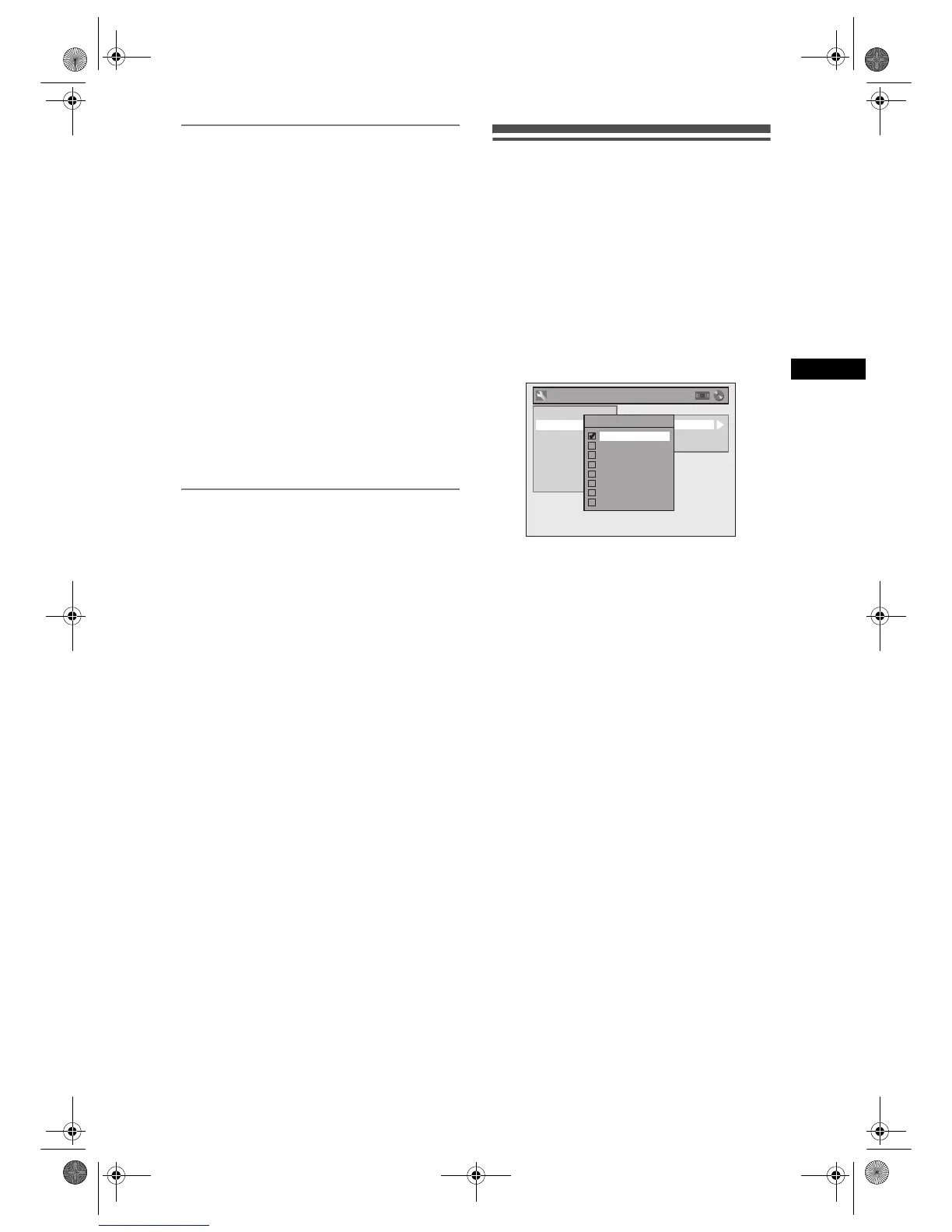
Selecting the On-Screen Display
(OSD) Language
1 In stop mode, press [SETUP]. Select
“General Setting” using [U / D],
then press [ENTER].
2 Select “Display” using [U / D], then
press [ENTER].
3 Select “OSD Language” using
[U / D], then press [ENTER].
4 Select the appropriate OSD language
using [U / D], then press [ENTER].
5 Press [SETUP] to exit.
General Setting
Playback
Display
Video
Recording
Clock
Channel
DivX
Reset All
OSD Language
Screen Saver
FL Dimmer
OSD Language
English
Deutsch
РУССКИЙ
Česky
Magyar
Polski
Romania
Български
E9G04ED_EN.book Page 21 Tuesday, March 27, 2007 10:27 AM



 To Next Page