34
Recording / Dubbing
EN
Settings for External Equipment
Connection to External Equipment
Connect the external equipment using either the input
jacks, AV1, AV2 (Rear) or AV3 (Front). However, for
AV3 jacks, you have to select S-VIDEO input or
VIDEO input jacks depending on the connected
devices.
Use a commercially available Scart, S-Video or Video
cable and an Audio cable for this connection.
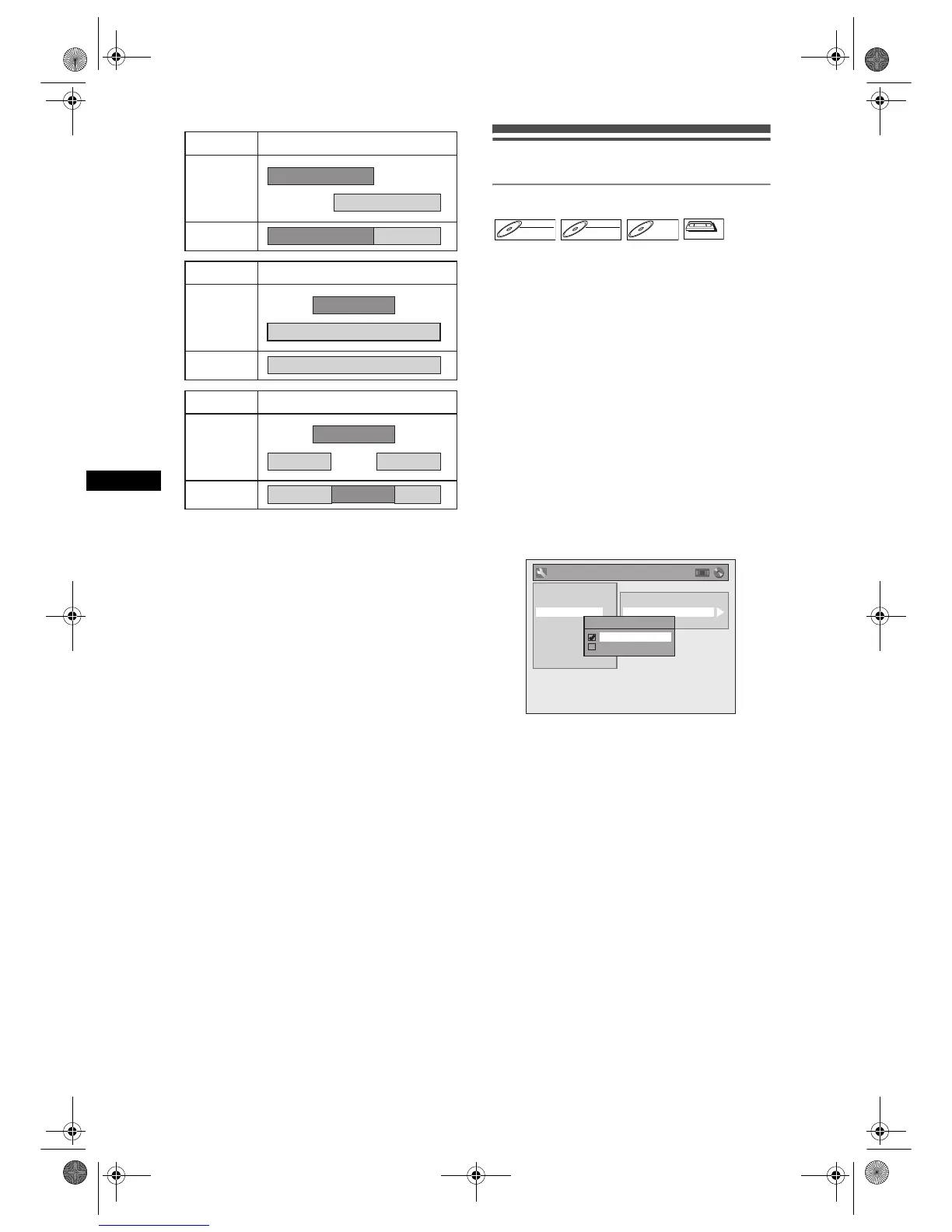
1 In stop mode, press [SETUP]. Select
“General Setting” using [U / D],
then press [ENTER].
2 Select “Video” using [U / D], then
press [ENTER].
3 Select “Select Video” using [U / D],
then press [ENTER].
4 Select the input jack type to be used
using [U / D], then press [ENTER].
• If you want to use VIDEO input jack (Composite),
select “Video In”.
• If you want to use S-VIDEO input jack, select
“S-Video In”.
5 Press [SETUP] to exit.
Example 1
Example 2
Example 3
Timer
Recording
Satellite Link
Actual
Recording
Timer
Recording
Satellite Link
Actual
Recording
Timer
Recording
Satellite Link
Actual
Recording
DVD-RWDVD-RW
Video
DVD-RWDVD-RW
VR
DVD-RDVD-R
VCR
VCR
TV Aspect
Select Video
Video Out
General Setting
Playback
Display
Clock
Channel
DivX
Reset All
Recording
Video
Select Video - AV3(Front)
Video In
S-Video In
E9G04ED_EN.book Page 34 Tuesday, March 27, 2007 10:27 AM



 To Next Page