22
Initial Setups
EN
Setting the Clock
Manual Clock Setting
1 In stop mode, press [SETUP]. Select
“General Setting” using [U / D],
then press [ENTER].
2 Select “Clock” using [U / D], then
press [ENTER].
3 Press [ENTER] again.
Default date will appear.
4 Enter the date (day / month / year)
using [U / D].
Press [P] to move the cursor to the next field. If
you wish to go back to the previous field, press
[L].
5 Enter the time (hours / minutes)
using [U / D], then press [ENTER].
The clock will start.
• Although seconds are not displayed, they will be
counted from zero.
6 Press [SETUP] to exit.
Note
• Your clock setting will be lost if either there is a
power failure or the unit is unplugged for more than
30 seconds.
Selecting the TV Aspect Ratio
You can select the TV aspect ratio to match the format
of the programme you are playing back with the unit
and that of your TV screen (4:3 standard or 16:9 wide
screen TV).
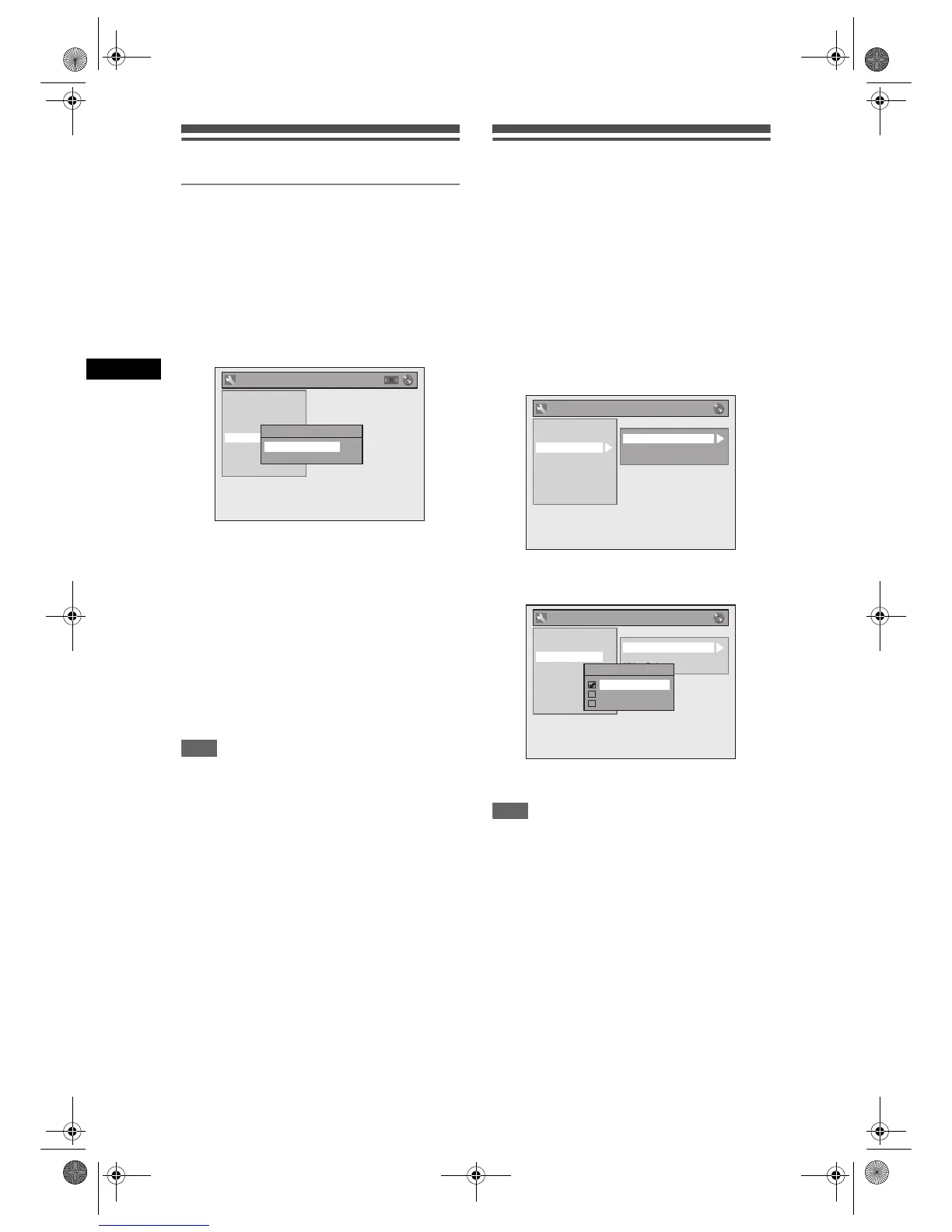
1 In stop mode, press [SETUP]. Select
“General Setting” using [U / D],
then press [ENTER].
2 Select “Video” using [U / D], then
press [ENTER].
3 Select “TV Aspect” using [U / D],
then press [ENTER].
4 Select the desired option using
[U / D], then press [ENTER].
5 Press [SETUP] to exit.
Hint
If you have a standard TV:
• Select “4:3 Letter Box” for a full width picture
with black bars at the top and bottom.
• Select “4:3 Pan & Scan” for a full height picture
with both sides trimmed.
If you have a wide screen TV:
• Select “16:9 Wide”.
General Setting
Playback
Display
Video
Recording
Clock
Channel
DivX
Reset All
Clock Setting
01 / 01 / 2007 ( MON )
0 : 00
General Setting
Playback
Display
Video
Recording
Clock
Channel
DivX
Reset All
TV Aspect
Select Video
Video Out
General Setting
Playback
Display
Video
Recording
Clock
Channel
DivX
Reset All
TV Aspect
Select Video
Video Out
TV Aspect
4:3 Letter Box
4:3 Pan & Scan
16:9 Wide
E9G04ED_EN.book Page 22 Tuesday, March 27, 2007 10:27 AM



 To Next Page