69
VCR Functions
EN
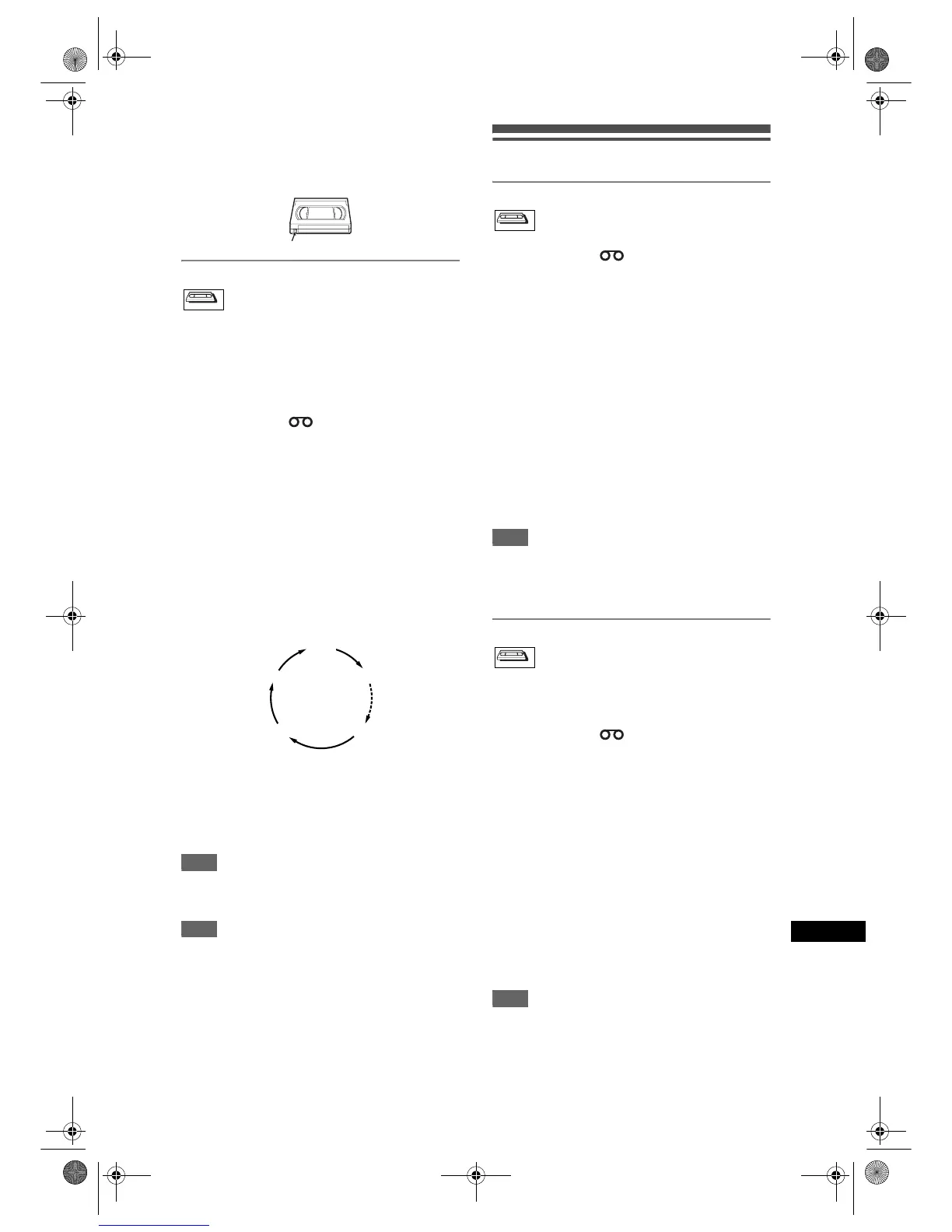
Accidental erasure prevention
To prevent accidental recording on a recorded
cassette, remove its record tab. To record on it later,
cover the hole with cellophane tape.
One-touch Timer Recording
This feature allows you to set the recording length
simply by pressing [REC / OTR].
1 Turn on the unit and insert a
recordable tape.
Make sure that the TV input is set on the unit.
2 Press [VCR ].
3 Select the recording speed using
[REC SPEED]. (See page 68.)
4 Select the desired channel to record
using [PROG. U / D] or
[the Number buttons].
5 Press [REC / OTR] repeatedly until
the desired recording time (30
minutes to 8 hours) appears on the
TV screen.
One-touch Timer Recording will start.
• When the unit reaches the specified time, it will be
turned off automatically.
• To change the recording length during One-touch
Timer Recording, press [REC / OTR] repeatedly
until the desired length appears.
• To cancel One-touch Timer Recording within the
specified time, press [STOP S].
Hint
• The remaining recording time will appear on the TV
screen during One-touch Timer Recording. Press
[DISPLAY] to see it on the TV screen.
Note
• If VCR One-touch Timer Recording is completed
during DVD playback or recording, the VCR will be
in stop mode and the DVD keeps the current mode.
• You cannot use the pause function during One-
touch Timer Recording.
• When One-touch Timer Recording is finished and
the power is turned off, the unit will switch to the
timer-standby mode automatically if a timer
recording has been programmed. Press
[T-SET] to cancel the timer-standby mode in order
to use the unit continuously.
Search
Index Search
1 Press [VCR ].
2 Press [SEARCH] so that the index
search menu appears.
3 Enter the number of recordings you
wish to skip using
[the Number buttons] within 30
seconds.
4 Press [f] or [r] to start index
search.
If you want to go in the forward direction, press
[f].
If you want to go in the reverse direction, press
[r].
After index search, the VCR will play back the
tape automatically.
Note
• This function is not available during recording.
• Every time a tape is recorded, an index mark is
written on the tape.
• You can make the index mark up to 20.
Time Search
This feature allows you to go to a specific point on a
tape by entering the exact amount of time you wish to
skip in order to reach the point.
1 Press [VCR ].
2 Press [SEARCH] repeatedly until the
time search menu appears.
3 Enter your desired time to skip using
[the Number buttons] within 30
seconds.
4 Press [f] or [r] to start time
search.
If you want to go in the forward direction, press
[f].
If you want to go in the reverse direction, press
[r].
After time search, the unit will play back the tape
automatically.
Note
• This function is not available during recording.
•Press [STOP S] to stop the search.
• If the tape reaches the end during the search, this
unit will cancel it and rewind the tape.
• You can set the time up to 9:59.
Record tab
VCRVCR
0:30
8:00 7:30
1:00
Normal Recording
VCRVCR
VCRVCR
E9G04ED_EN.book Page 69 Tuesday, March 27, 2007 10:27 AM



 To Next Page