57
Editing
EN
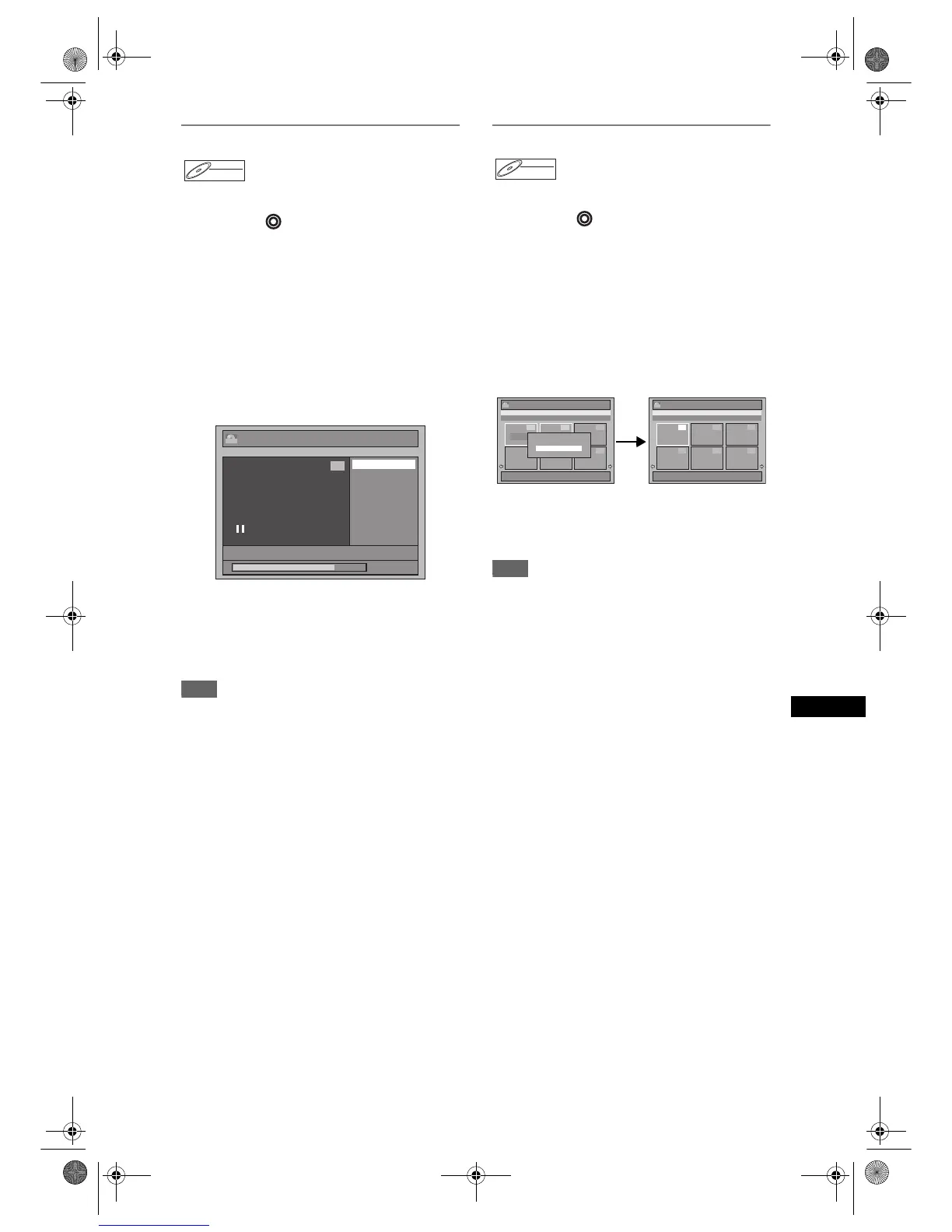
Dividing a Title
You can divide a title into two new titles.
Press [DVD ] first.
1 Follow steps 1 to 3 in “Editing Title
Name” on page 54.
2 Use [SKIP B / F], [r], [f],
[PLAY P] and [PAUSE p] to find the
point where you wish to divide the
title.
3 Select “Title Dividing” using [U / D],
then press [ENTER].
4 Select “Yes” using [U / D], then
press [ENTER].
The title is divided into two new titles with the
same title names.
5 Press [RETURN R] or [STOP S] to
exit.
Writing on the disc starts.
It may take awhile to write the data on a disc.
Note
• You cannot divide a title of the disc when the
number of recording titles reaches the maximum of
99 (-RW), and the number of recording chapters
reaches the maximum of 999 (-RW).
Combining Titles
You can combine two titles into a single title.
Press [DVD ] first.
1 Follow steps 1 to 3 in “Editing Title
Name” on page 54.
2 Select “Title Combining” using
[U / D], then press [ENTER].
3 Select another title to combine using
[U / D / L / P], then press [ENTER].
4 Select “Yes” using [U / D], then
press [ENTER].
The two titles will combine into a single title.
5 Press [RETURN R] or [STOP S] to
exit.
Writing on the disc starts.
It may take awhile to write the data on a disc.
Note
• You cannot select the same title twice and combine
it into a single title.
• If either one of the two original titles is deleted, the
combined new title is also deleted.
DVD-RW



 To Next Page