35
Recording / Dubbing
EN
Recording from External Equipment
Before recording from external equipment, see page
17 for connection instructions.
1 Turn the TV and the unit on, and
select the input of the TV to which
the unit is connected.
2 When you want to record to the disc:
Press [DVD ].
Press [OPEN / CLOSE O] to open the
disc tray, then place the disc to
record on.
Press [OPEN / CLOSE O] again to
close the disc tray.
When you want to record to a tape:
Press [VCR ].
Insert the tape with a record tab into
the cassette compartment.
3 Select the input terminal to which the
external equipment is connected.
(AV1, AV2, or AV3)
To use the input jacks on the back of the unit,
select the “AV1” or “AV2” position by pressing
[INPUT SELECT] on the remote control or using
[PROG. U
/ D].
To use the input jacks on the front of this unit,
select “AV3” position by pressing
[INPUT SELECT] on the remote control or using
[PROG. U
/ D].
• You can also select the input terminals by using
[the Number buttons]
.
-For AV1, press [0], [0], [1].
-For AV2, press [0], [0], [2].
-For AV3, press [0], [0], [3].
4 Select a recording speed using
[REC SPEED].
Refer to “Recording Speed” on page 23 for DVD
or page 68 for VCR.
5 Press [RECORD ] (DVD / VCR) on
the unit to start recording.
6 Press the PLAY button on the
external recording component.
7 For disc:
Press [STOP S] on the unit to stop
recording.
For tape:
Press [STOP / EJECT SO] on the
unit to stop recording.
Note
• During recording, if a signal other than PAL is
detected (such as NTSC), recording is paused.
• If you want to monitor the programme that you are
recording, make sure the device such as a Satellite
Box is turned off when it is connected to AV2.
Dubbing Mode
You can copy a DVD disc to a videotape or copy a
videotape to a DVD disc. This function will be
available only if the DVD disc or the tape is not copy-
protected. Before starting this function, prepare for the
recording on the DVD-RW/-R disc or the videotape.
See pages 23 and 68.
Note for recording to a tape:
• The tape’s record tab is intact.
• The videotape is long enough to record the DVD
disc.
Note for recording to a disc:
• The DVD disc is satisfied with the recording status.
See page 23.
Insert a disc and a tape with a record
tab.
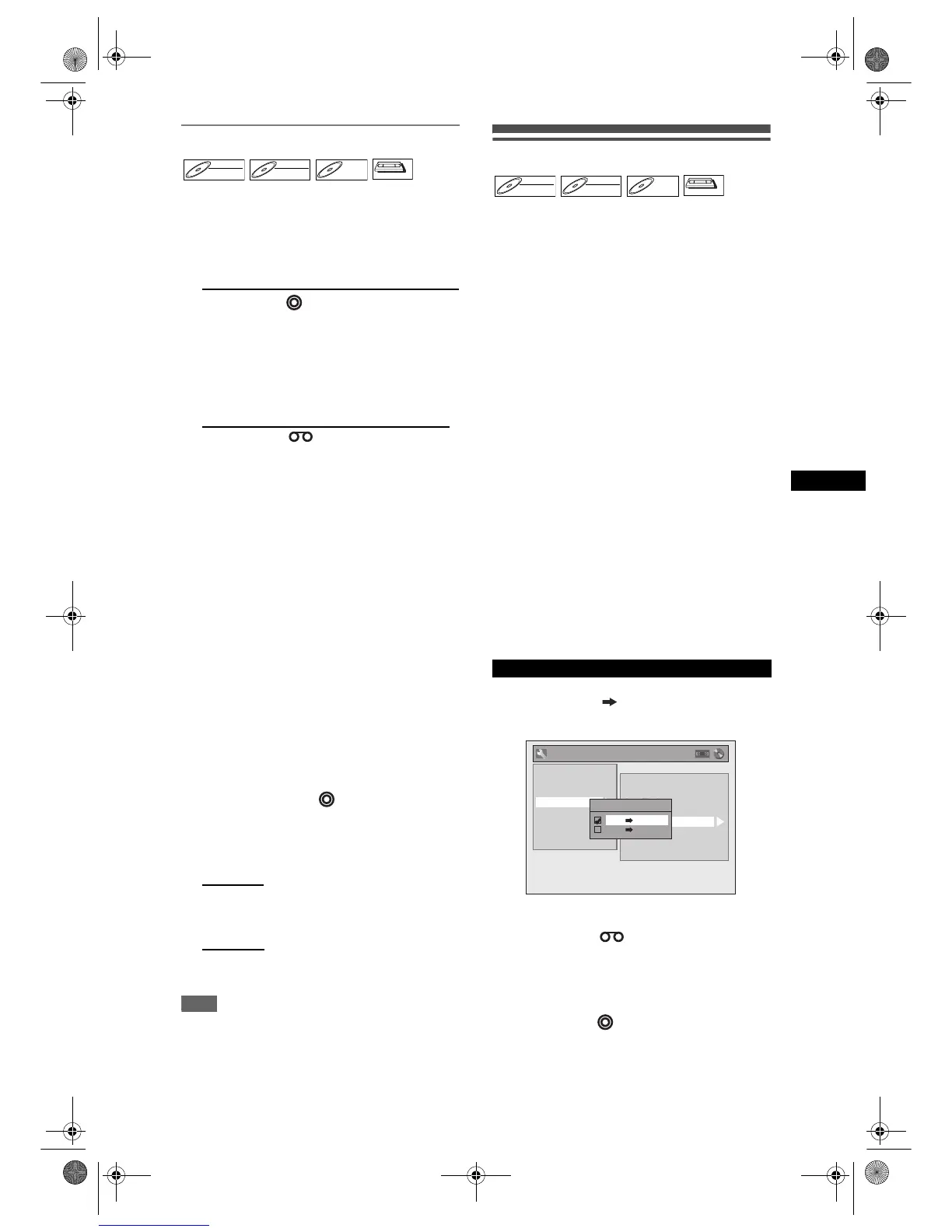
1 In stop mode, press [SETUP]. Select
“General Setting” using [U / D],
then press [ENTER].
2 Select “Recording” using [U / D],
then press [ENTER].
3 Select “Dubbing Mode” using
[U / D], then press [ENTER].
Option window will appear.
4 Select “VCR DVD” using [U / D],
then press [ENTER].
5 Press [SETUP] to exit.
6 Press [VCR ].
7 Press [PLAY P], and then press
[PAUSE p] at the point you wish to
start recording.
8 Press [DVD ].
Make sure to select a recording speed using
[REC SPEED]. (See page 23.)
DVD-RWDVD-RW
Video
DVD-RWDVD-RW
VR
DVD-RDVD-R
VCR



 To Next Page