65
Other Setups
EN
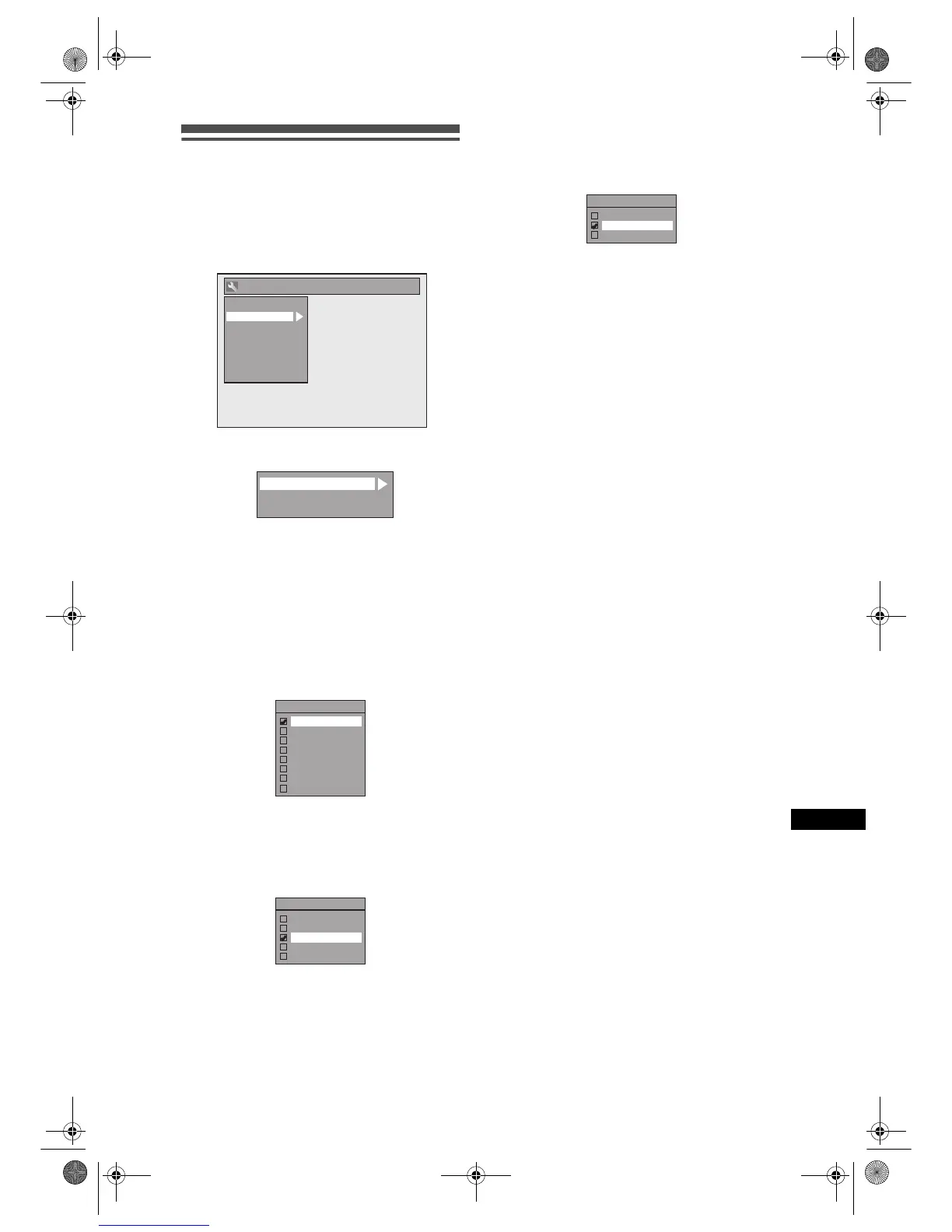
Display
1 In stop mode, press [SETUP]. Select
“General Setting” using [U / D],
then press [ENTER].
2 Select “Display” using [U / D], then
press [ENTER].
3 Select the desired item using
[U / D], then press [ENTER].
4 Refer to 1. to 3. on this page and set
the selected item.
5 When you finish with the setting,
press [SETUP] to exit.
1. OSD Language (Default: English)
Set the OSD language.
Select a language using [U / D],
then press [ENTER].
Your setting is activated.
2. Screen Saver (Default: 10 minutes)
Set the screen saver time delay.
Select a setting using [U / D], then
press [ENTER].
Your setting is activated.
3. FL Dimmer (Default: Bright)
Set the front panel display brightness.
Select a setting using [U / D], then
press [ENTER].
You can choose one from “Auto”, “Bright” or
“Dark”.
If “Auto” is selected, the display gets dark when
the power is off.
General Setting
Display
Video
Clock
Channel
DivX
Reset All
Recording
Playback
OSD Language
Screen Saver
FL Dimmer
1
2
3
OSD Language
English
Deutsch
Česky
Polski
Magyar
Русский
Romana
Блгарски
Screen Saver
OFF
5 minutes
10 minutes
15 minutes
30 minutes
FL Dimmer
Auto
Bright
Dark
E9G04ED_EN.book Page 65 Tuesday, March 27, 2007 10:27 AM



 To Next Page