67
Other Setups
EN
DivX
®
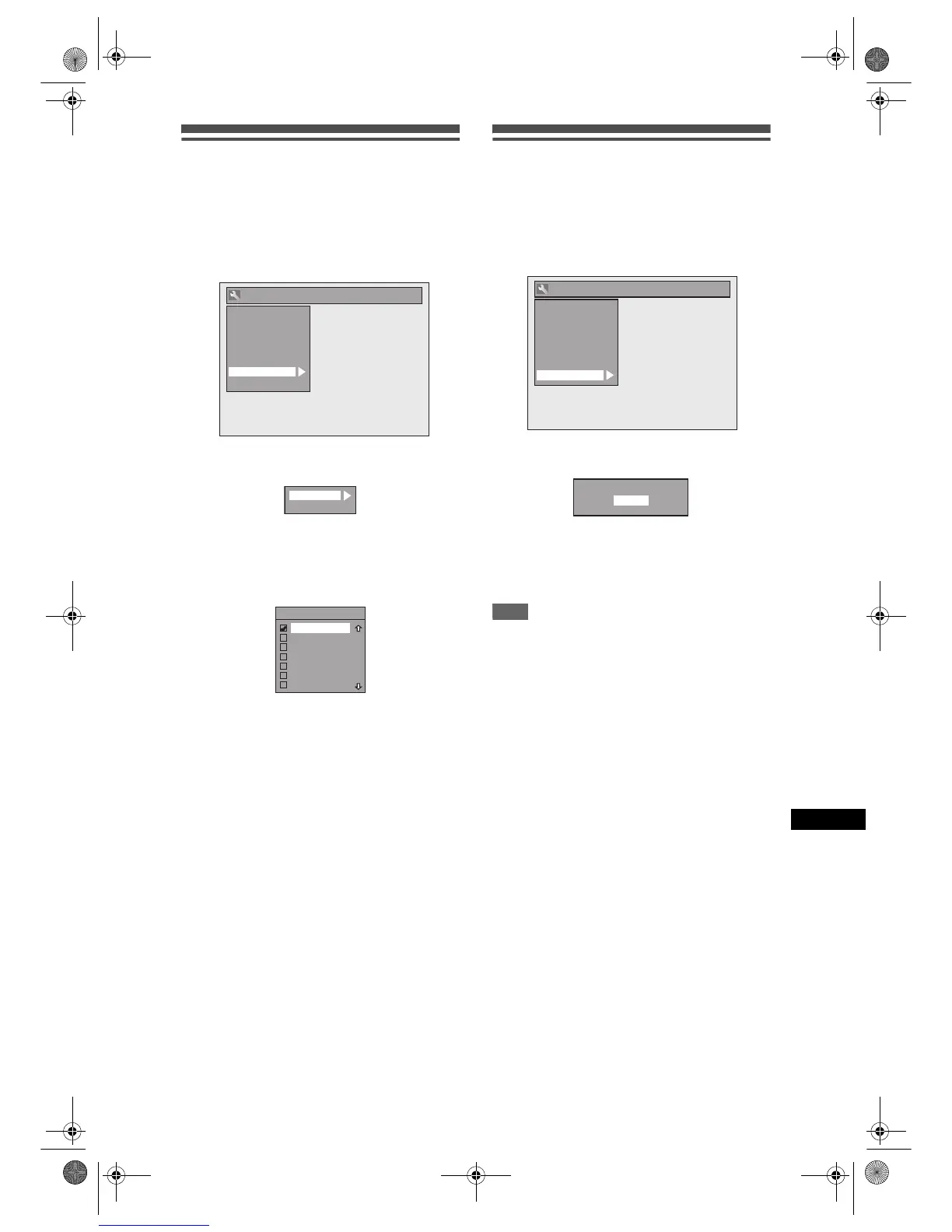
1 In stop mode, press [SETUP]. Select
“General Setting” using [U / D],
then press [ENTER].
2 Select “DivX” using [U / D], then
press [ENTER].
3 Select the desired item using
[U / D], then press [ENTER].
For DivX
®
VOD, refer to page 44 for details.
DivX Subtitle (Default: OFF)
Select the desired setting using
[U / D], then press [ENTER].
4 When you finish with the setting,
press [SETUP] to exit.
Reset All
1 In stop mode, press [SETUP]. Select
“General Setting” using [U / D],
then press [ENTER].
2 Select “Reset All” using [U / D],
then press [ENTER].
3 Select “Yes” using [U / D], then
press [ENTER].
“Are you sure?” will appear. Select “Yes” using
[U / D], and then press [ENTER].
4 When you finish with the setting,
press [SETUP] to exit.
Note
• The settings listed below will remain unchanged
even after resetting to the factory default.
- Clock setting
- Channel setting
- OSD language setting
- Parental lock setting
-DivX
®
VOD code
- Timer Programmes
General Setting
Display
Video
Clock
Channel
DivX
Reset All
Recording
Playback
DivX
®
VOD
DivX Subtitle
DivX Subtitle
OFF
English
French
Spanish
German
Italian
Swedish
General Setting
Display
Video
Clock
Channel
DivX
Reset All
Recording
Playback
Reset to factory default?
Yes
No
E9G04ED_EN.book Page 67 Tuesday, March 27, 2007 10:27 AM



 To Next Page