47
Playback
EN
Hint
• Forward / reverse speeds are indicated with icons
as follows.
Forward (Approx. Speed):
1/16x:
1/8x:
1/3x:
Reverse (Approx. Speed):
1/16x:
1/8x:
1/4x:
Note
•For some DivX
®
files, Slow forward may not
function.
• Only slow forward is available when playing back
discs with DivX
®
files.
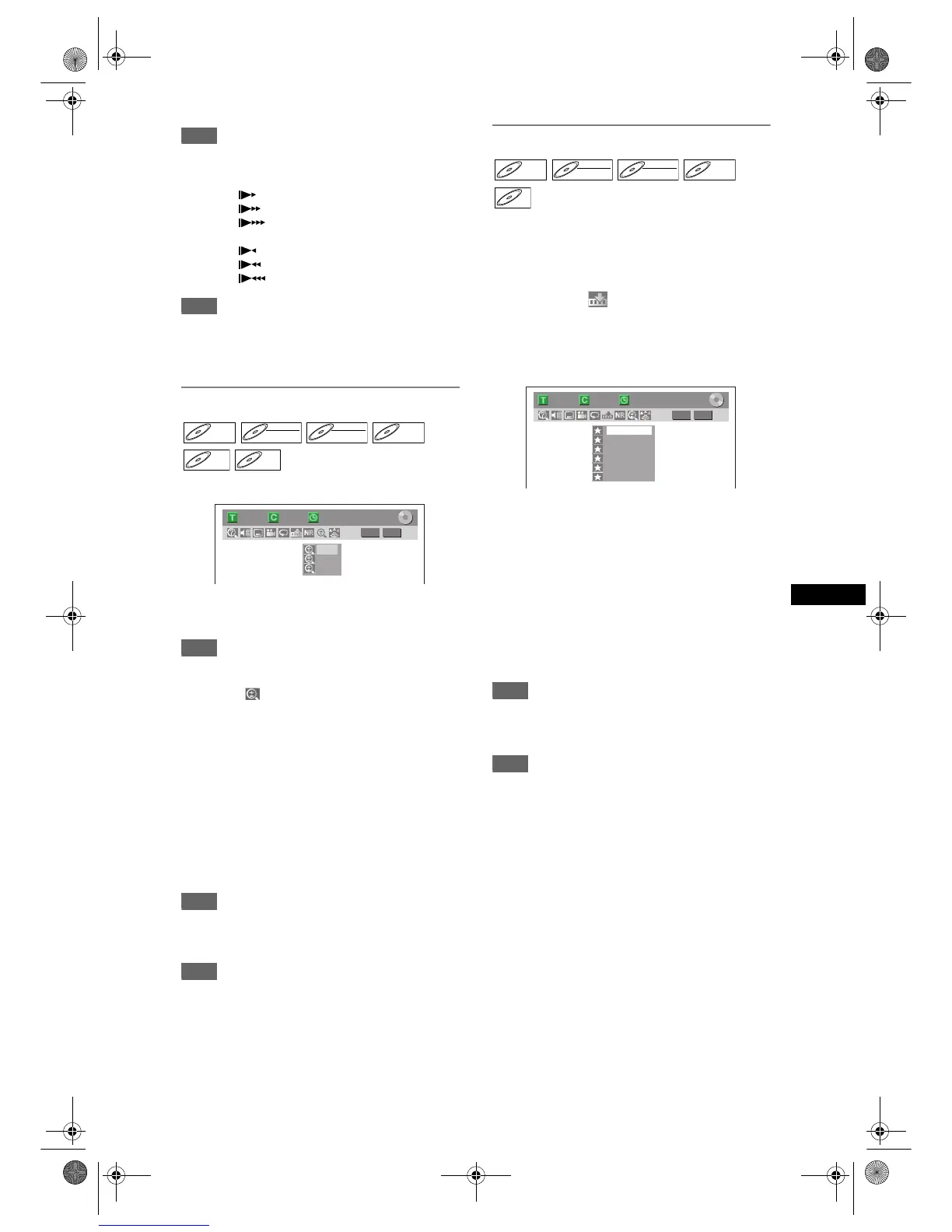
Zoom
1 During playback, press [ZOOM].
Four options are available, “x1.0”, “x1.2”, “x1.5”
and “x2.0”. These are displayed excluding the
current zoom rate.
Hint
• You can also select the zoom function by pressing
[DISPLAY]. In this case, press [DISPLAY] first,
select the icon using [L / P], and then press
[ENTER] within 1 second, or wait for 1 second to
display the selection menu.
2 Select the desired zoom factor to
zoom using [U / D], then press
[ENTER].
The zoom area is displayed.
3 Select the desired zoom position
using [U / D / L / P], then press
[ENTER].
Zoom playback will start.
Hint
• To exit the zoom menu, press [ZOOM] at step 1.
• To cancel the zoom function, select “x1.0” using
[U / D], then press [ENTER].
Note
• If selecting a smaller factor than that currently
selected, the zoom area is not displayed.
• You cannot slide the zoomed picture on some JPEG
files.
Marker Setup
You can assign a specific point on a disc to return
later.
1 During playback, press [DISPLAY].
2 Select the icon using [L / P],
then press [ENTER] within 1 second,
or wait for 1 second to display the
marker list.
Marker setup menu for DVD-Video
3 Select the desired marker number
using [U / D]. When the disc
reaches the desired point, press
[ENTER].
The title (track) number and the time are
displayed.
4 To return to the marker, select the
desired marker number using
[U / D], then press [ENTER].
Hint
• To clear a marker, select the marker number you
wish to clear, then press [CLEAR].
• You can mark up to 6 points.
Note
• All markers are erased when you perform the
following operations.
- Open the disc tray.
- Turn off the power.
- Record on a recordable disc.
- Change the mode between Original and Playlist.
(VR mode)
DVD-VDVD-V DVD-RWDVD-RW
Video
DVD-RWDVD-RW
VR
DVD-RDVD-R
JPEG



 To Next Page