50
Playback
EN
• Chapter / Track repeat function is cancelled
whenever [SKIP B / F] is pressed.
• For some DivX
®
files, A-B Repeat playback may not
function.
Random Playback
You can use this function to play back a disc randomly
instead of in the recorded order.
Press [DVD ] first.
1 In stop mode, press [SETUP].
2 Select “CD Playback Mode” using
[U / D], then press [ENTER].
CD Playback Mode menu will appear.
3 Select “Random Play” using [U / D],
then press [ENTER].
Random playback will start.
Hint
• To cancel random playback, press [STOP S] twice
during random playback. “OFF” appears on the
screen.
Note
• During random playback, if you forward the track to
the end, the playback speed of the next track will be
normal.
• During random playback, you cannot use the search
function except for the search with [SKIP B / F].
By pressing [SKIP B], you can return only to the
beginning of the current track.
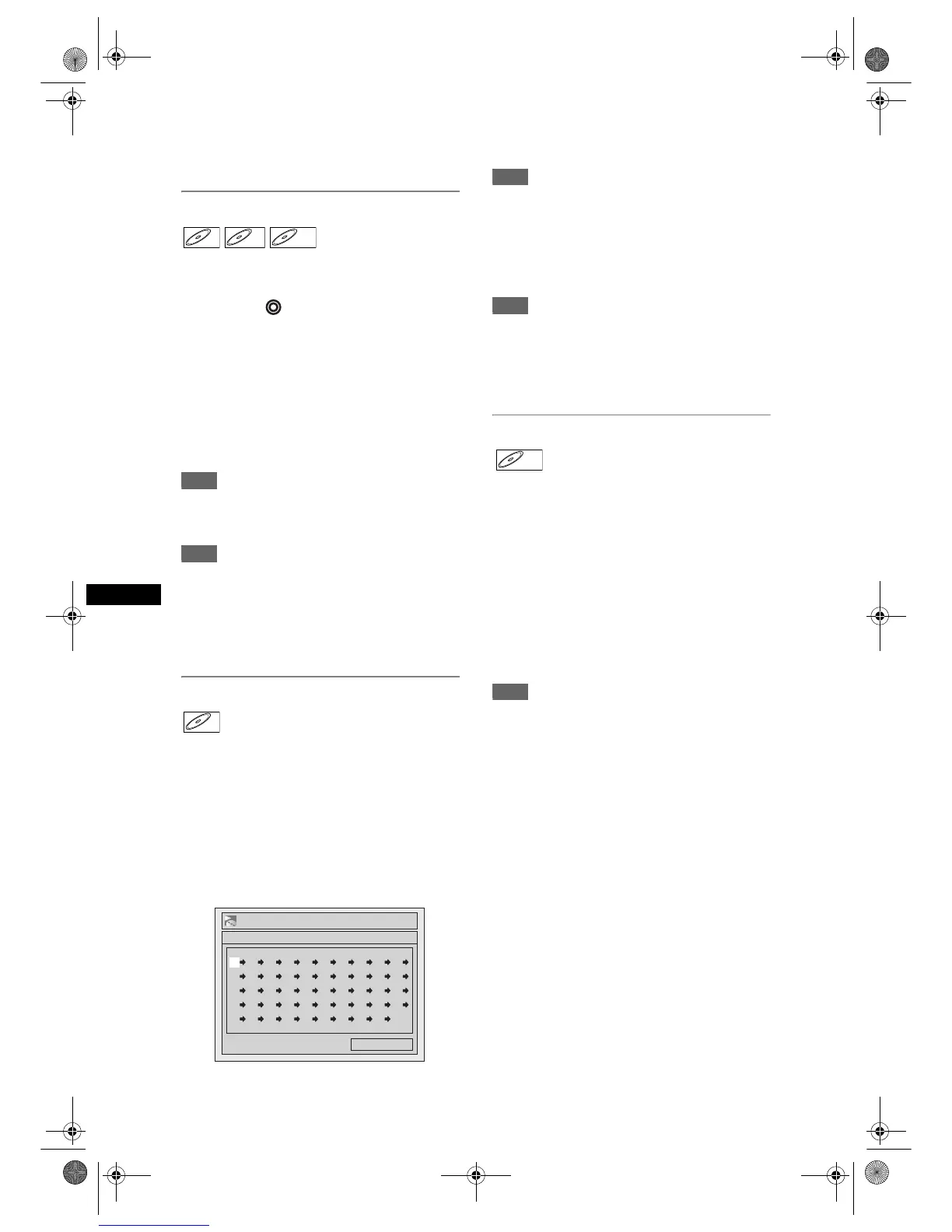
Programme Playback
You can programme the disc to play back in your
desired order.
1 Follow steps 1 and 2 in “Random
Playback”.
2 Select “Program Play” using [U / D],
then press [ENTER].
3 Select the desired track using
[U / D], then press [ENTER] or [P].
4 Press [PLAY P] to start programme
playback.
Hint
• To erase tracks you selected, press [CLEAR].
• You can make up to 50 track settings.
• To cancel programme playback, press [STOP S]
twice during programme playback. “OFF” appears
on the screen.
• You may also select the desired track using
[the Number buttons] at step 3.
Note
• During programme playback, if you forward the track
to the end, the playback speed of the next track will
be normal.
• During programme playback, you cannot use the
search function except for the search with
[SKIP B / F].
Slide Show
You can select the display time between 5 seconds
and 10 seconds.
1 Follow steps 1 and 2 in “Random
Playback”.
2 Select “Slide Show” using [U / D],
then press [ENTER].
3 Select the display time using
[U / D], then press [ENTER].
4 Press [SETUP] to exit.
Note
• Large-size JPEG files take a few moments to be
displayed.
CDCD MP3



 To Next Page