14
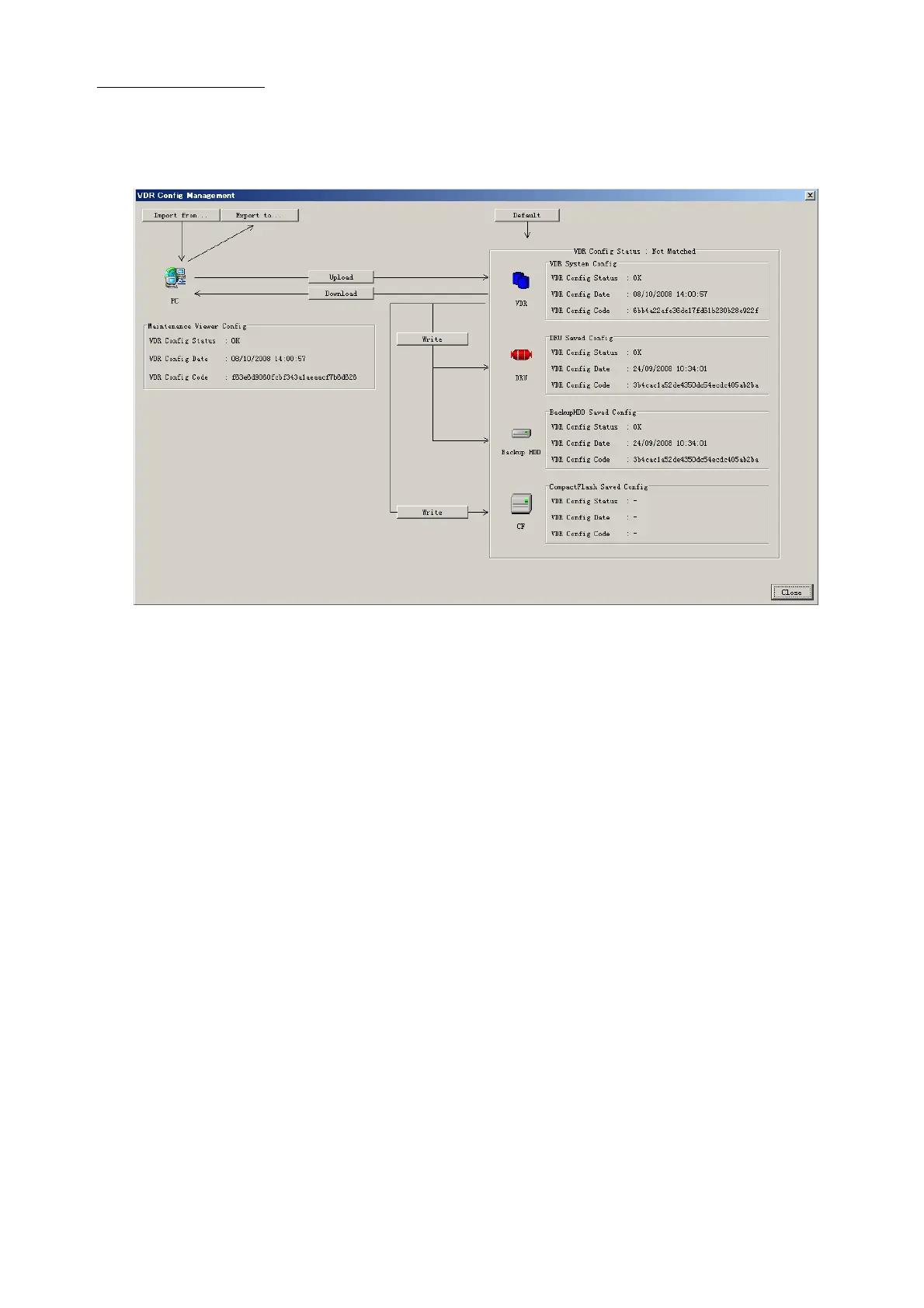
Config Management
After all items have been set up, proceed to the final setting management. This can only
be executed one time, after all tabs have been set up.
1. Click on VDR Config Management in the Maintenance menu.
2. Click on the Upload button to send all sent data to the VDR memory.
3. Click each individual Write button to record to DRU, Backup HDD and CF.
Note: If the settings are not uploaded to the VDR, they have no effect on the unit.
4. Click the Close button to close the VDR Config Management Dialogue Box.



 To Next Page