Title Viewing Widgets (Edge)
Identifier GUID-E741F23E-5A41-4490-8D17-8CB05FA626CA
Language EN-US
Description
Version 4
Revision 3
Changes Added info on flashing icon for consistency with keyed topic.
Status Released
Last Modified 26/02/2019 10:28:15
Author cozmyer
Viewing Widgets
Your device is preloaded with several widgets, and more are available when you pair your device with a
smartphone or other compatible device.
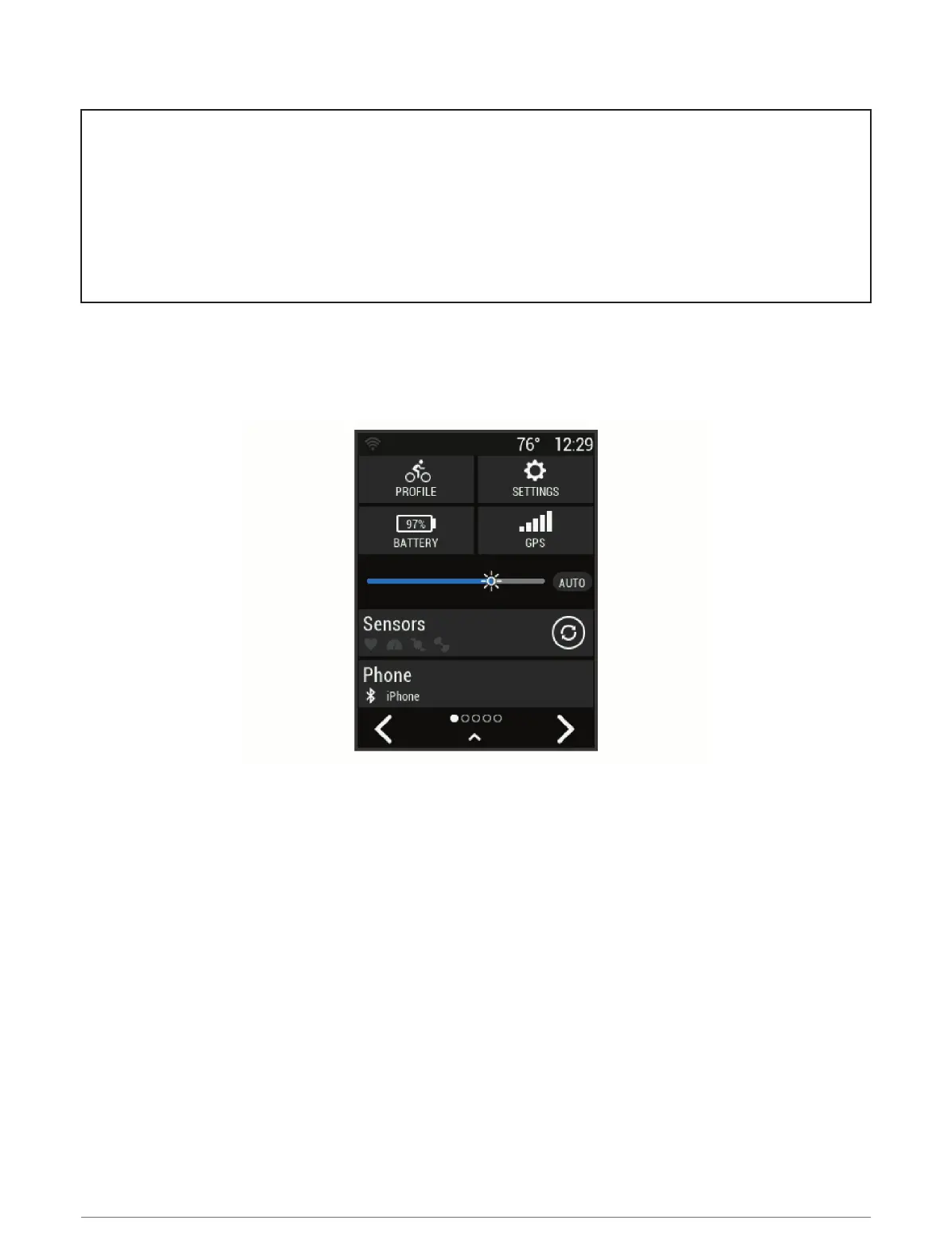
1 From the home screen, swipe down from the top of the screen.
The settings widget appears. A flashing icon means the device is searching for a signal. A solid icon means
the signal was found or the sensor is connected. You can select any icon to change the settings.
2 Swipe left or right to view more widgets.
The next time you swipe down to view the widgets, the last widget you viewed appears.
4 Introduction















 To Next Page