Title Using ClimbPro
Identifier GUID-EBAEC138-B55A-4730-8C10-DF21A40302A9
Language EN-US
Description
Version 1
Revision 9
Changes
Status Released
Last Modified 09/04/2019 08:52:36
Author cozmyer
Using ClimbPro
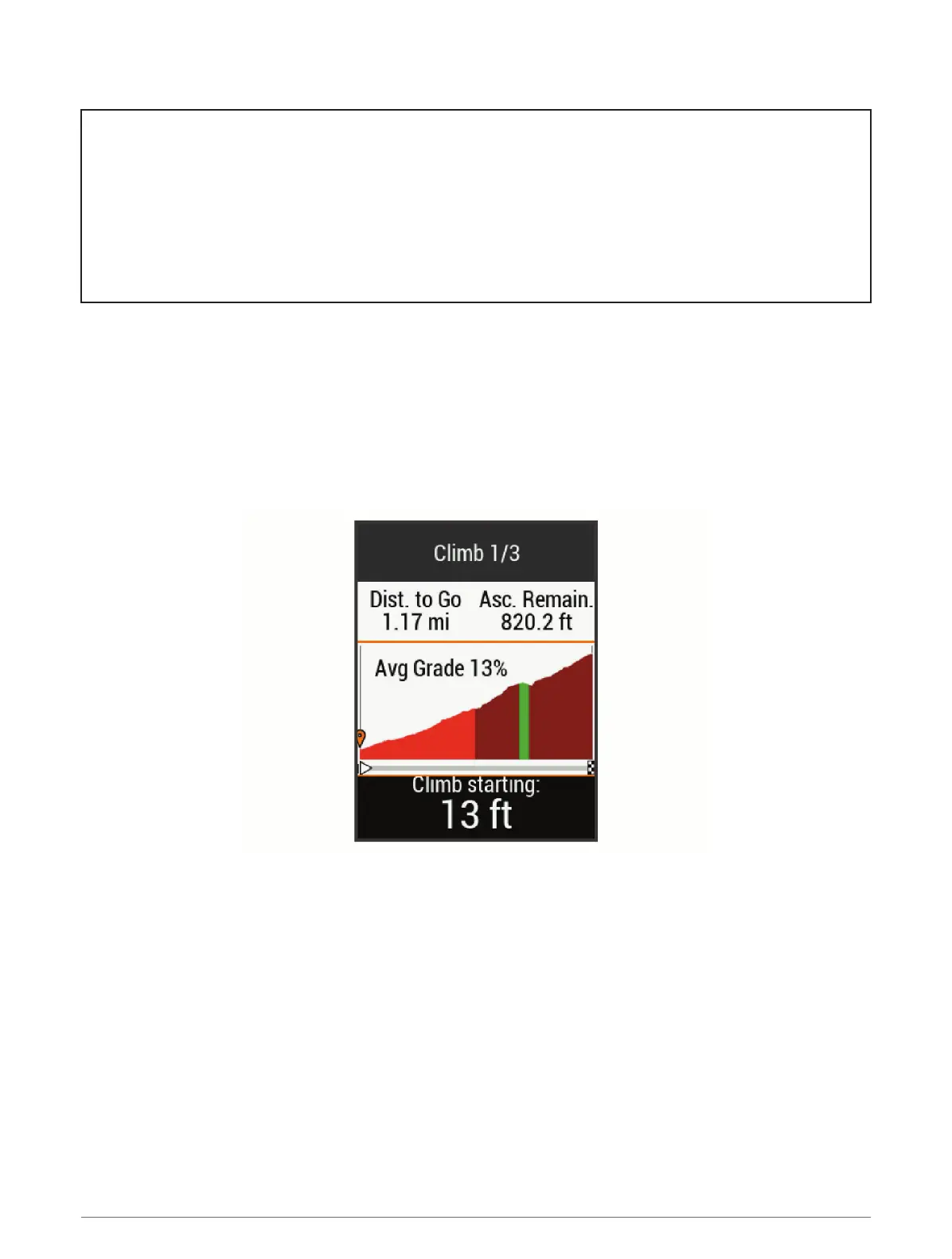
The ClimbPro feature helps you manage your effort for the upcoming climbs on a course. Before your ride, you
can view details about the climbs, including when they occur, average gradient, and total ascent. The climb
categories, based on length and gradient, are indicated by color.
1 Enable the ClimbPro feature for the activity profile (Updating Your Activity Profile, page 100).
2 Review the climbs and course details for the course (Viewing Course Details, page 57).
3 Start following a saved course (Courses, page 53).
At the start of a climb, the ClimbPro screen appears automatically.
Navigation 59















 To Next Page