Title Getting Your FTP Estimate
Identifier GUID-52BC6E7F-5F9E-4919-9AE3-6A865614E748
Language EN-US
Description
Version 5
Revision 1
Changes No English change. Versioned to fix CZ.
Status Released
Last Modified 21/08/2020 11:49:37
Author pullins
Getting Your FTP Estimate
The device uses your user profile information from the initial setup to estimate your functional threshold power
(FTP). For a more accurate FTP value, you can conduct an FTP test using a paired power meter and heart rate
monitor (Conducting an FTP Test, page 43).
Select > My Stats > FTP.
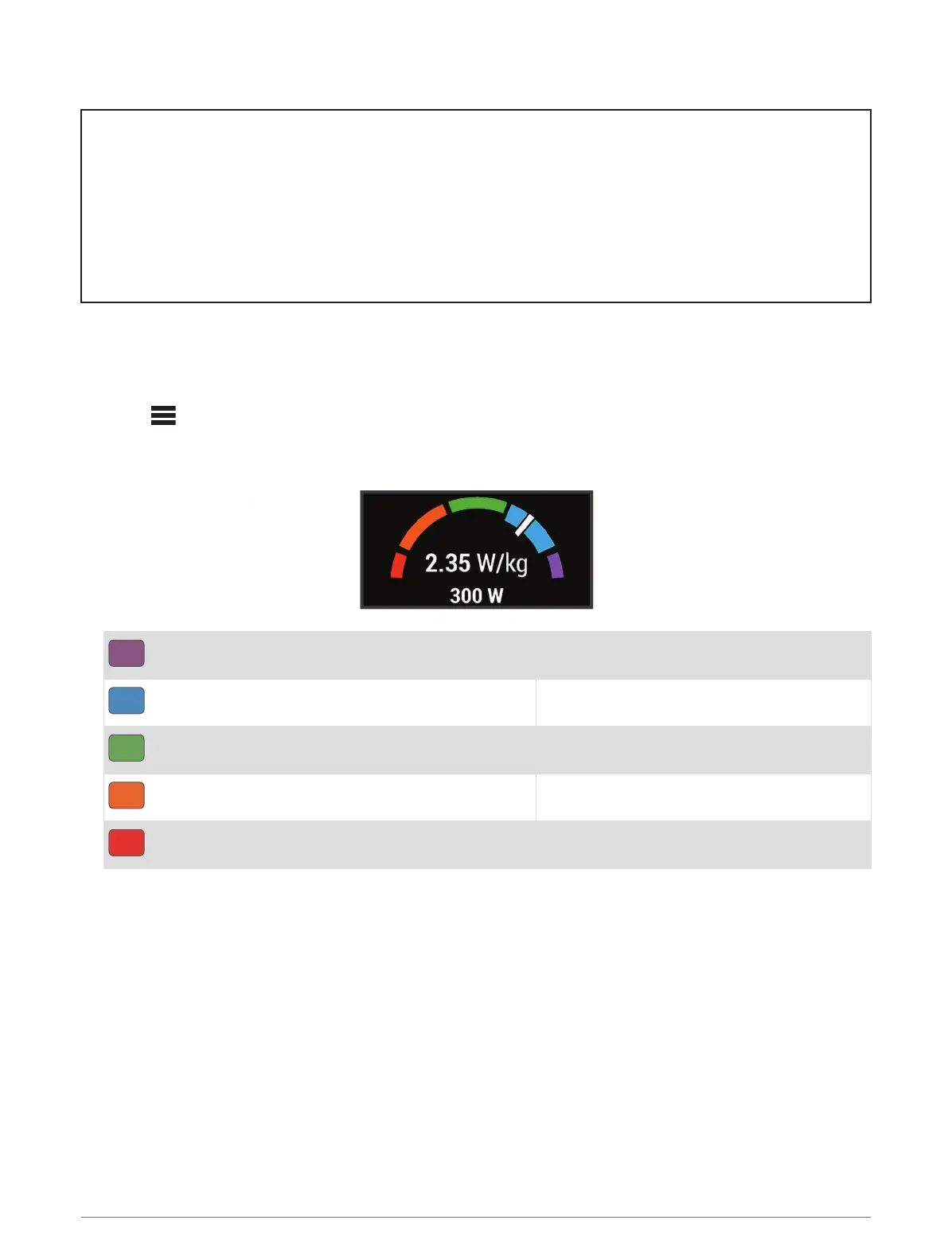
Your FTP estimate appears as a value measured in watts per kilogram, your power output in watts, and a
position on the color gauge.
Purple
Superior
Blue
Excellent
Green
Good
Orange
Fair
Red
Untrained
For more information, see the appendix (FTP Ratings, page 137).
42 My Stats















 To Next Page