Title Racing A Segment
Identifier GUID-3E1F0A4F-721A-4375-9ABB-2039D25D53D1
Language EN-US
Description
Version 6
Revision 3
Changes Replaced arrow icons with text.
Status Released
Last Modified 19/06/2018 11:02:35
Author cozmyer
Racing a Segment
Segments are virtual race courses. You can race a segment, and compare your performance to past activities,
other riders' performance, connections in your Garmin Connect account, or other members of the cycling
community. You can upload your activity data to your Garmin Connect account to view your segment position.
NOTE: If your Garmin Connect account and Strava account are linked, your activity is automatically sent to your
Strava account so you can review the segment position.
1 Select to start the activity timer, and go for a ride.
When your path crosses an enabled segment, you can race the segment.
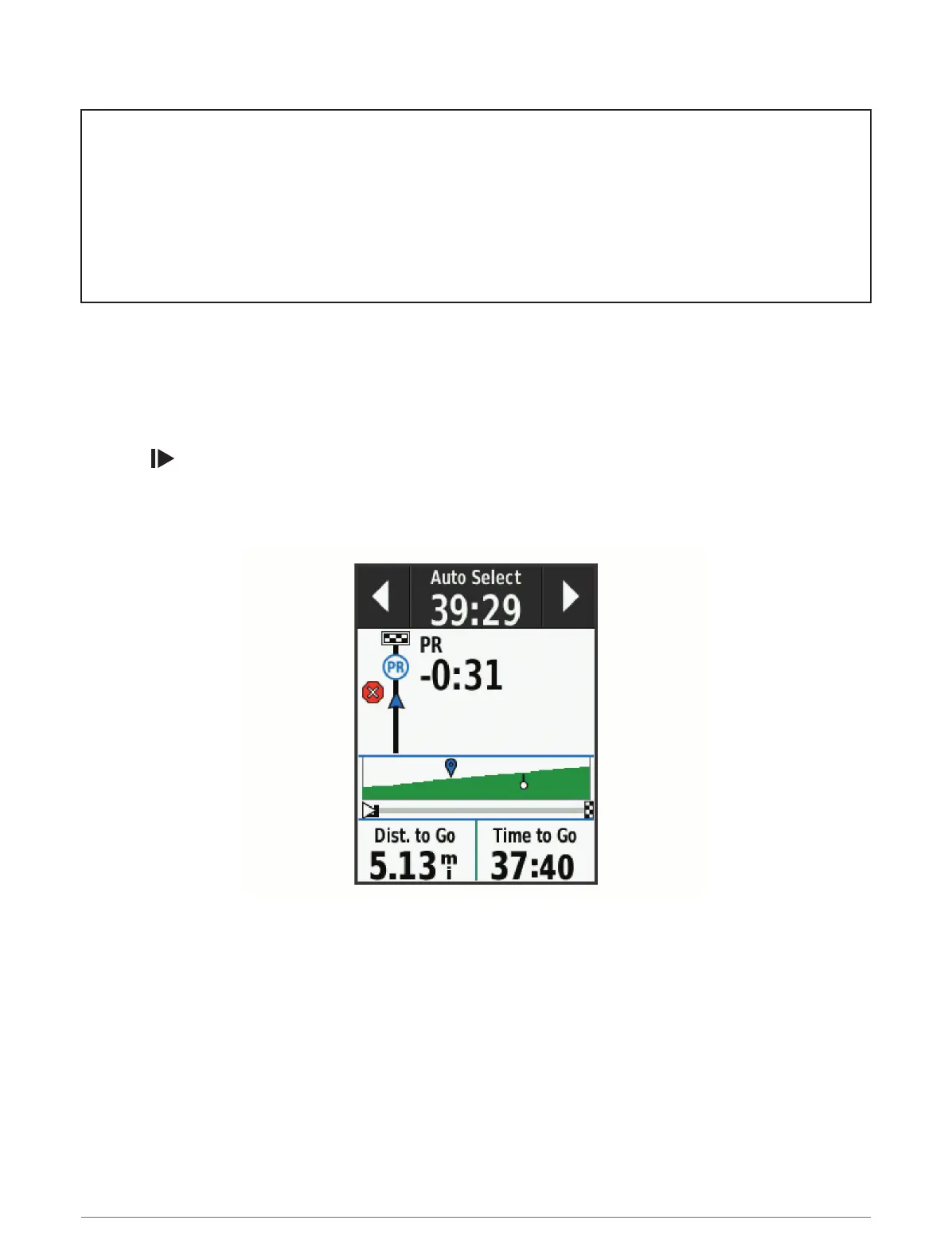
2 Start racing the segment.
The segment data screen appears automatically.
3 If necessary, use the arrows to change your goal during your race.
You can race against the segment leader, your past performance, or other riders (if applicable). The goal
automatically adjusts based on your current performance.
A message appears when the segment is complete.
Training 19















 To Next Page