Title Navigating to a Location
Identifier GUID-1208F4B7-1D5F-4771-93AB-2F85BAEFF90D
Language EN-US
Description
Version 8
Revision 3
Changes Clarifying MTB Trail Navigation searches for mountain bike trails only.
Status Released
Last Modified 04/08/2021 13:27:53
Author burzinskititu
Navigating to a Location
1 Select Navigation.
2 Select an option:
• Select MTB Trail Navigation to navigate to a mountain bike trail network.
• Select Browse Map to navigate to a location on the map.
• Select Search to navigate to a point of interest, city, address, intersection, or known coordinates.
TIP: You can select to narrow your search area.
• Select Saved Locations to navigate to a saved location.
TIP: You can select to enter specific search information.
• Select Recent Finds to navigate to one of the last 50 locations you have found.
• Select > Select Search Area to narrow your search area.
3 Select a location.
4 Select Ride.
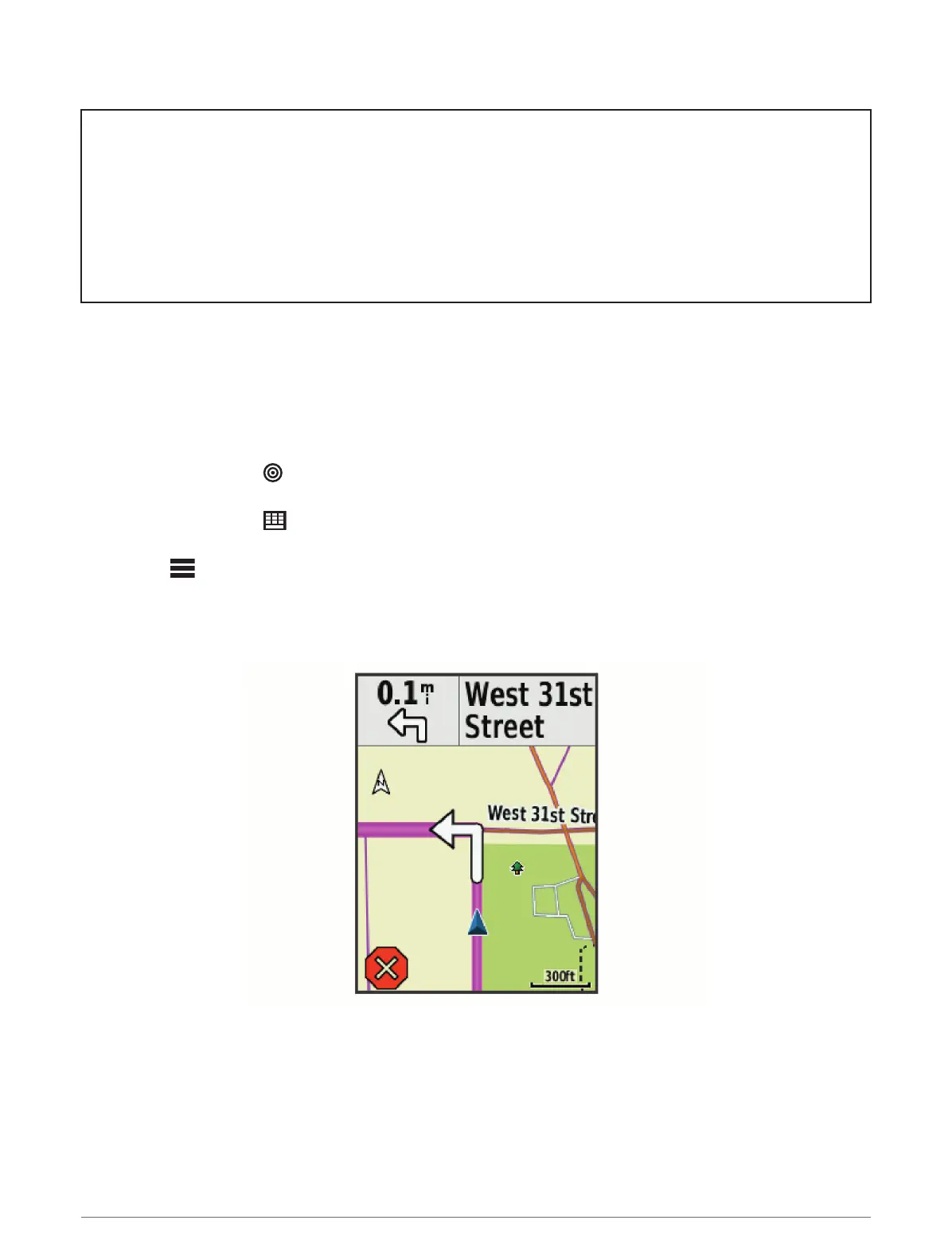
5 Follow the on-screen instructions to your destination.
50 Navigation















 To Next Page