Title Getting Your VO2 Max. Estimate (cycling only)
Identifier GUID-E7F8B9B6-ED95-49A6-998F-B21DB8DA4734
Language EN-US
Description
Version 5
Revision 3
Changes User is no longer required to be outdoors for the ride.
Status Released
Last Modified 16/12/2021 09:54:45
Author burzinskititu
Getting Your VO2 Max. Estimate
Before you can view your VO2 max. estimate, you must put on the heart rate monitor, install the power meter,
and pair them with your device (Pairing Your Wireless Sensors, page 82). If your device was packaged with a
heart rate monitor, the device and sensor are already paired. For the most accurate estimate, complete the user
profile setup (Setting Up Your User Profile, page 98), and set your maximum heart rate (Setting Your Heart Rate
Zones, page 77).
NOTE: The estimate may seem inaccurate at first. The device requires a few rides to learn about your cycling
performance.
1 Ride at a steady, high intensity for at least 20 minutes.
2 After your ride, select Save Ride.
3 Select > My Stats > Training Status > VO2 Max..
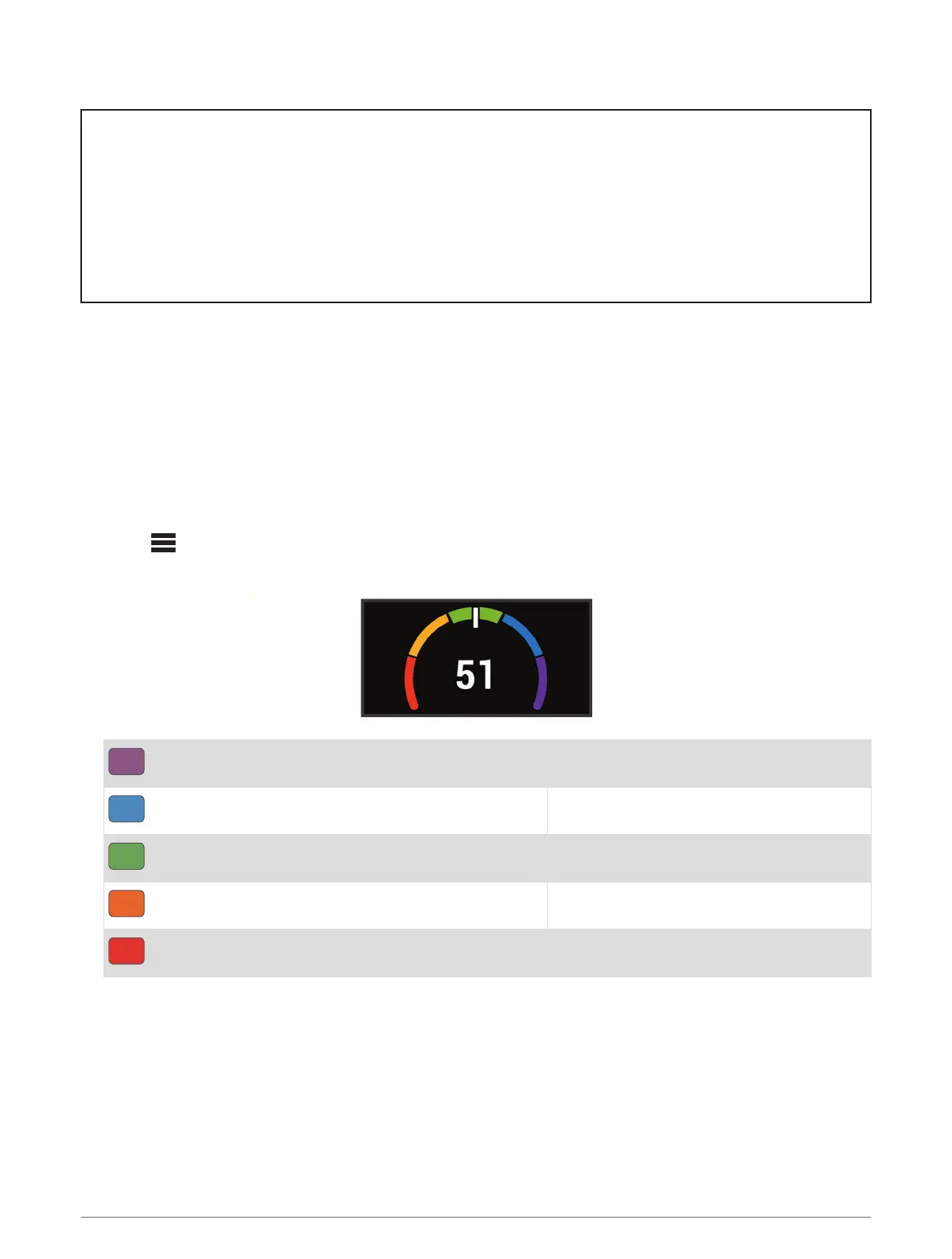
Your VO2 max. estimate appears as a number and position on the color gauge.
Purple
Superior
Blue
Excellent
Green
Good
Orange
Fair
Red
Poor
VO2 max. data and analysis is provided with permission from
The Cooper Institute
®
. For more information,
see the appendix (VO2 Max. Standard Ratings, page 136), and go to www.CooperInstitute.org.
My Stats 35















 To Next Page