Title Using the Touchscreen
Identifier GUID-FA15D546-45B9-405A-BE90-BED318105645
Language EN-US
Description
Version 1
Revision 5
Changes save as
Status Released
Last Modified 22/04/2017 20:27:23
Author wiederan
Using the Touchscreen
• When the timer is running, tap the screen to view the timer overlay.
The timer overlay allows you to return to the home screen during a ride.
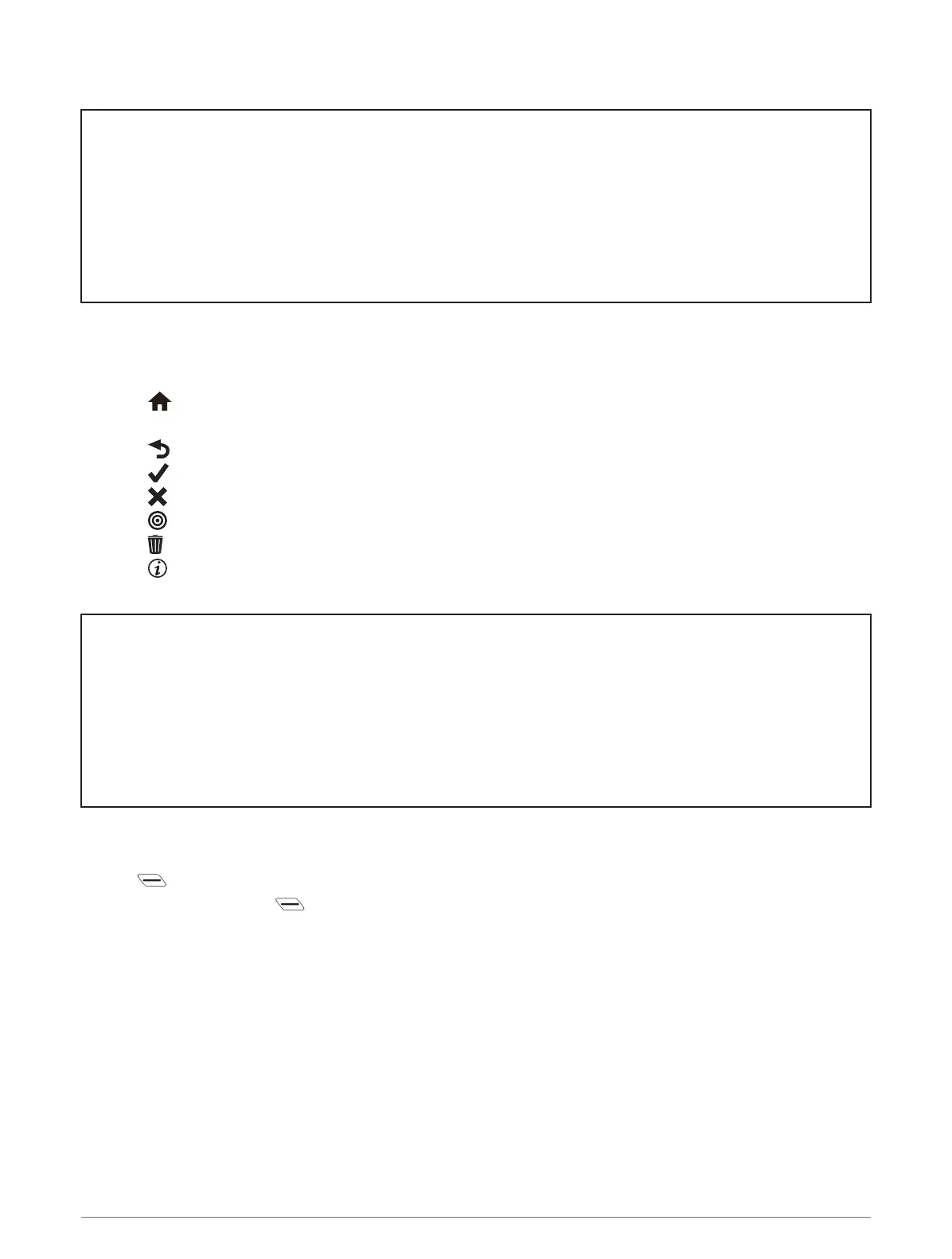
• Select to return to the home screen.
• Swipe or select the arrows to scroll.
• Select to return to the previous page.
• Select to save your changes and close the page.
• Select to close the page and return to the previous page.
• Select to search near a location.
• Select to delete an item.
• Select for more information.
Title Locking the Touchscreen
Identifier GUID-017CF5C8-FF88-494C-B2AD-64F59F51B297
Language EN-US
Description
Version 4
Revision 3
Changes Added step for locking during an activity.
Status Released
Last Modified 14/08/2017 13:42:35
Author cozmyer
Locking the Touchscreen
You can lock the screen to prevent inadvertent screen touches.
• Hold , and select Lock Screen.
• During an activity, select .
Introduction 5















 To Next Page